
You can easily update your business details, contact info, or profile information anytime from your account settings.
Step 1: Log in to Click Buddha
Login and Go to your Click Buddha Dashboard.
Step 2: Open My Profile
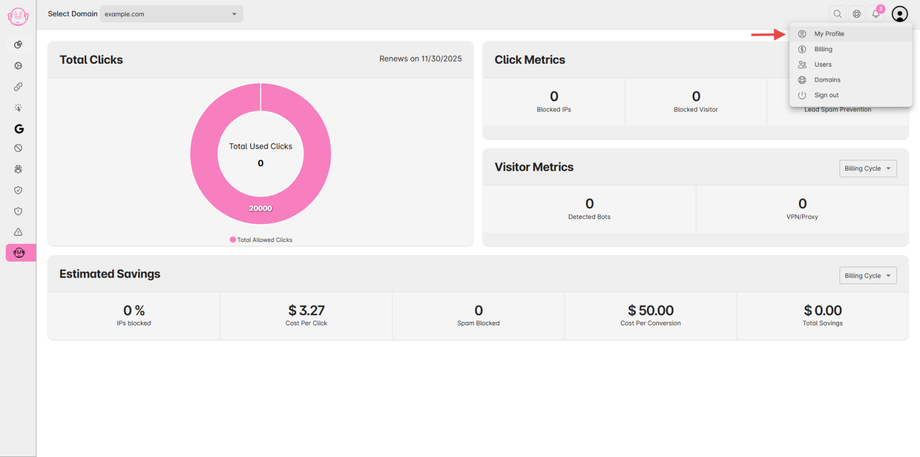
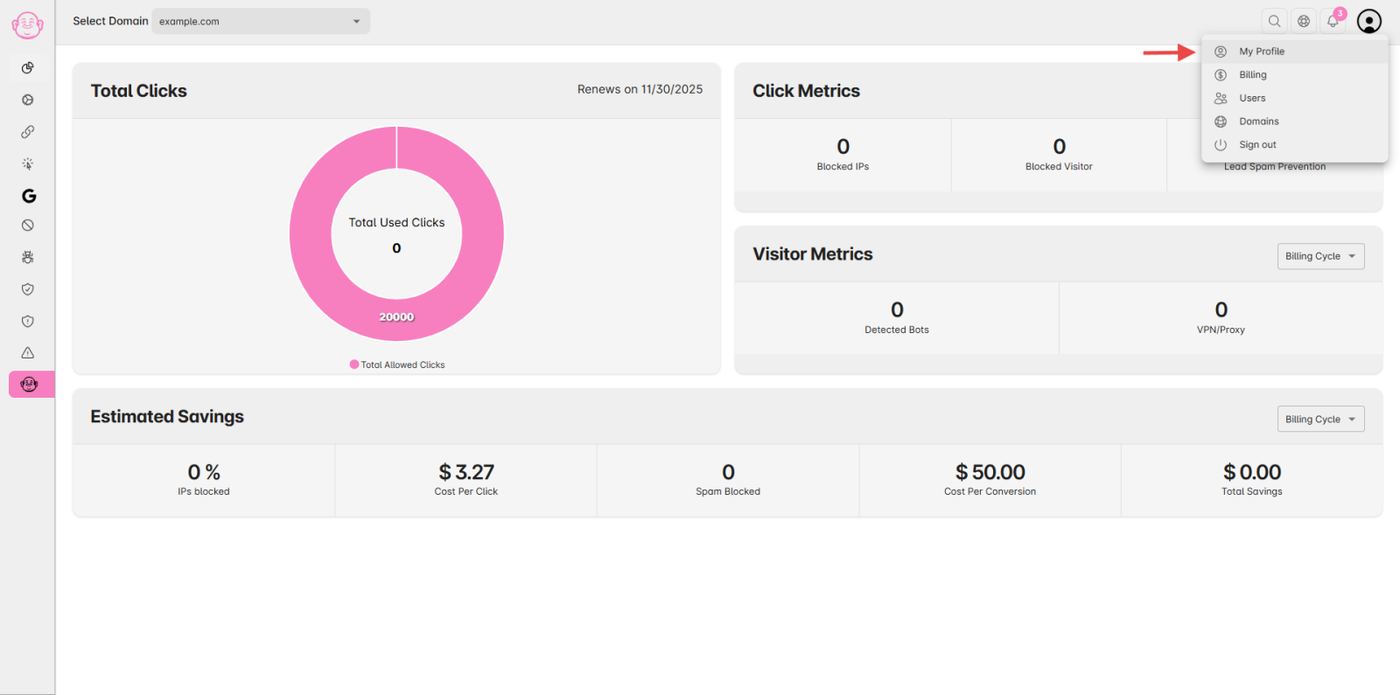
From the User Profile menu, click My Profile.
Step 3: Edit Your Information
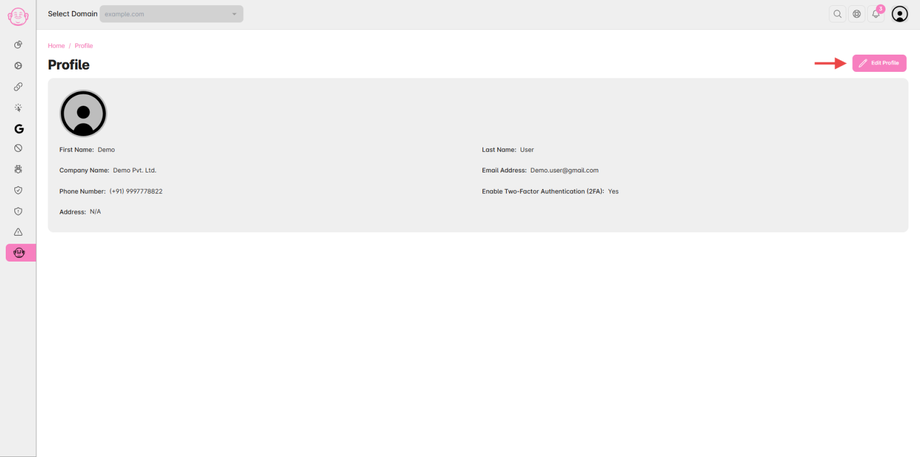
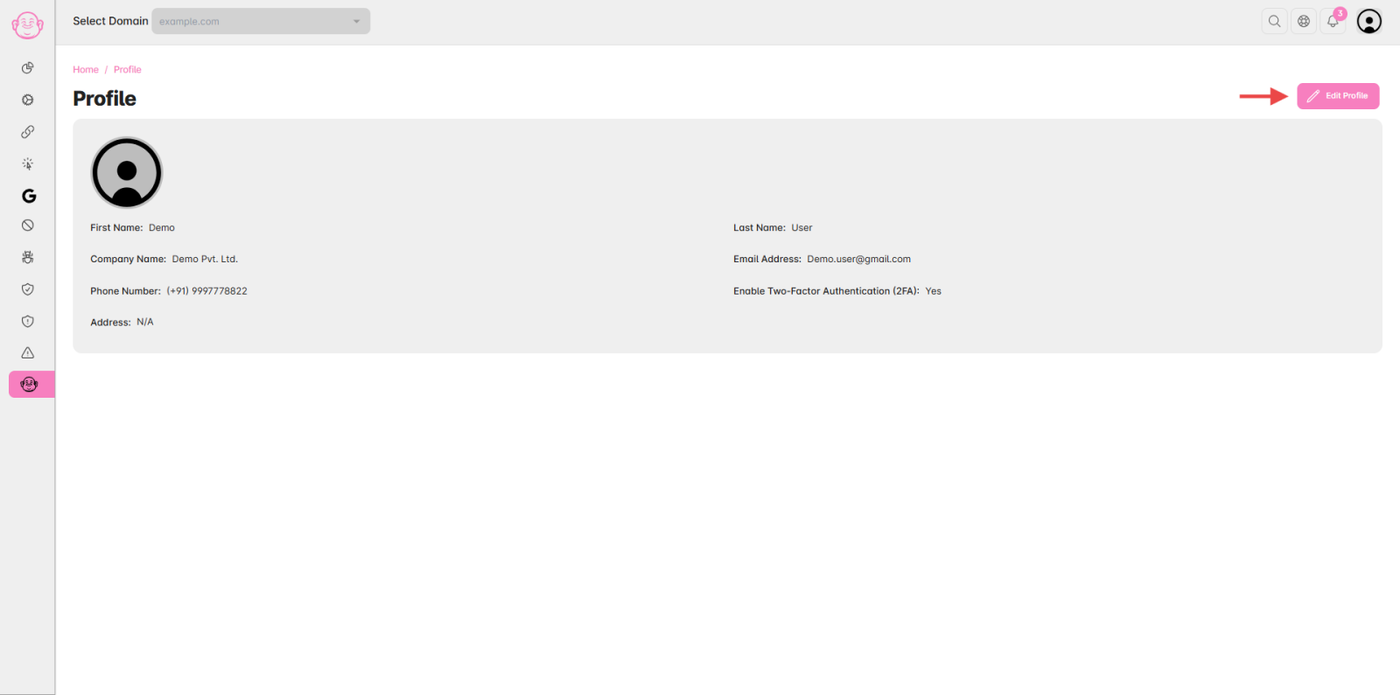
Click the “Edit Profile” button in the top-right corner of the page.
Update your contact details, business name, or any other relevant information.
Step 4: Save Changes
After making your updates, click “Save” to apply the changes.
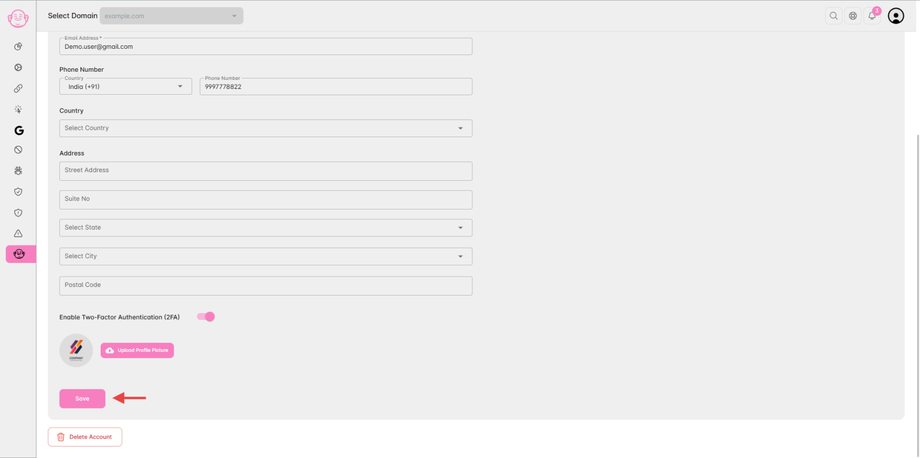
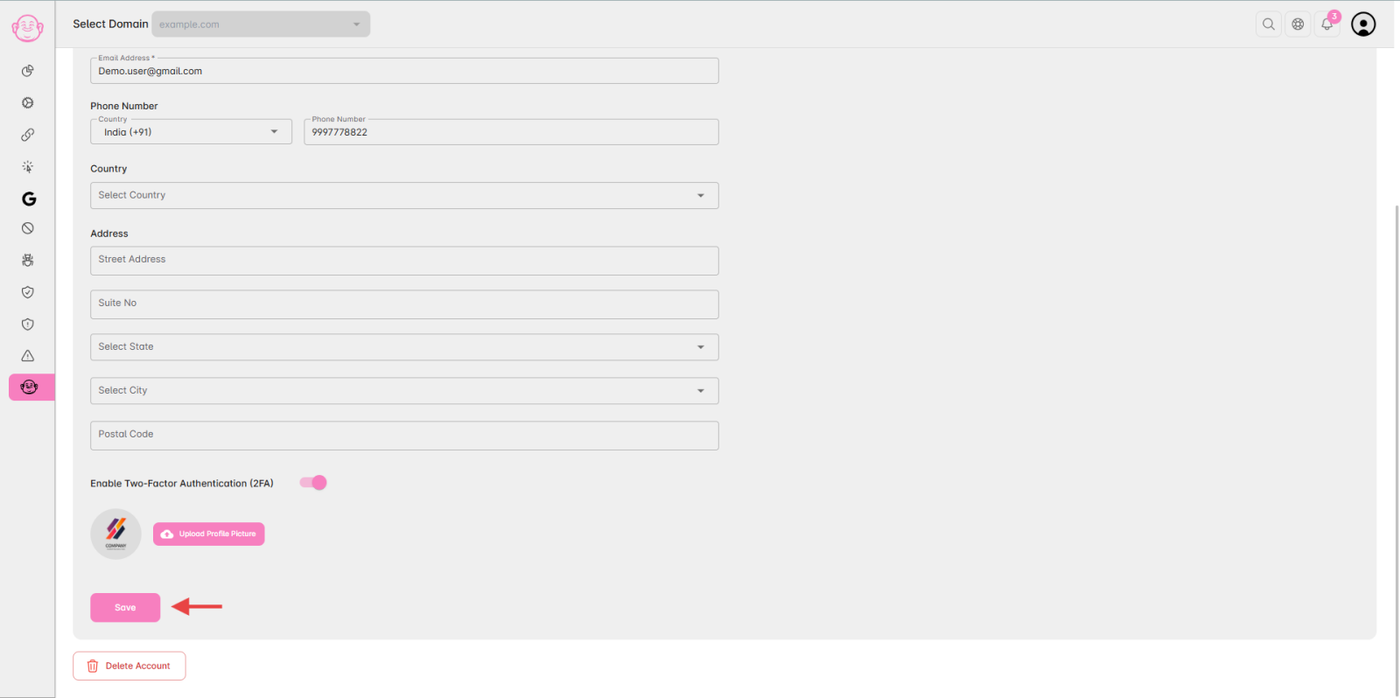
✅ Note: Changes to your business or contact details will reflect immediately across your Click Buddha account and invoices.