
You can add more team members or clients to your Click Buddha account — depending on your subscription plan.
Step 1: Log in to Click Buddha
Login to your account
Go to your Click Buddha Dashboard.
Step 2: Navigate to the Users Section
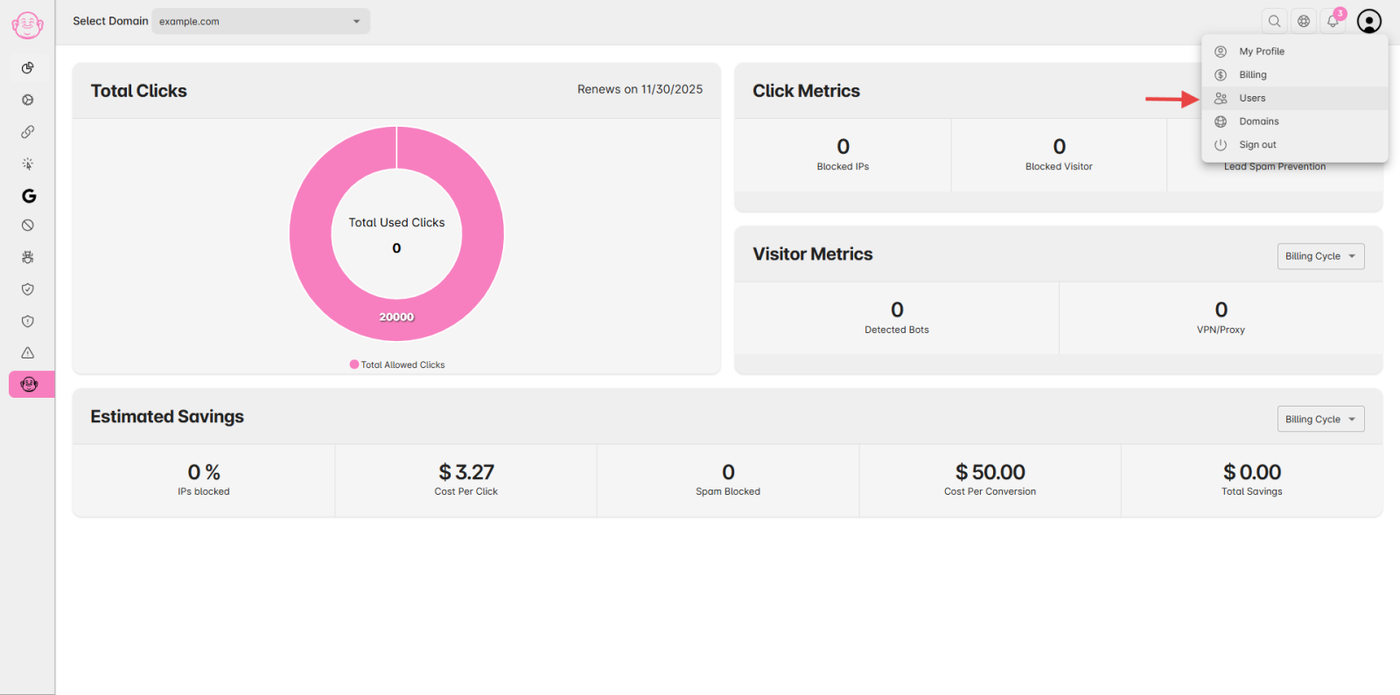
Go to Users from the User Profile menu.
(Note: This option is available only for plans that include additional user's access.)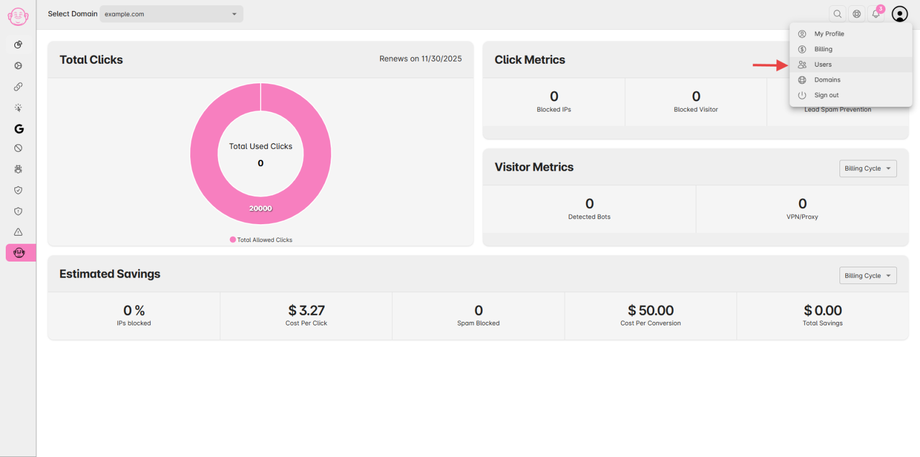
Step 3: Add a New User
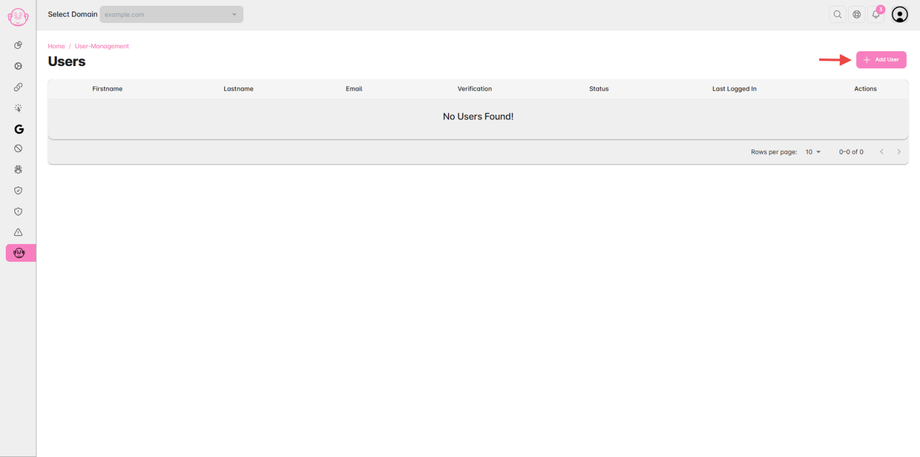
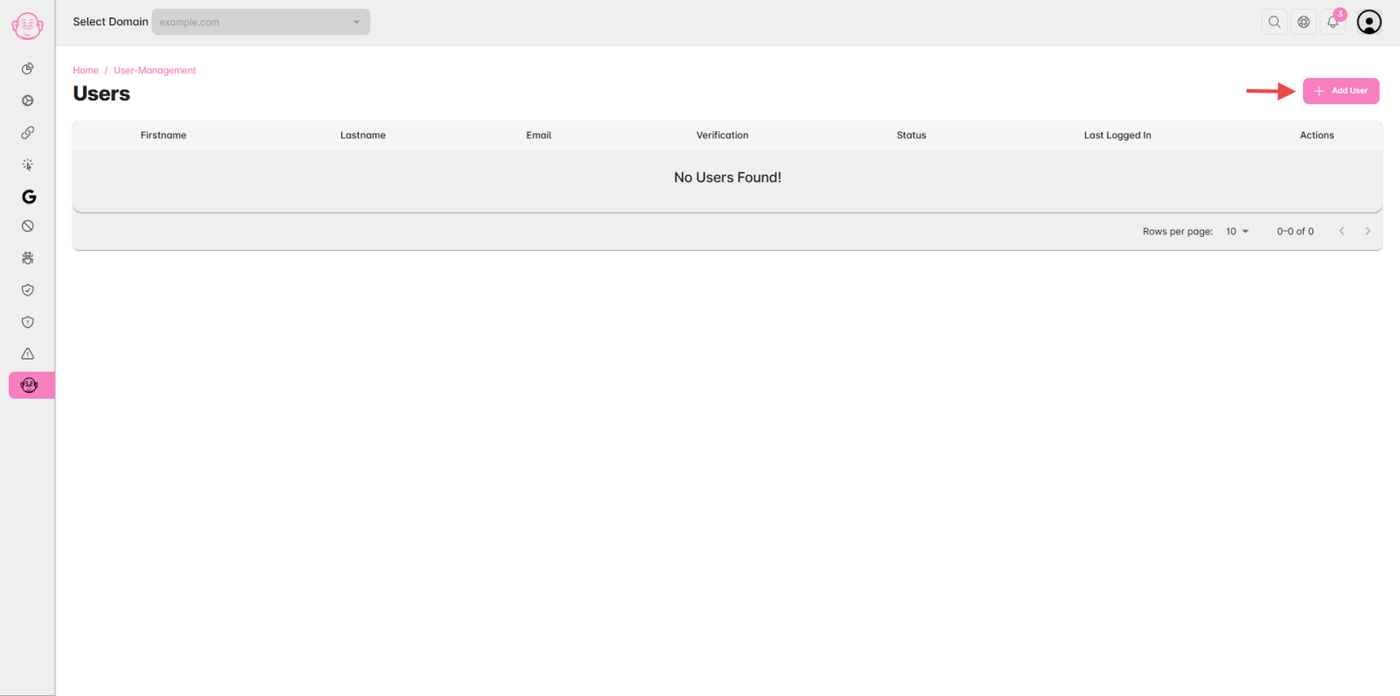
Click the “Add User” button in the top right corner of the page.
Step 4: Enter User Details
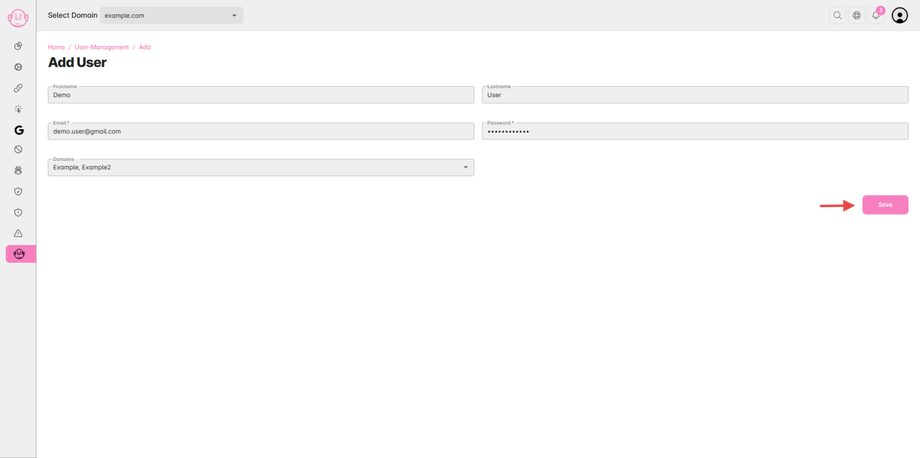
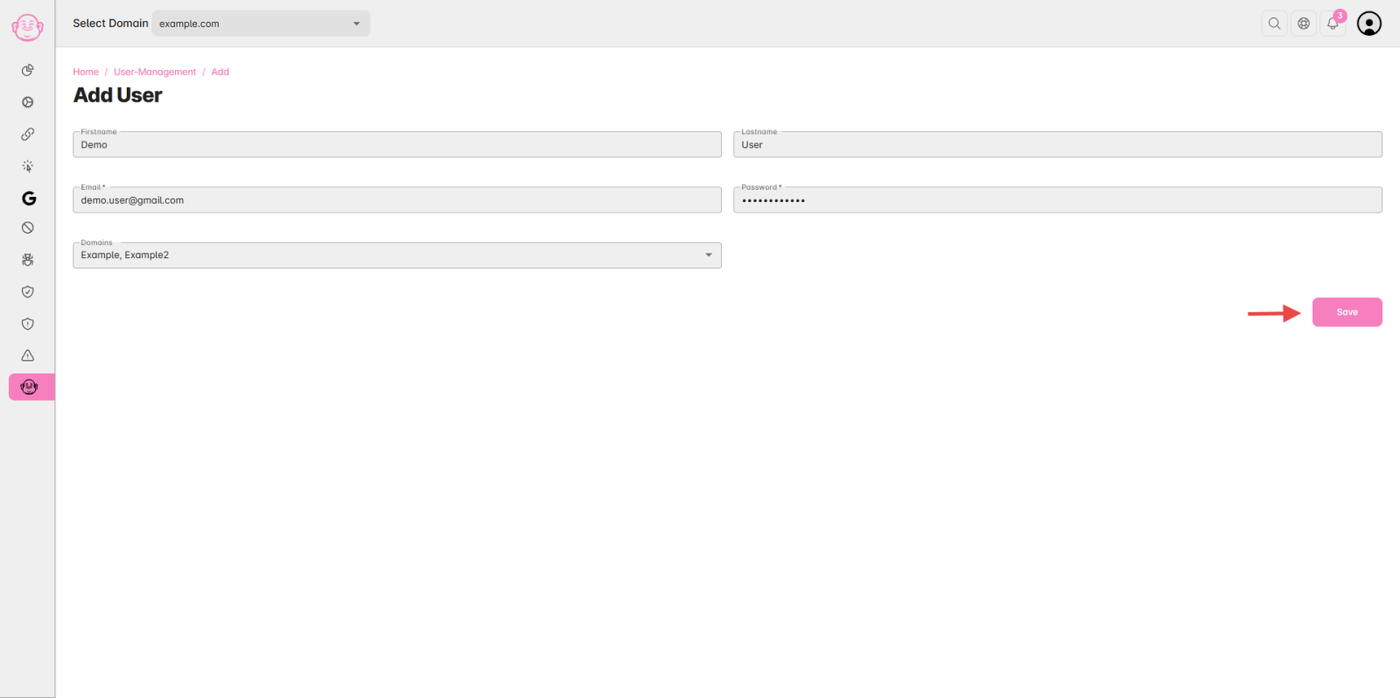
Fill in the required user information such as name, email, and role.
Click “Save” to add the user.
✅ Tip: You can manage permissions or remove users anytime from the same Users section.