
You can easily manage existing users by editing their details from your Click Buddha account.
Step 1: Login & Go to Click Buddha Dashboard
Login to your account and Go to your Click Buddha Dashboard.
Step 2: Navigate to the Users Section
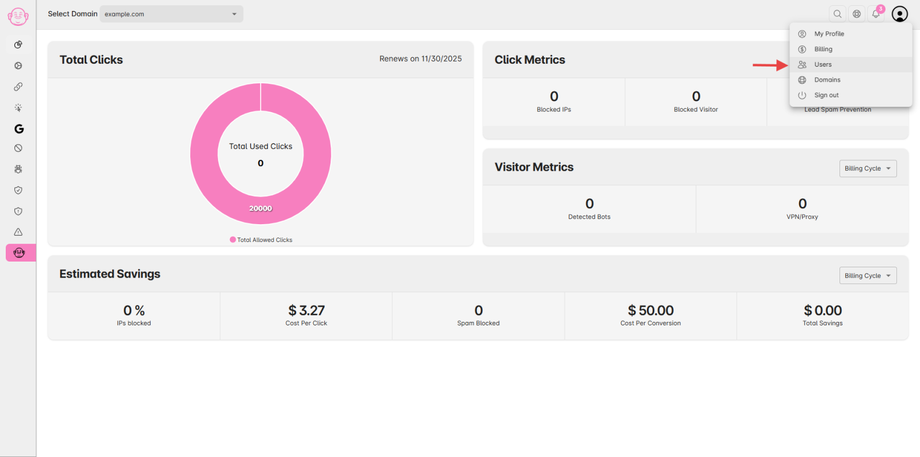
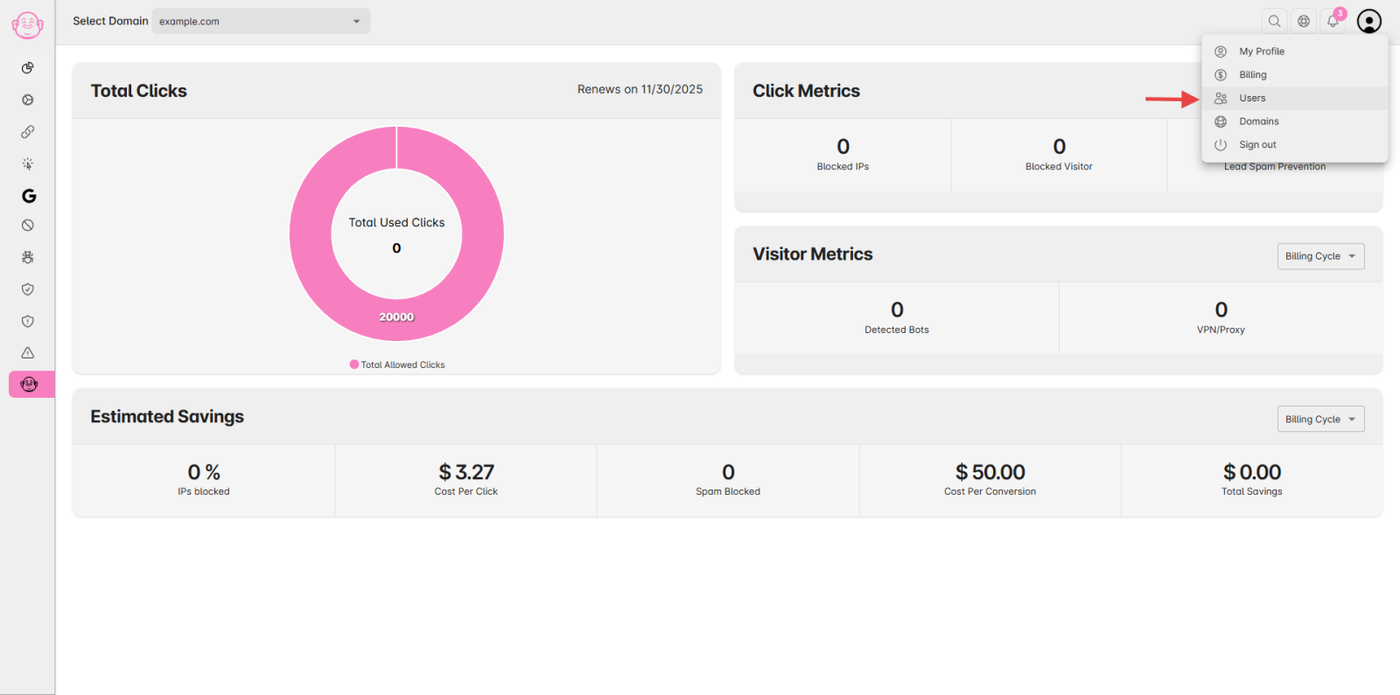
From the User Profile menu, select Users to view all active users under your account
(This option is available only if your plan includes additional user's access.)
Step 3: Edit a User
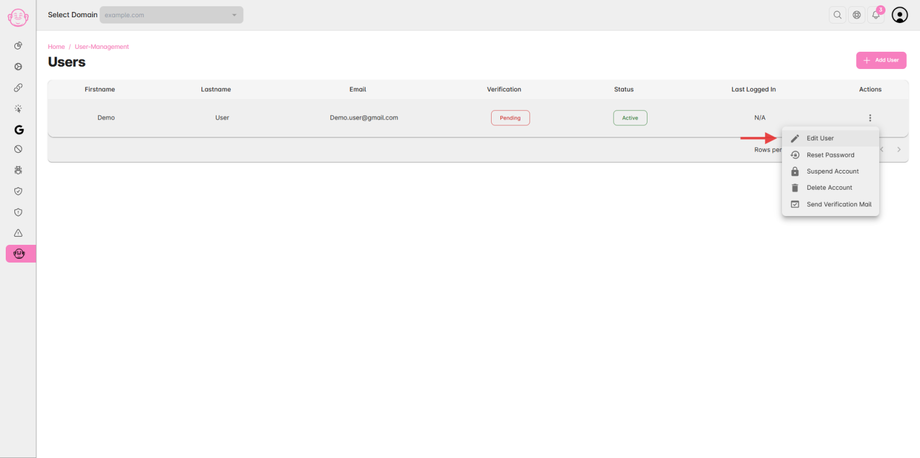
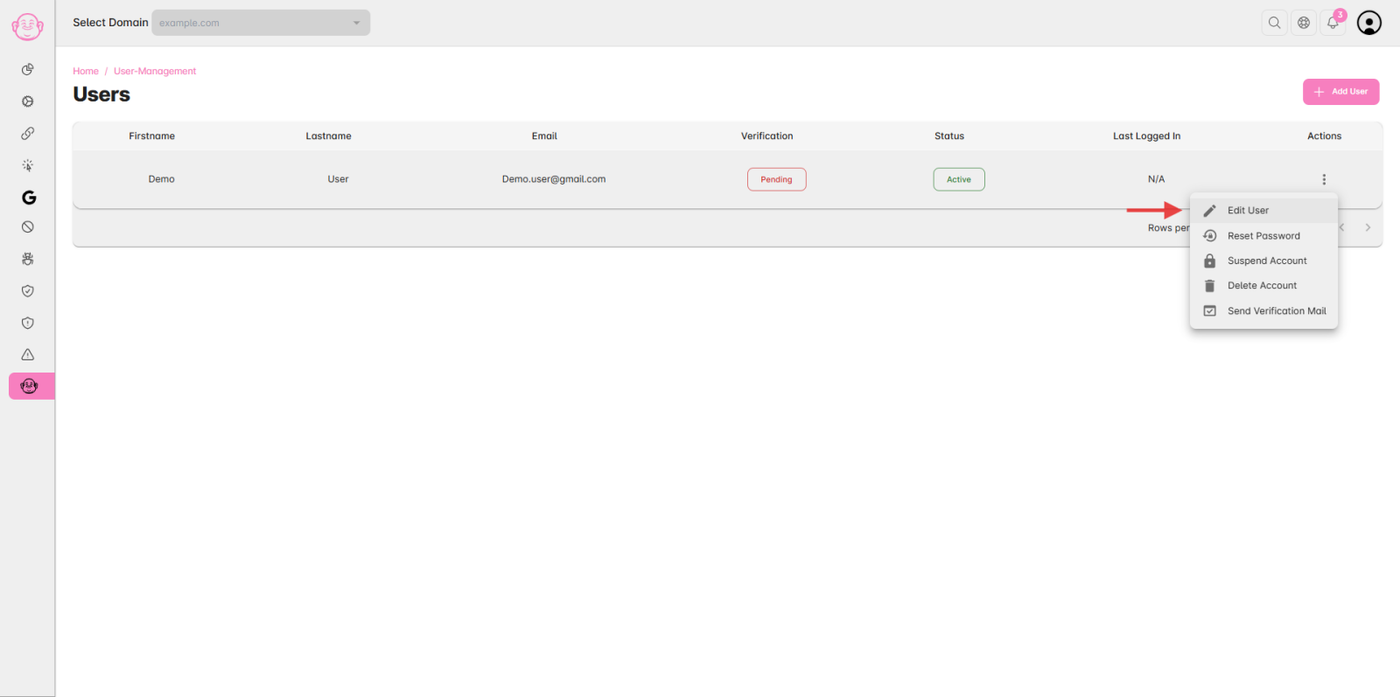
In the Users Table, locate the user you want to update.
Click on the Action (⋮) icon in the last column.
Select Edit User from the dropdown menu.
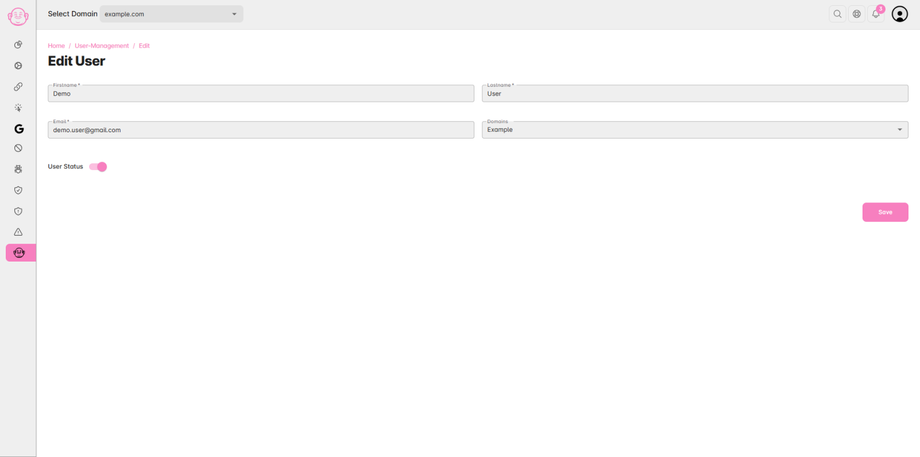
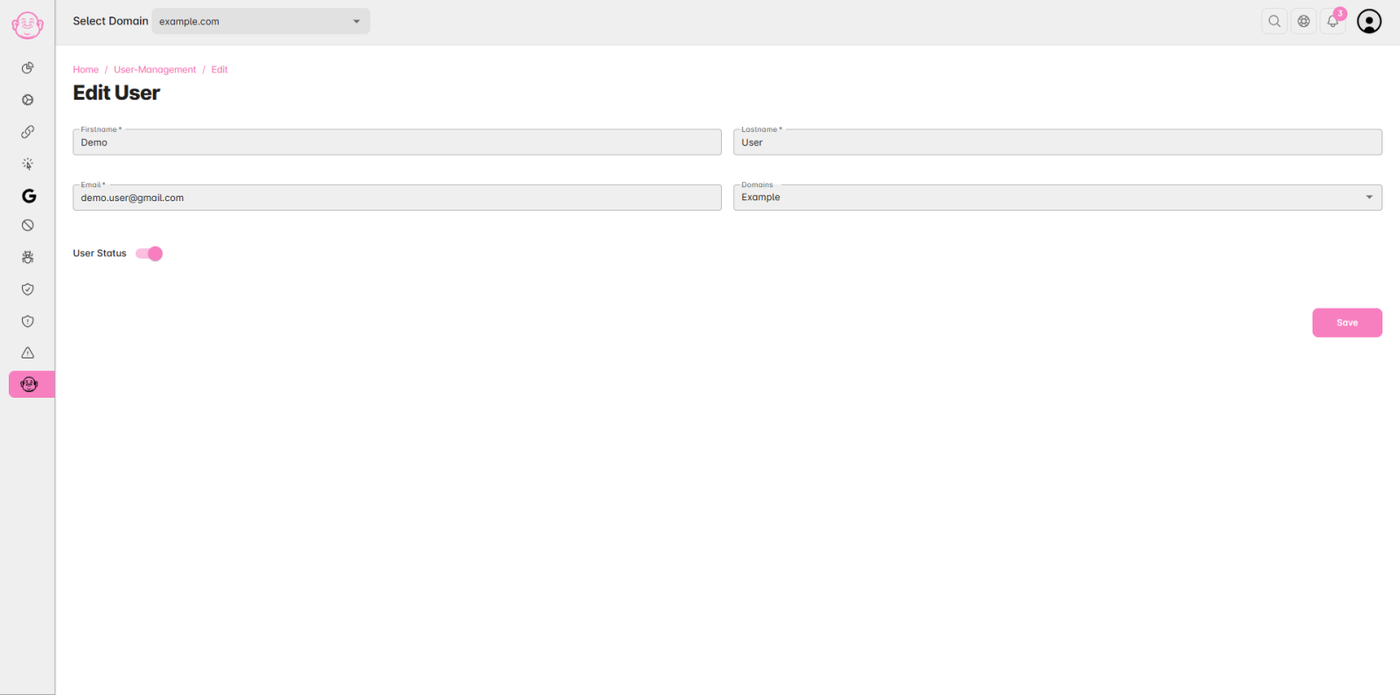
Step 4: Update User Details
Update the user details as needed and click “Save” to apply changes.
✅ Note: Only account owners or users with admin-level permissions can manage users.