
Click Buddha’s protection and tracking features work by adding a small script to your website.
Follow these simple steps to install it correctly:
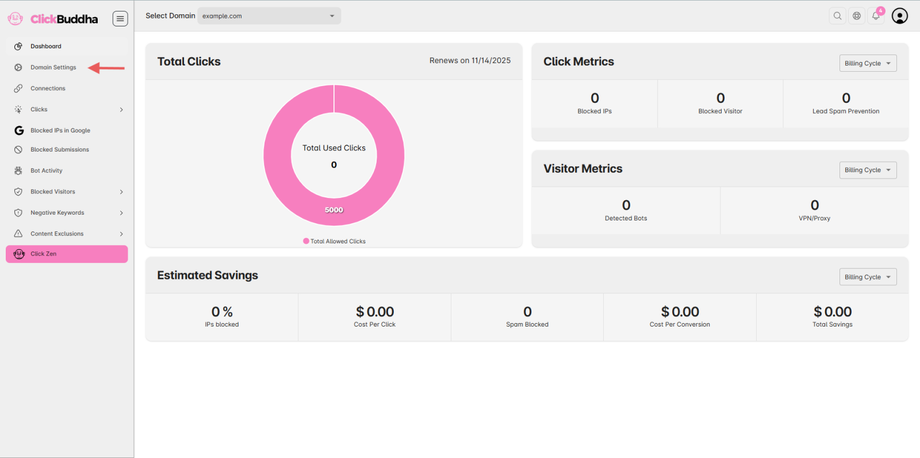
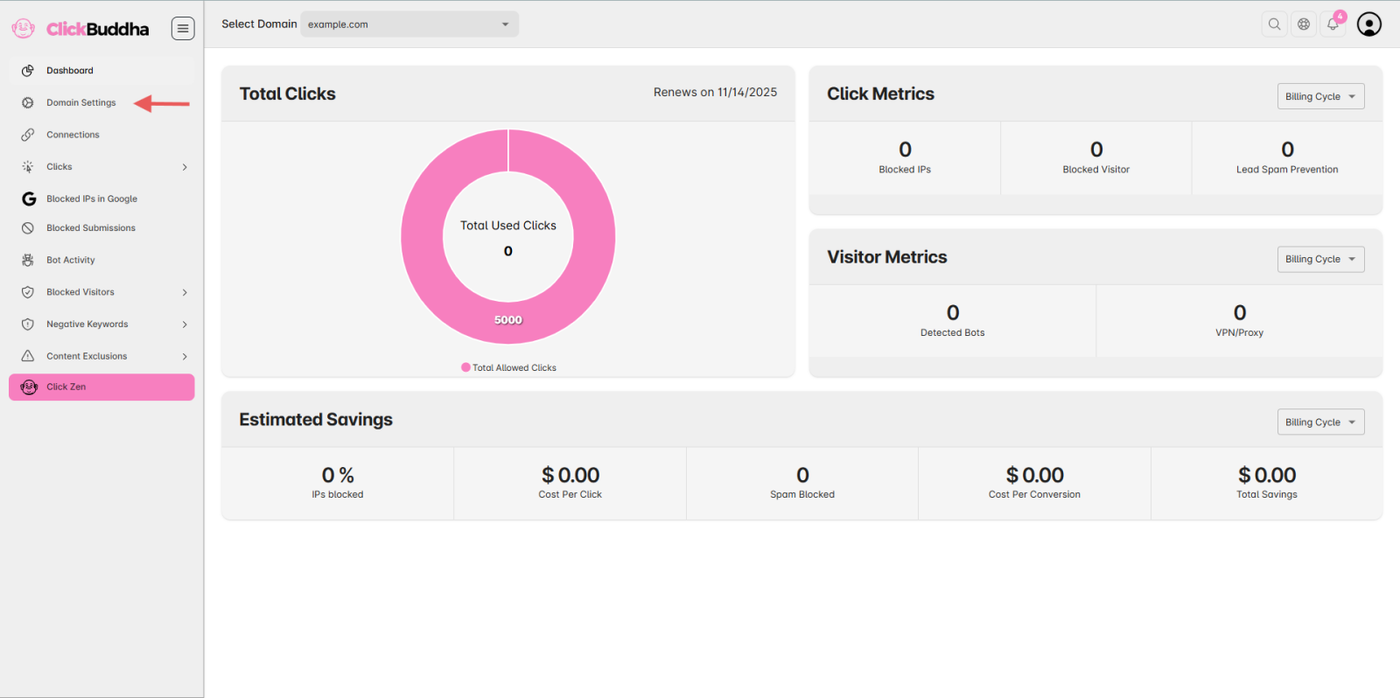
Step 1: Open Click Buddha Dashboard
-
Log in to your Click Buddha Dashboard.
-
Go to Domain Settings from the sidebar.
Step 2: Copy Your Script
-
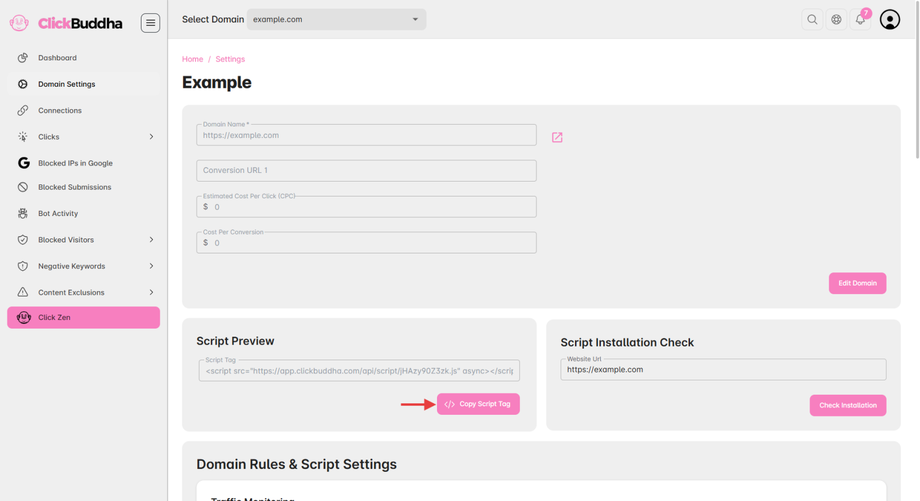
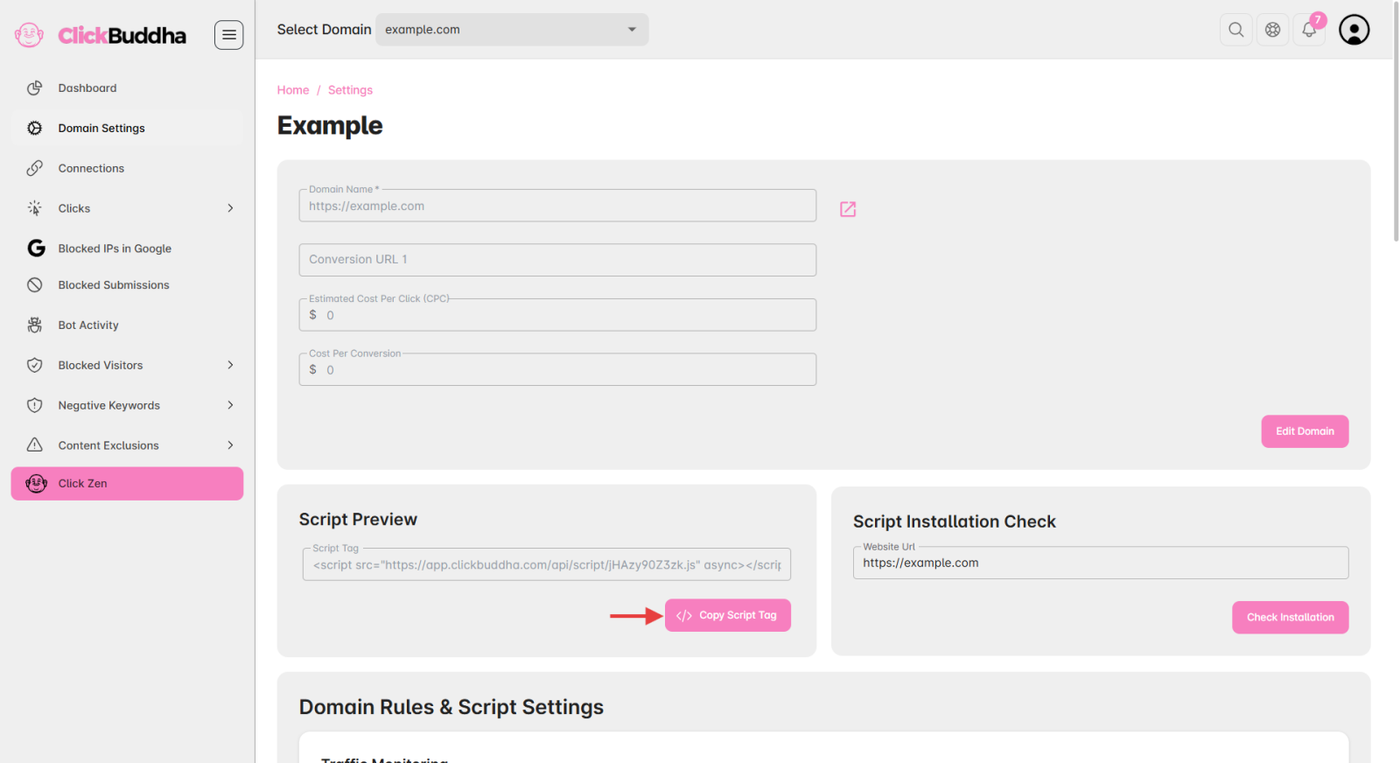
Scroll down to the Script Preview section.
-
Click the button “Copy Script Tag.”
Step 3: Paste the Script on Your Website
-
Open your website’s code editor or CMS (e.g., WordPress, Web flow, custom HTML).
-
Paste the copied script inside the
<head>tag of your site.
✅ Tip: Make sure the script is added on all pages where you want Click Buddha to track visits and protect against bots or repeated clicks.