
If you need to temporarily stop a user’s access or permanently remove them, Click Buddha makes it simple through the Users section of your dashboard.
Step 1: Go to Click Buddha Dashboard
Go to your Click Buddha Dashboard.
Step 2: Open the Users Section
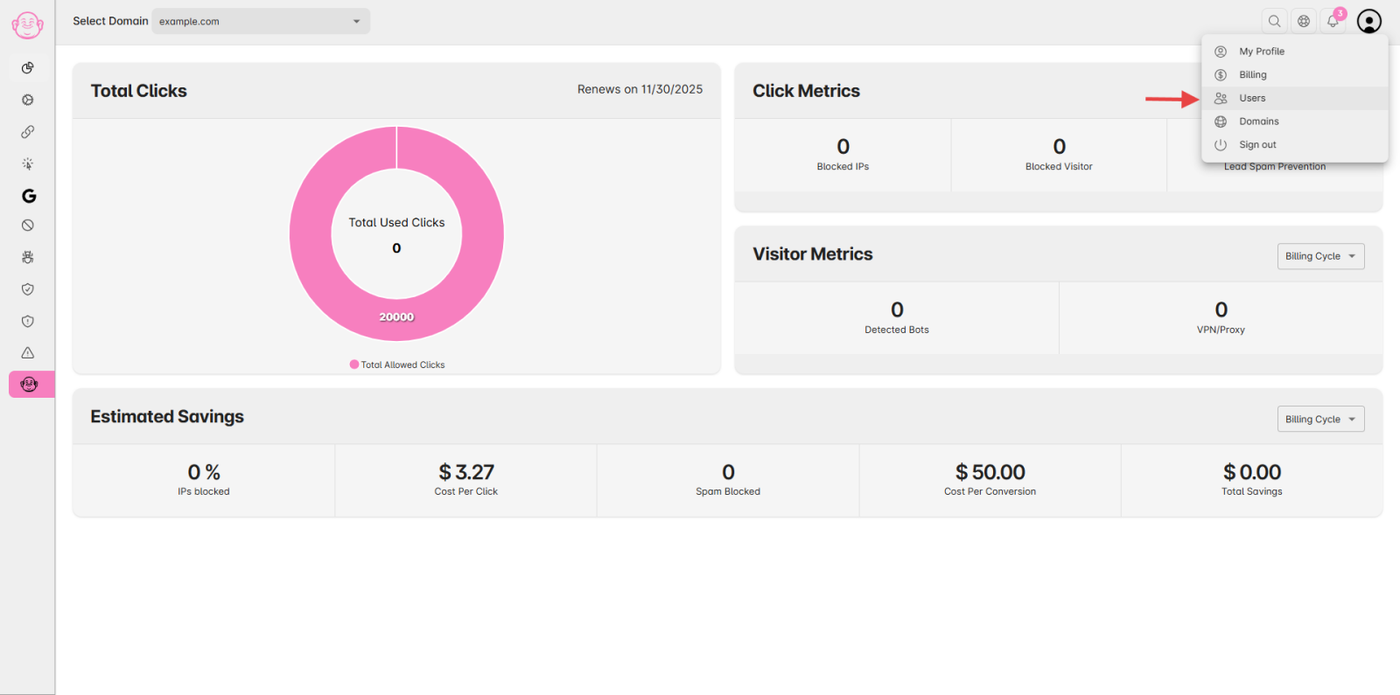
From the User Profile menu, click Users.
(Only available if your subscription plan supports additional user's access.)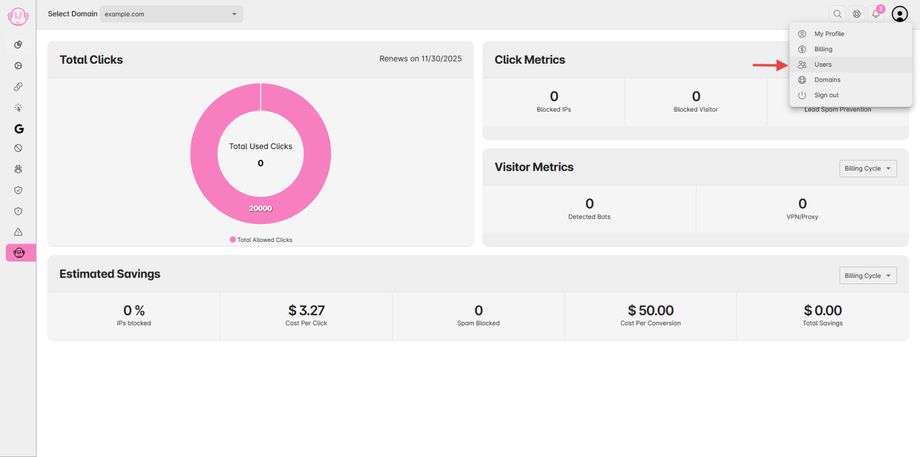
Step 3: Suspend a User
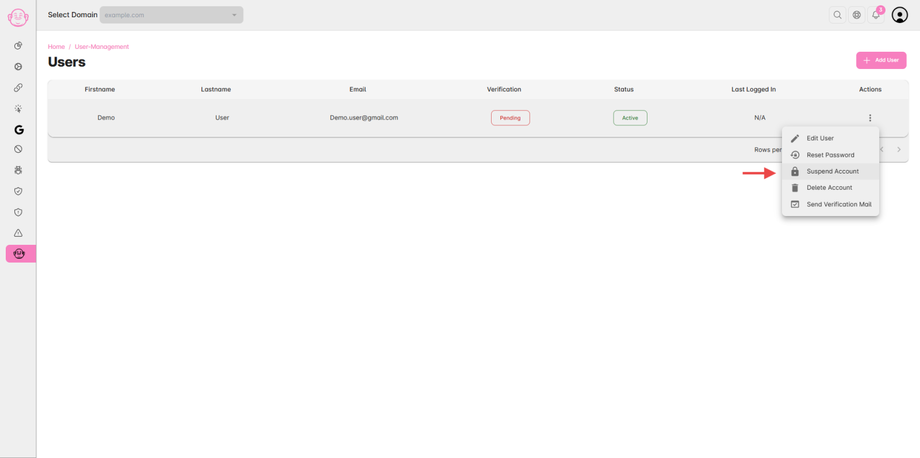
In the Users Table, find the user you want to suspend.
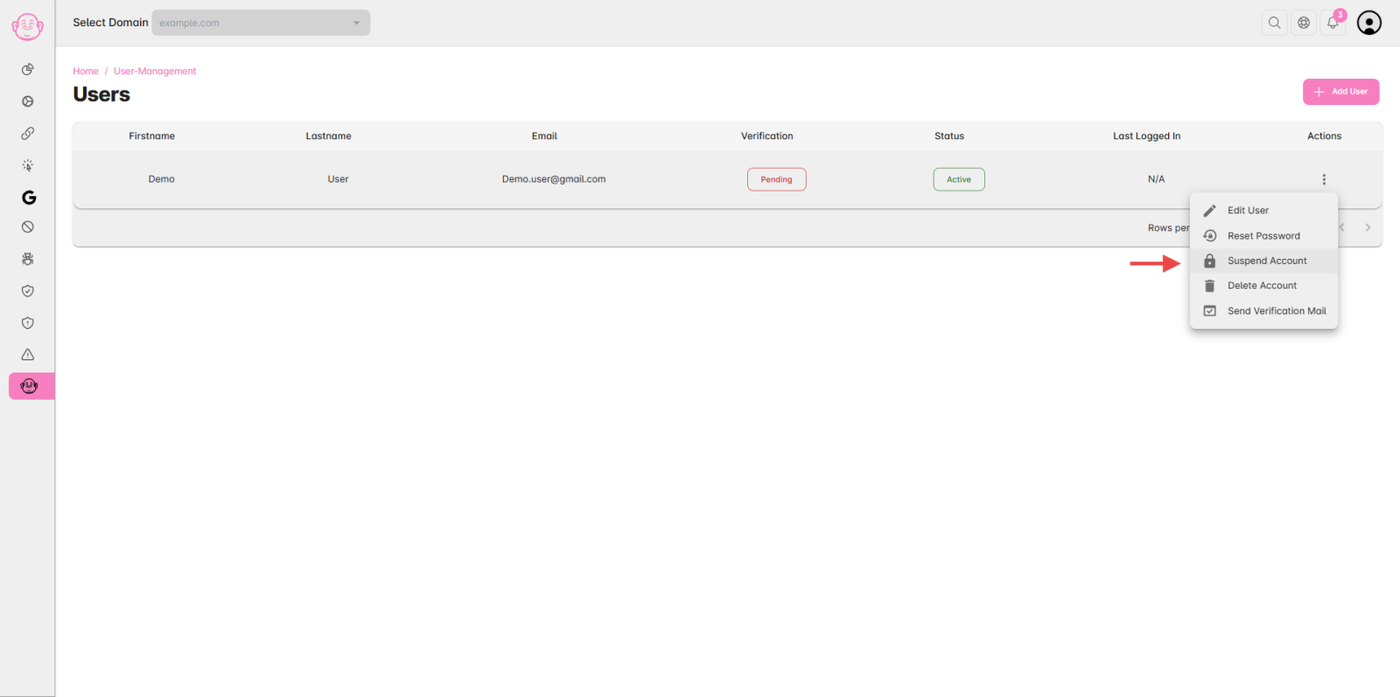
Click on the Action (⋮) icon in the last column.
Select Suspend from the dropdown menu.
The user’s access will be temporarily disabled until you reactivate it.
Step 4: Remove a User
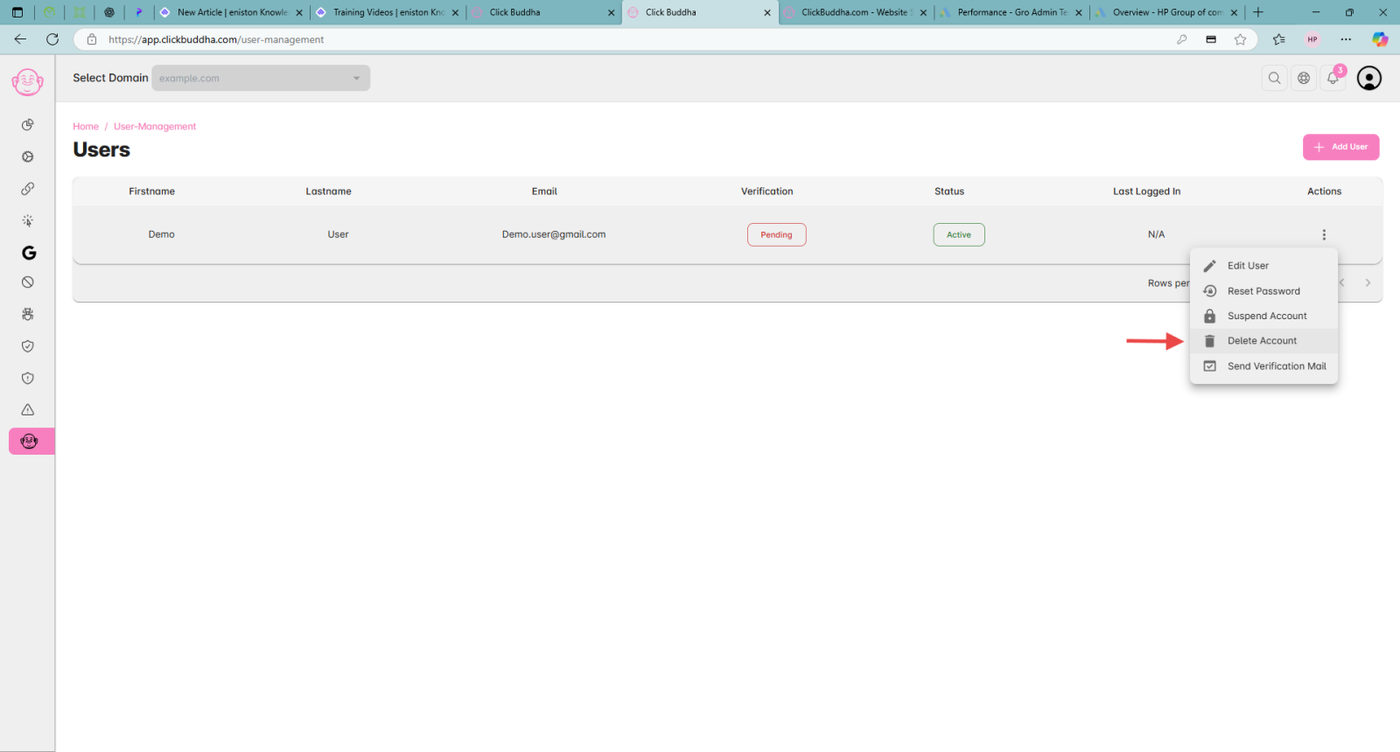
To permanently remove a user, click the Action (⋮) icon again.
Choose Delete, then confirm when prompted.
(This action cannot be undone.)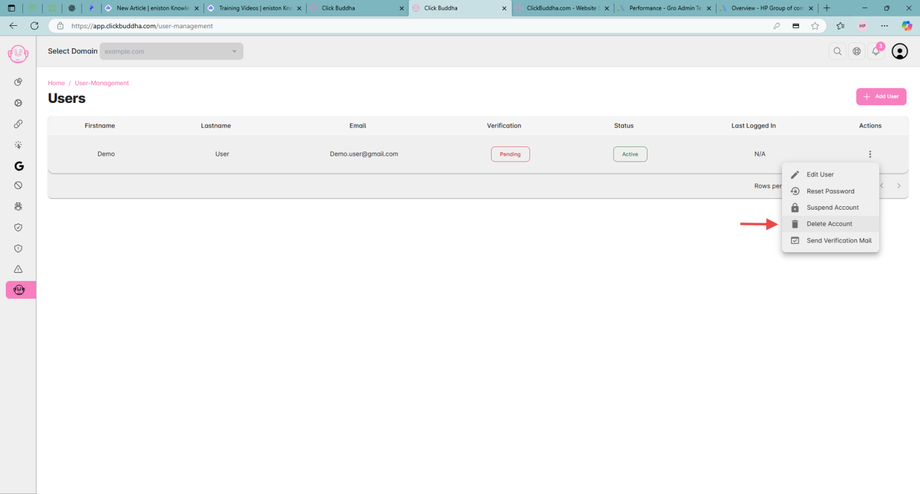
✅ Note:
Only Admins or Account Owners can suspend or remove user accounts.
Suspended users can be reactivated anytime from the same menu.