
Yes! Click Buddha allows you to add additional users or domains to your existing plan — depending on your subscription level.
This is ideal for teams, agencies, or businesses managing multiple websites or client accounts.
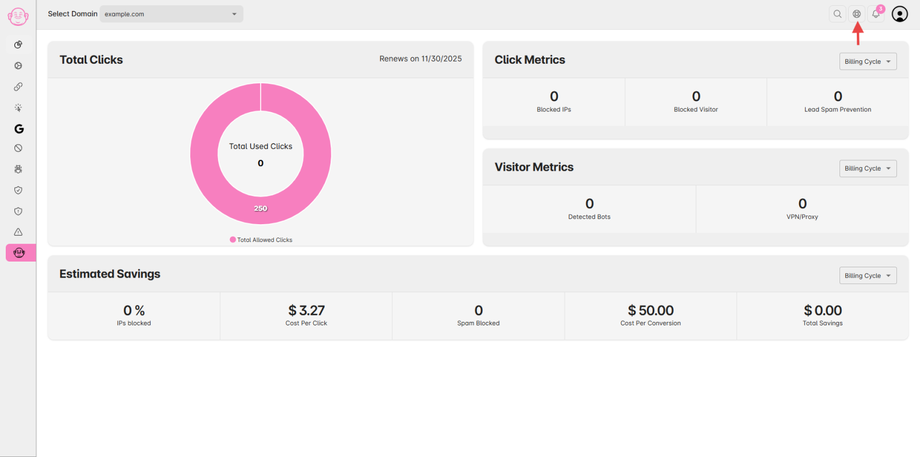
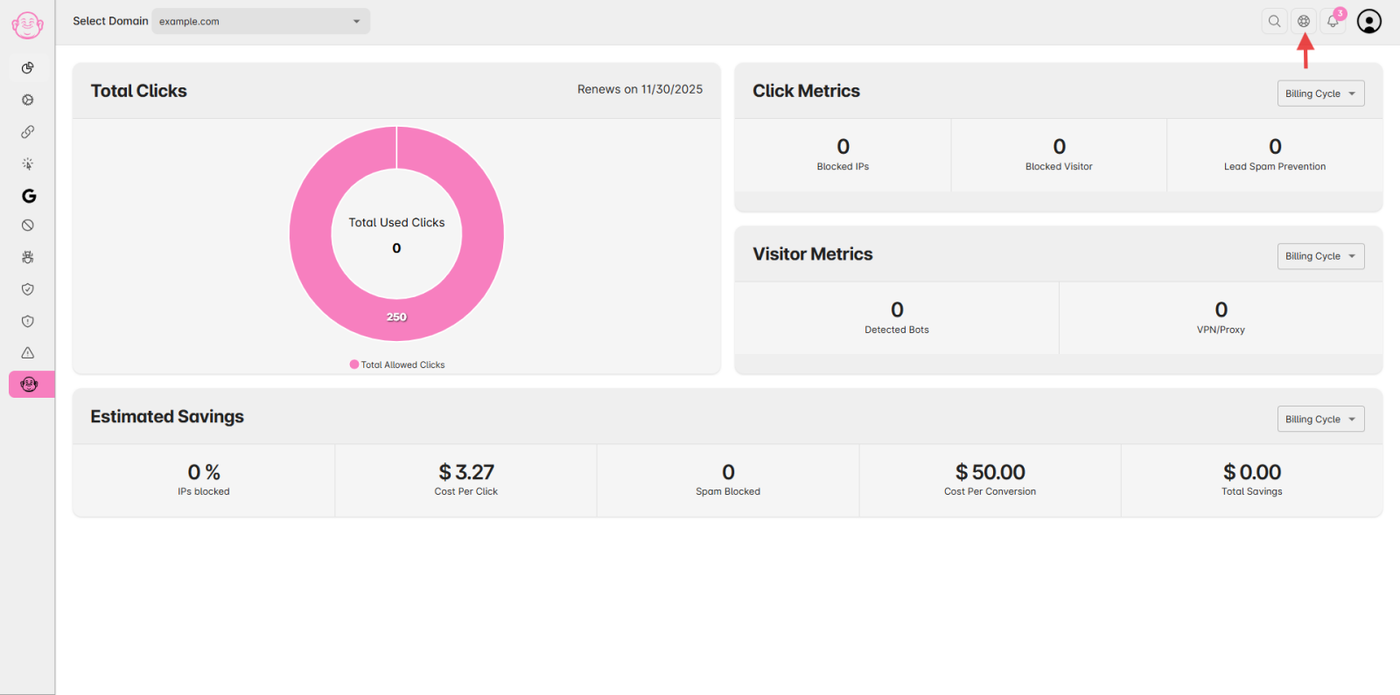
Step 1: Go to Billing Settings
-
Log in to your Click Buddha Dashboard.
-
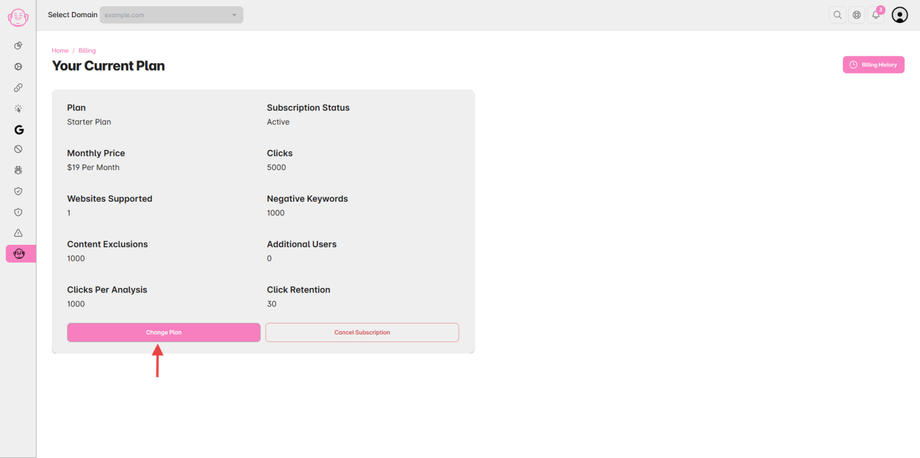
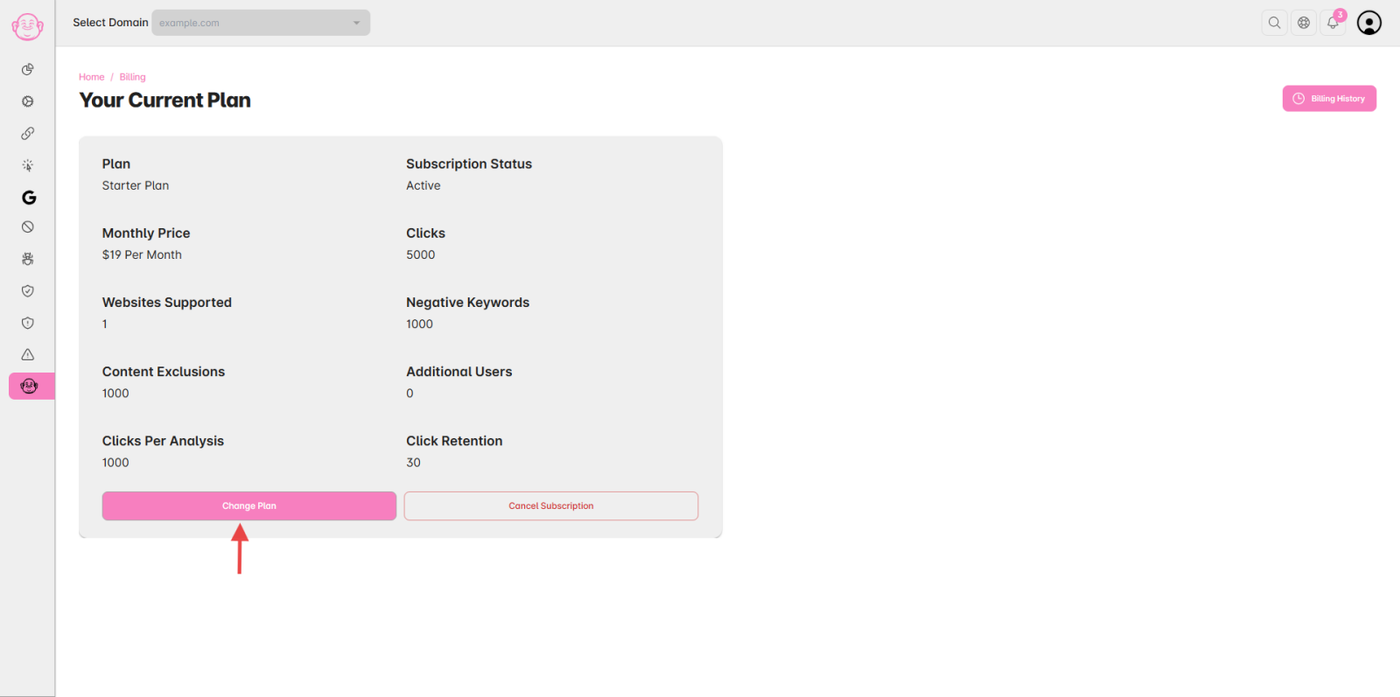
From the user menu, go to Billing → Change Plan.
Step 2: Review Current Limits
-
Find your active plan to view your current limits for:
-
Domains
-
Users
-
-
Check if your current plan allows adding more users or domains directly.
Step 3: Upgrade Plan or Request Additional Limits
-
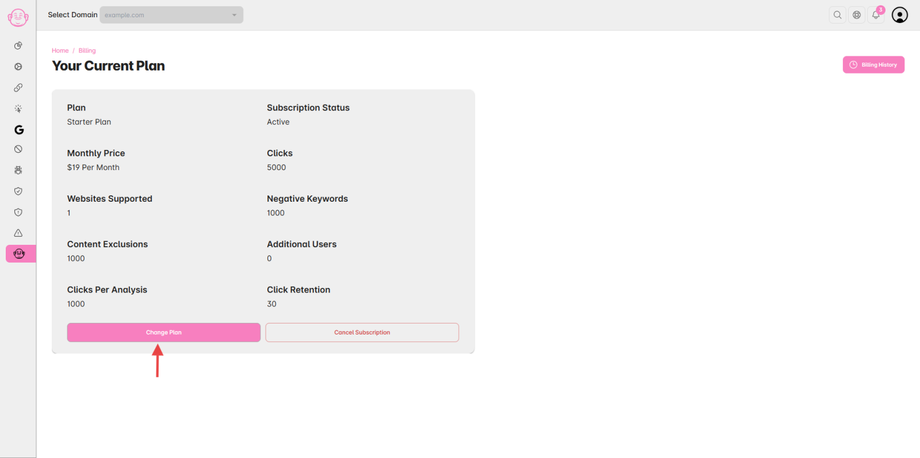
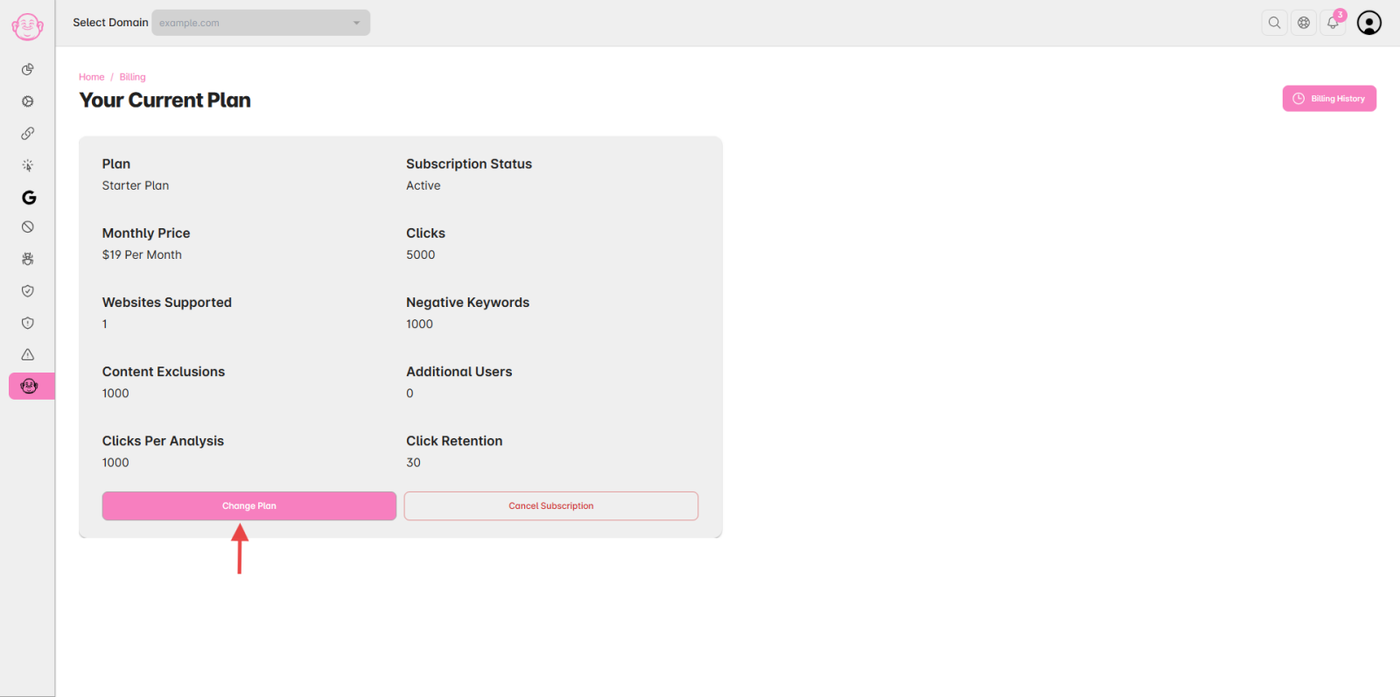
If you want to upgrade plan, click “Change Plan”.
- You can contact Support Team — the Click Buddha team will assist you in expanding your account.
Step 4: Assign Access
After upgrading:
-
Go to Profile Menu → User to invite new users.
-
Go to Domain Settings to add and configure new domains.
✅ Tip: For agencies or large teams, the Enterprise Plan offers flexible limits with unlimited user invites and multiple domain management under one account.