
Yes, you can upgrade from any existing plan to the Enterprise Plan at any time.
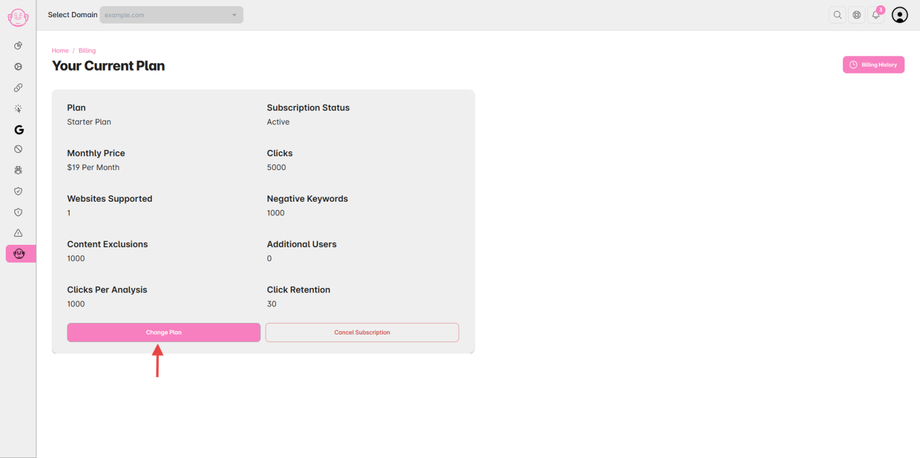
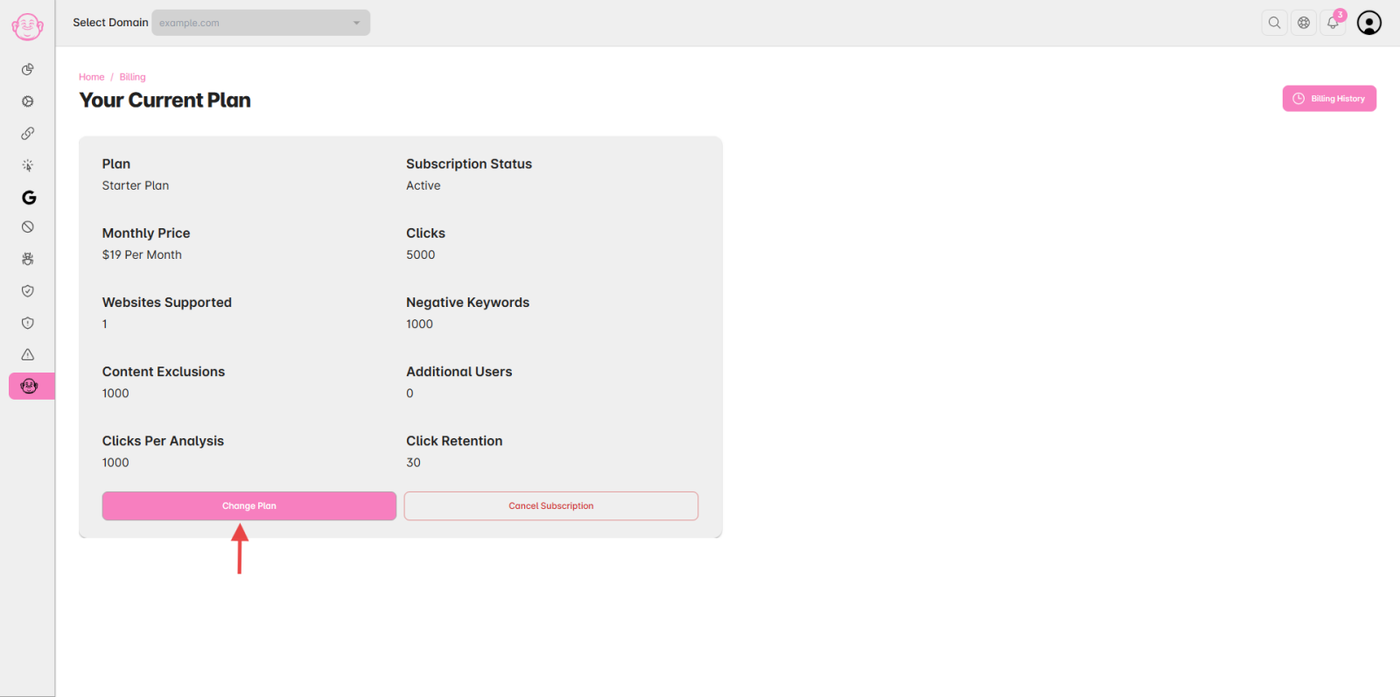
Step 1: Go to Billing
-
Log in to your Click Buddha Dashboard.
-
From the sidebar, click Billing → Change Plan.
Step 2: Choose Enterprise Plan
-
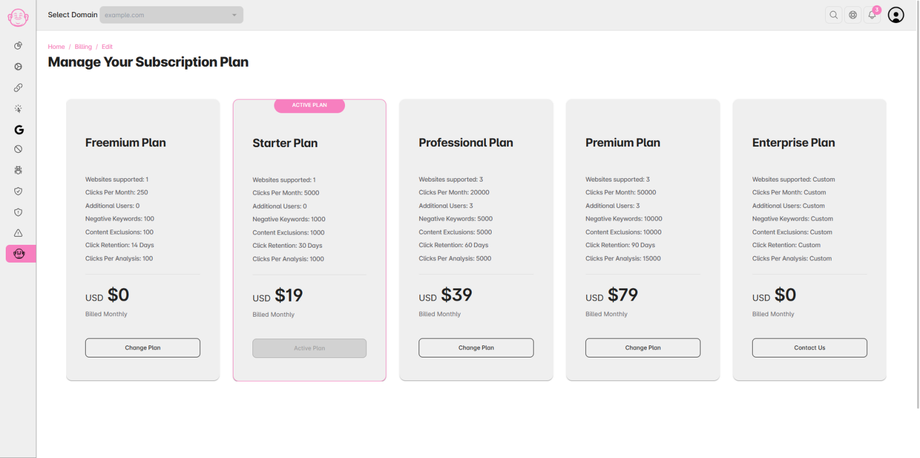
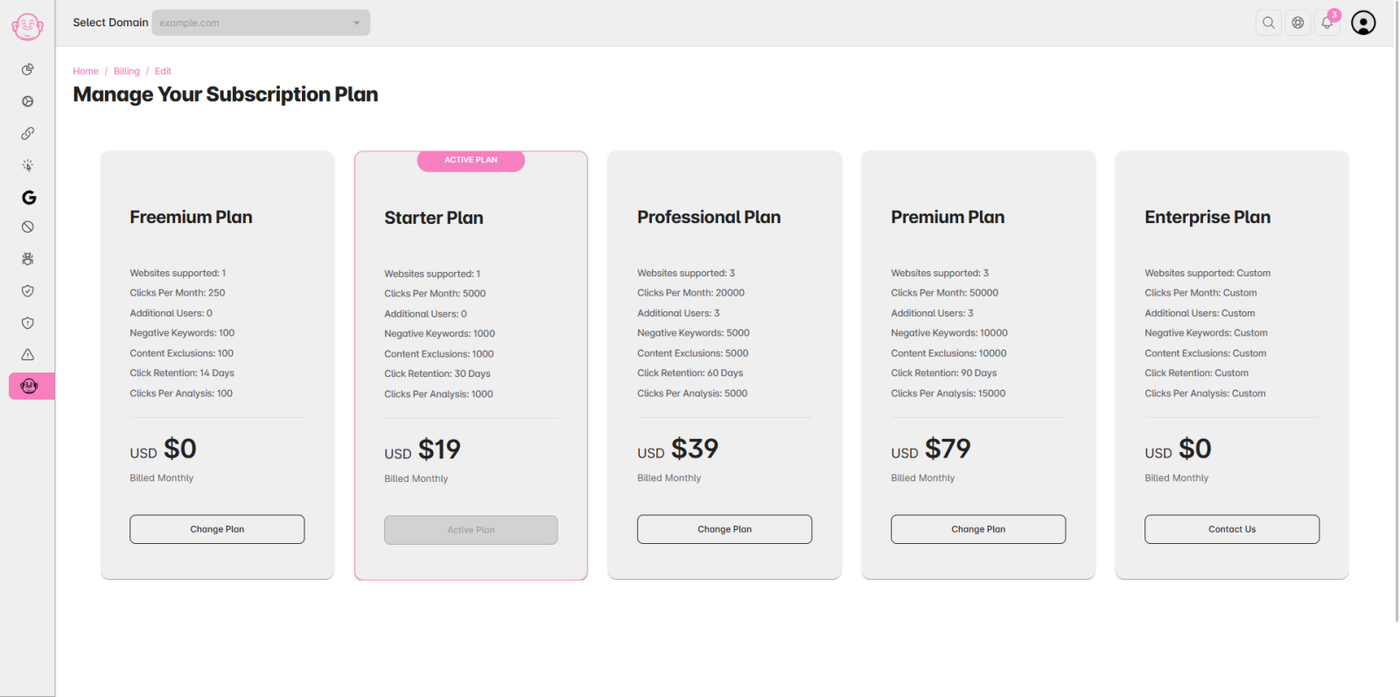
Click “Upgrade to Enterprise.”
-
Confirm your selection and fill out the short business form if prompted.
Step 3: Review & Activate
-
The Click Buddha team will review your request.
-
Once approved, your Enterprise features and limits will be activated.
✅ Tip: Migration is seamless — all your existing data, domains, and integrations remain intact.