
If you need a plan tailored to your business needs, you can easily request an Enterprise/Custom Plan from the Click Buddha team.
Step 1: Go to the Pricing Page
-
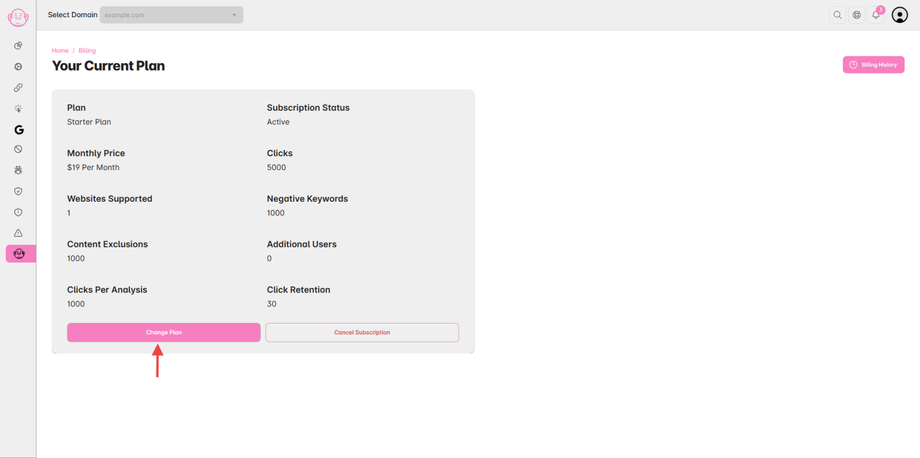
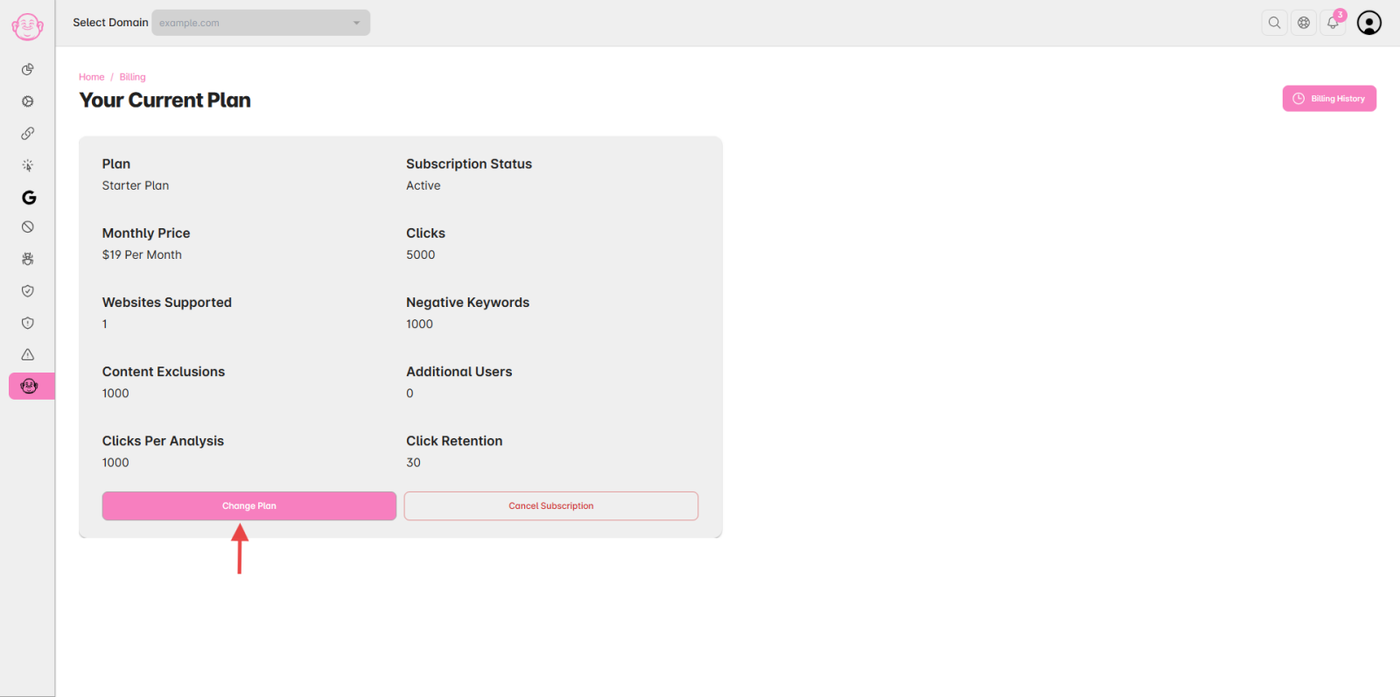
Open your Click Buddha Dashboard.
-
From the sidebar, go to Billing → Change Plans.
Step 2: Choose “Enterprise or Custom Plan”
-
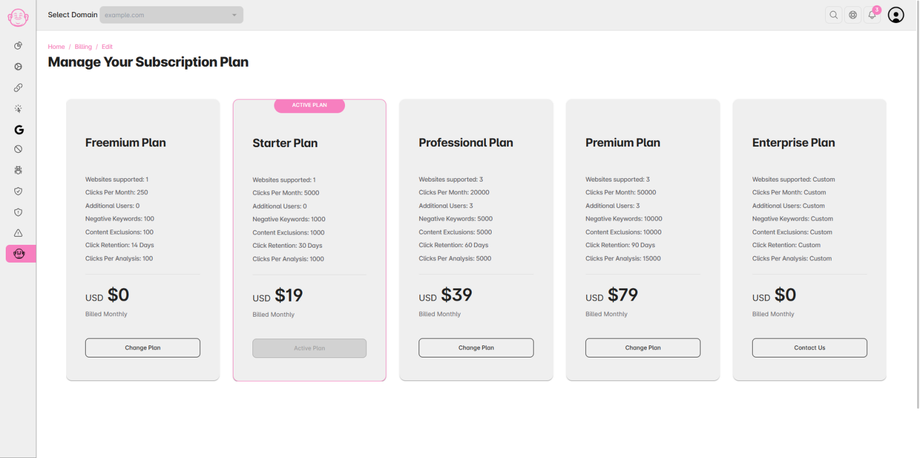
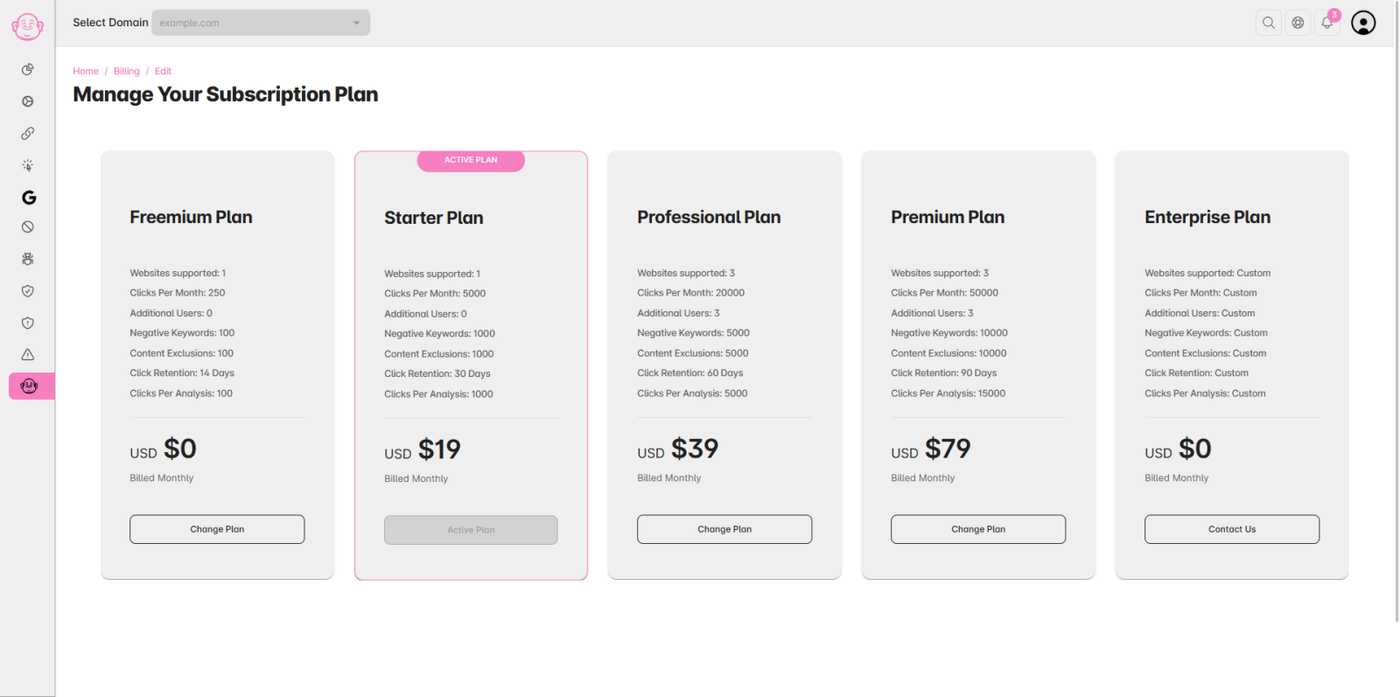
Scroll to the bottom of the pricing section.
- Select the Enterprise Plan
-
Click “Contact Us” or “Request Custom Plan.”
Step 3: Submit Your Requirements
-
Fill in your business details and requirements (e.g., number of domains, traffic volume, integrations needed).
-
The Click Buddha team will contact you with a personalized quote and activation steps.