
You can cancel your active Click Buddha subscription anytime from your dashboard. Once canceled, your account will automatically switch to the Freemium Plan.
Step 1: Log in to Click Buddha
-
Login to your account and Open your Click Buddha Dashboard.
Step 2: Go to Billing
-
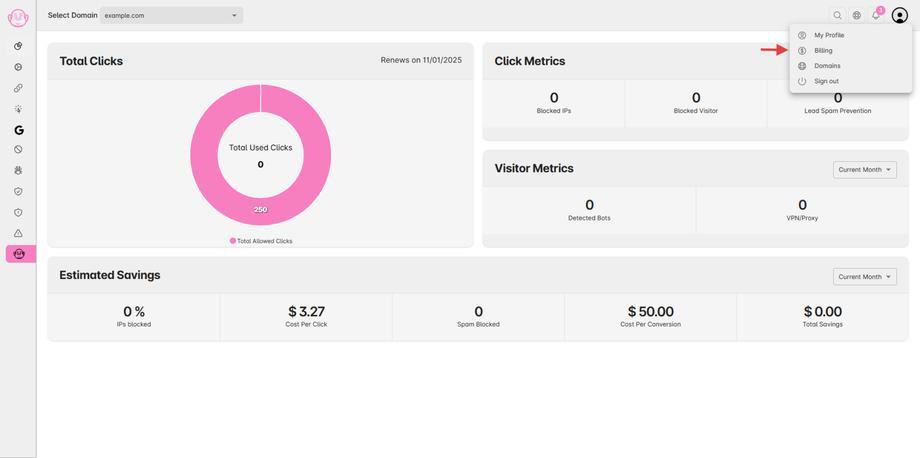
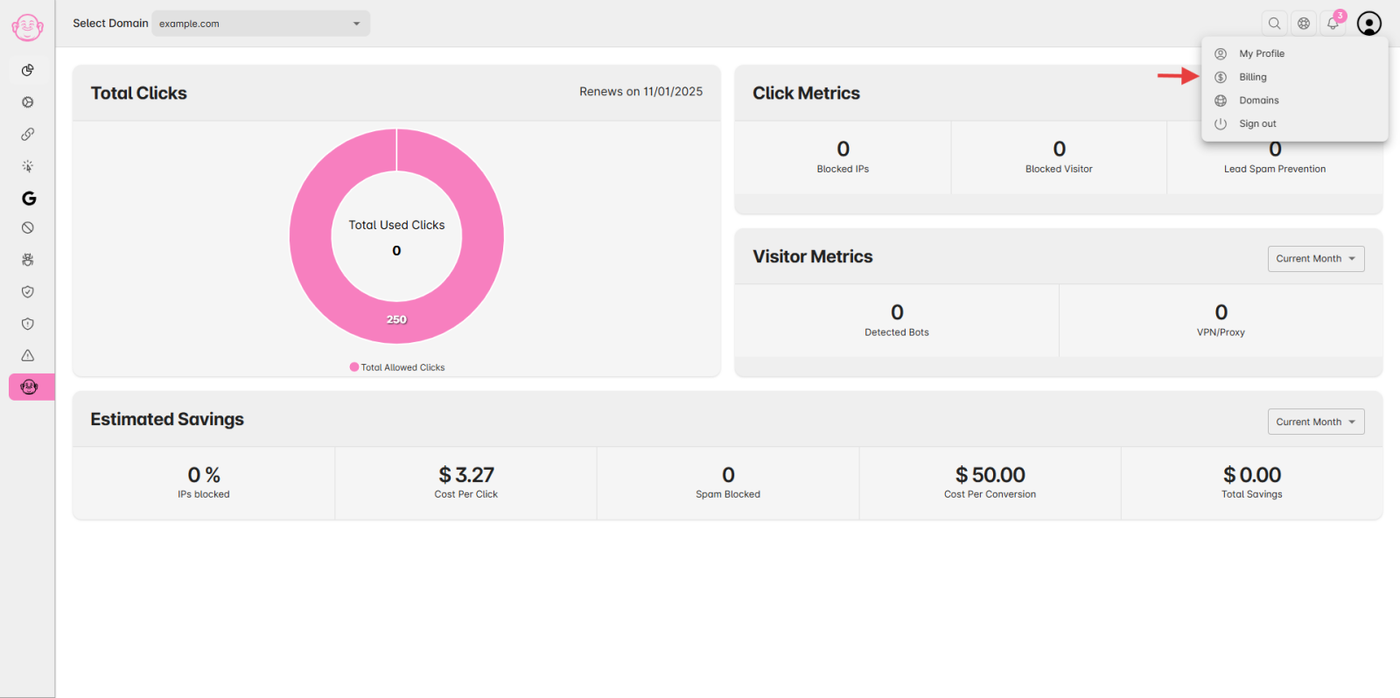
Click on your User Profile menu in the top-right corner.
-
Select Billing from the dropdown.
Step 3: Cancel Your Subscription
-
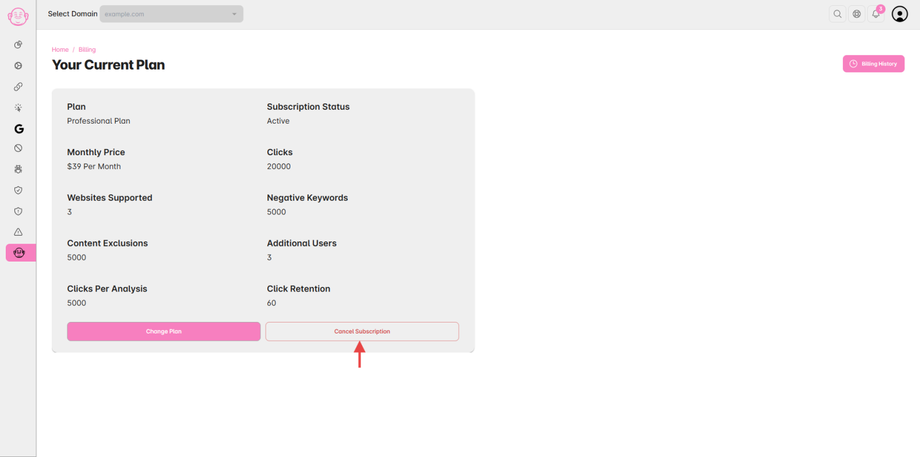
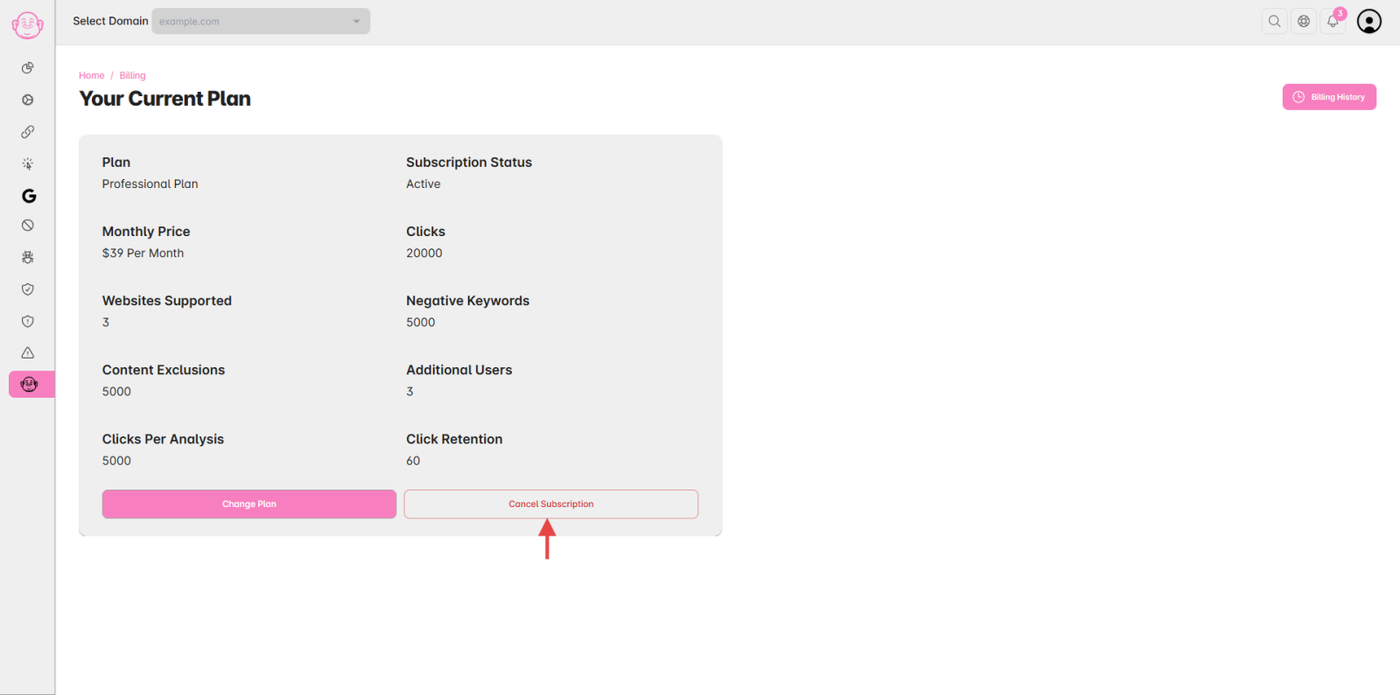
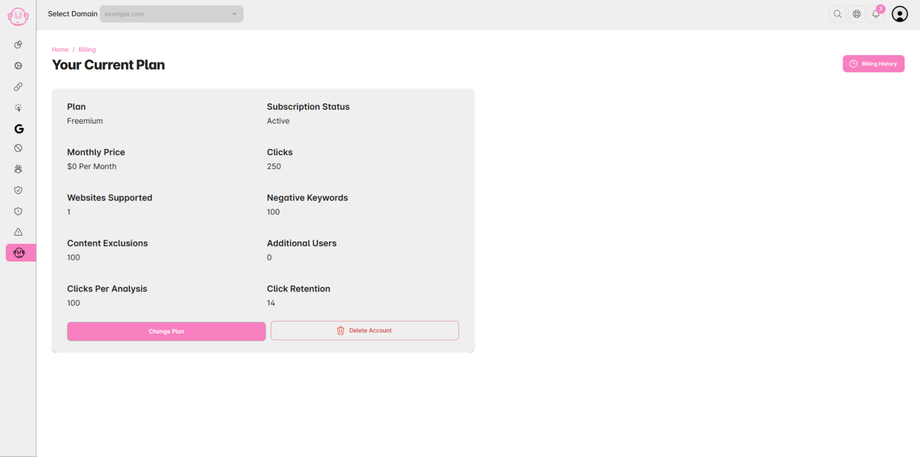
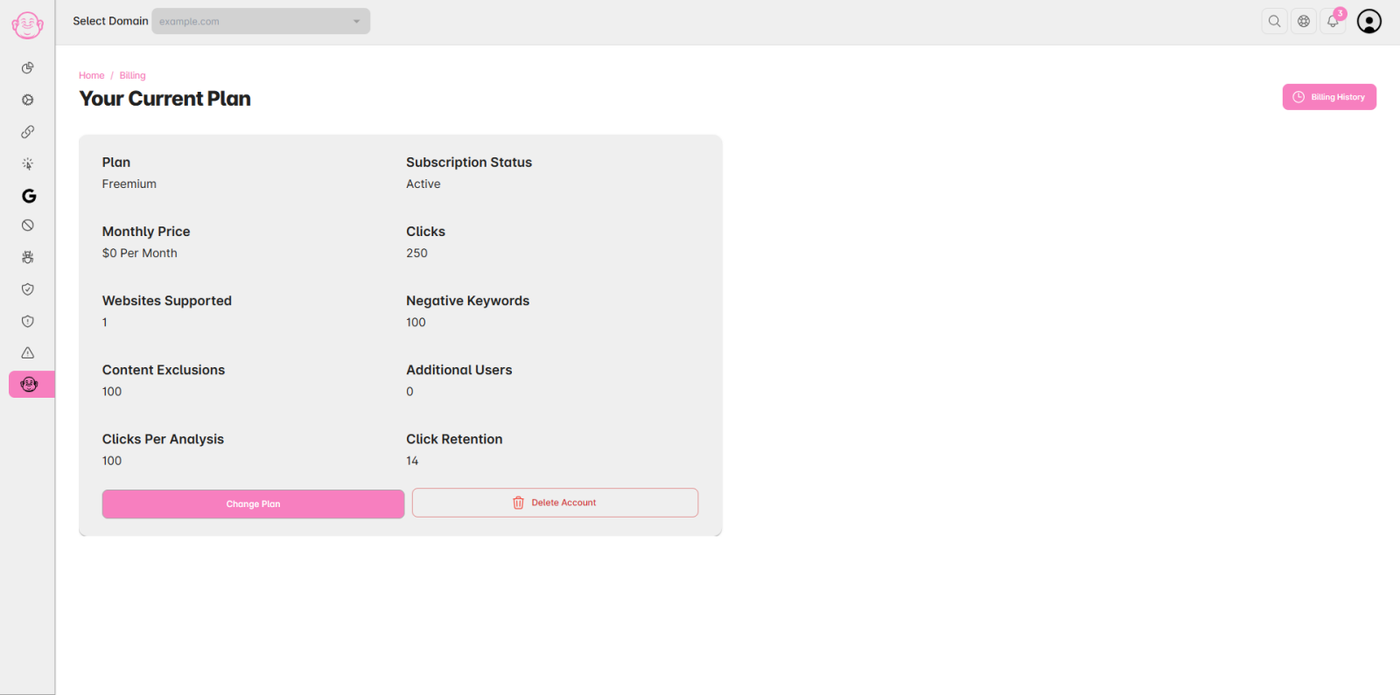
You’ll see your current plan details on the Billing page.
-
Click the “Cancel Subscription” button.
Step 4: Confirmation
-
Confirm your choice when prompted.
-
Your subscription will be canceled immediately, and your account will revert to the Freemium Plan.
✅ Tip: You can resubscribe anytime by visiting the Billing page and selecting a paid plan.