
You can start your Click Buddha subscription anytime directly from your dashboard and unlock premium protection and analytics features. 🚀
Step 1: Log in to Click Buddha
-
Login to your account and Open your Click Buddha Dashboard.
Step 2: Go to Billing
-
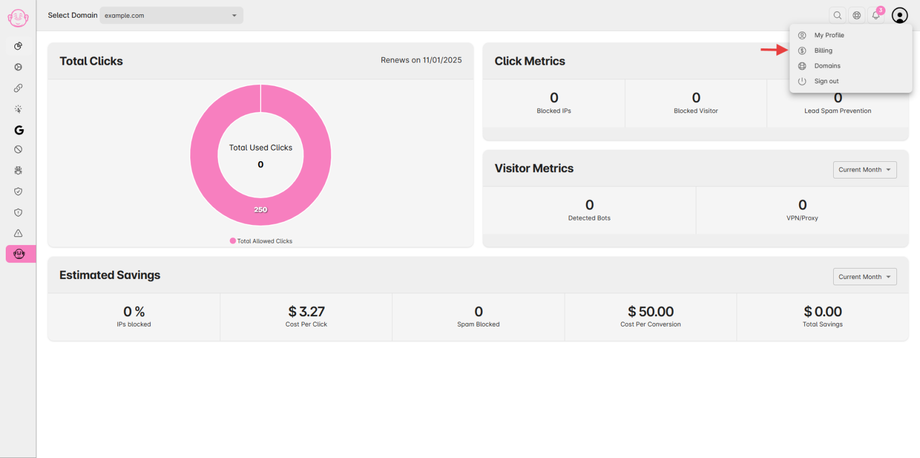
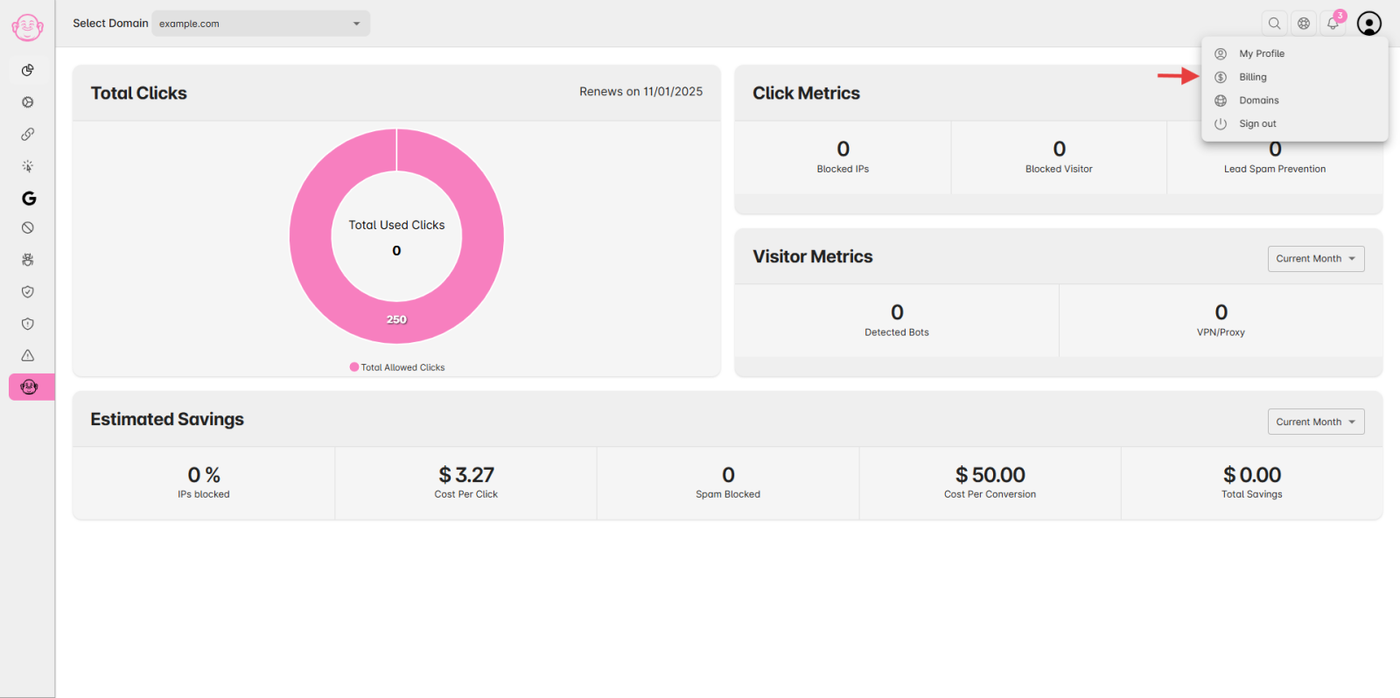
Click on your User Profile menu in the top-right corner.
-
Select Billing from the Menu.
Step 3: View Current Plan
-
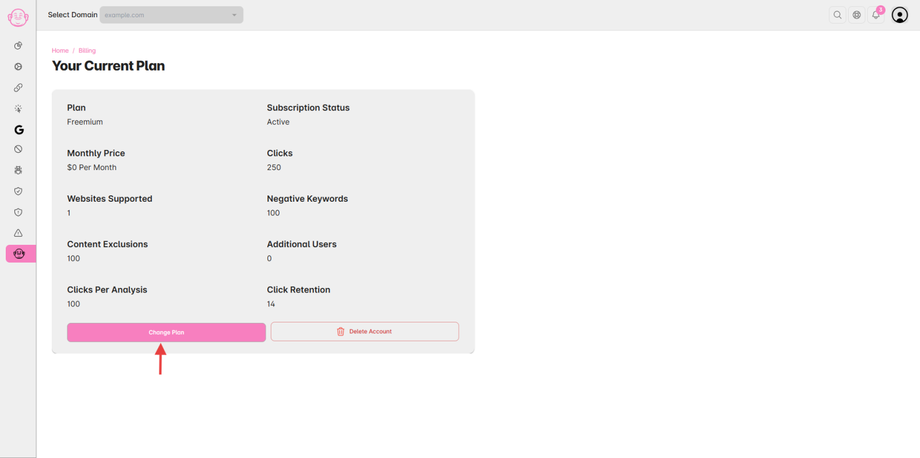
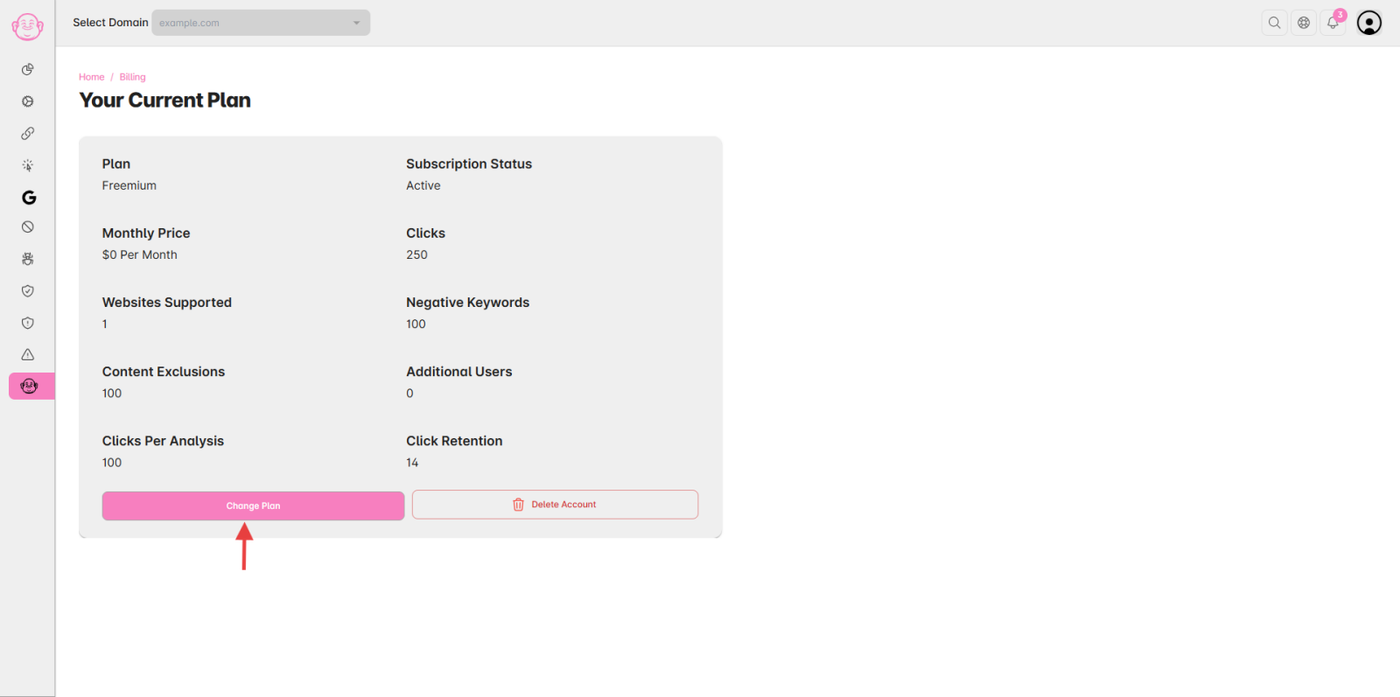
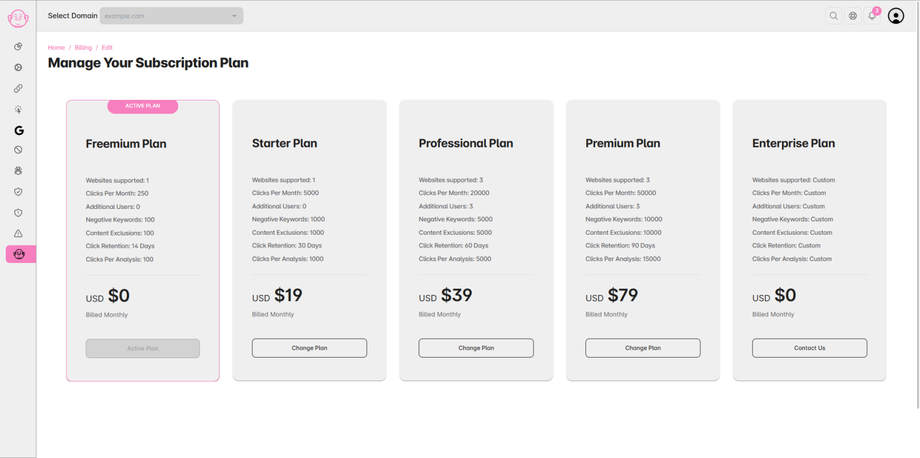
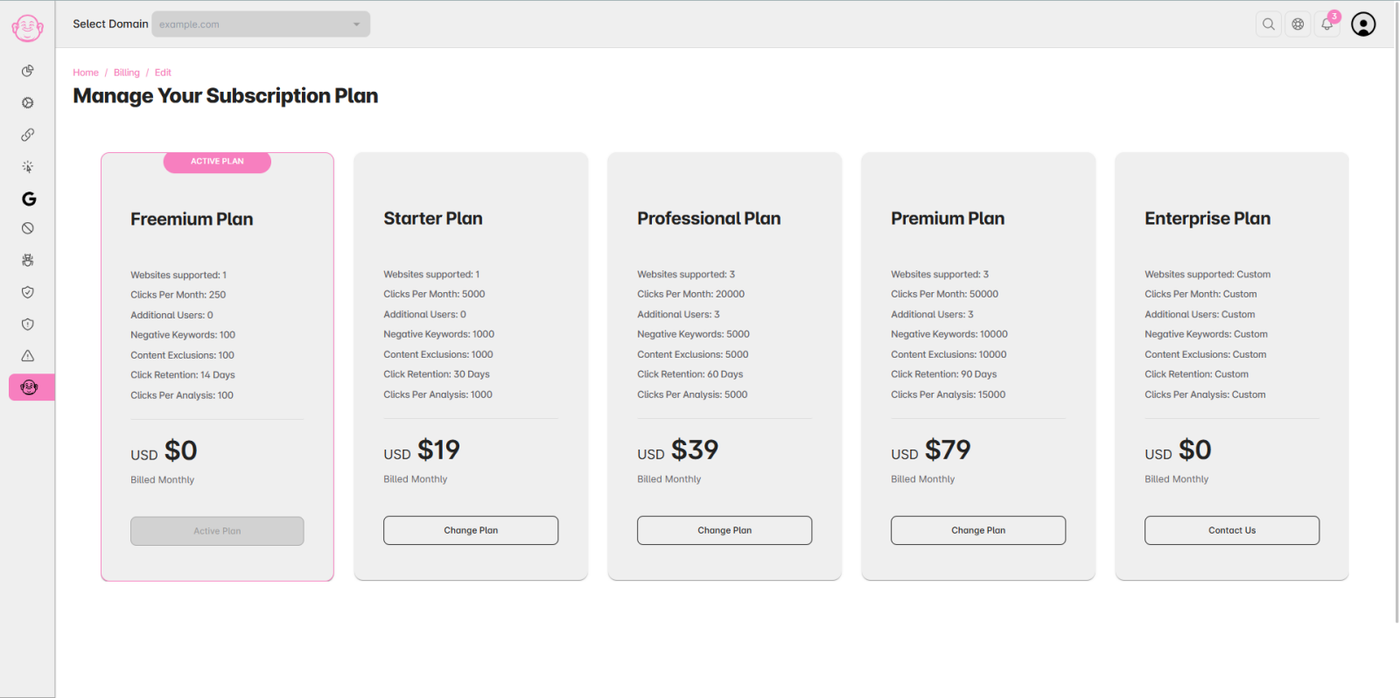
You’ll see your current plan details — by default, it’s the Freemium Plan.
-
Click on the “Change Plan” button.
Step 4: Choose a Subscription Plan
-
A list of available plans will appear.
-
Select your preferred plan from the plan cards and click “Change Plan.”
Step 5: Enter Payment Details
-
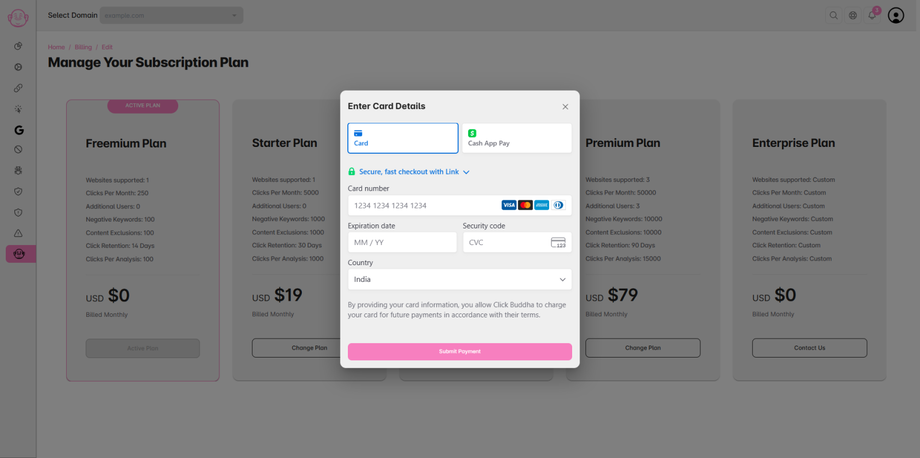
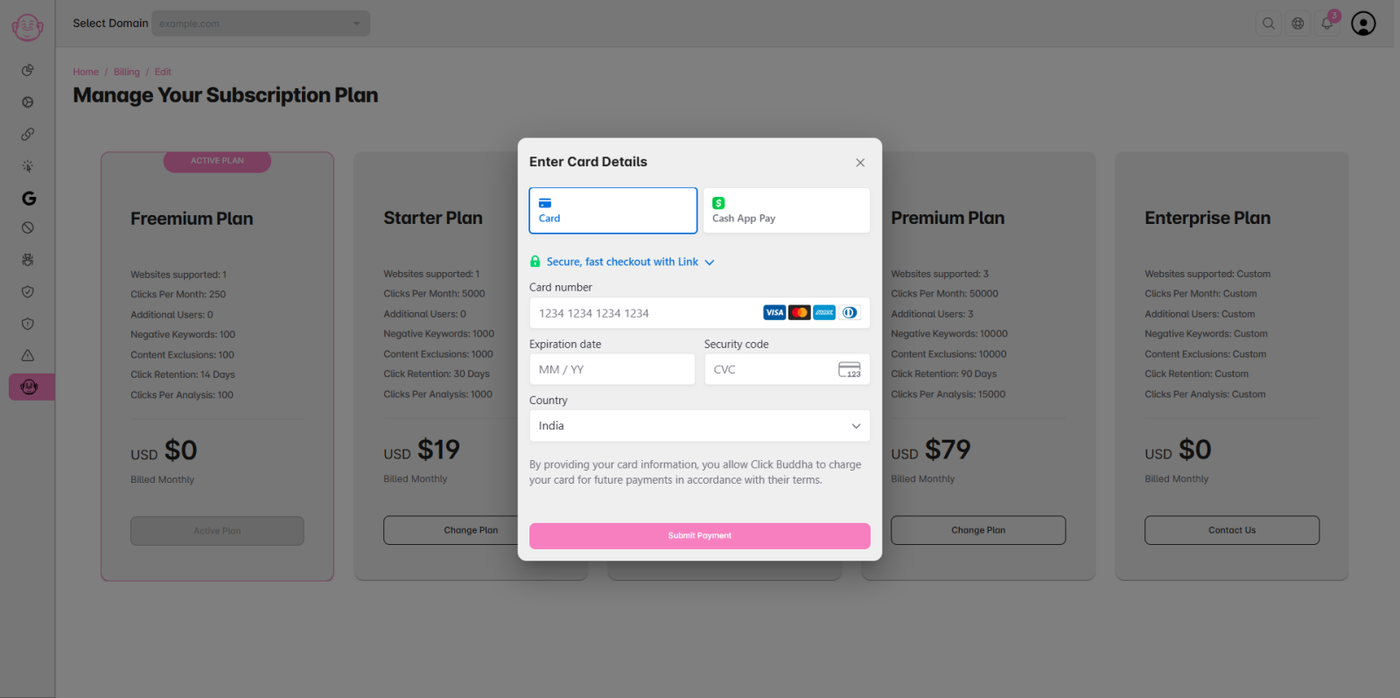
A secure payment prompt will appear.
-
Enter your card details to complete the subscription process safely.
Step 6: Subscription Activated
-
Once the payment is successful, your new plan will be activated instantly.
-
You can now access all premium features included in your selected plan.
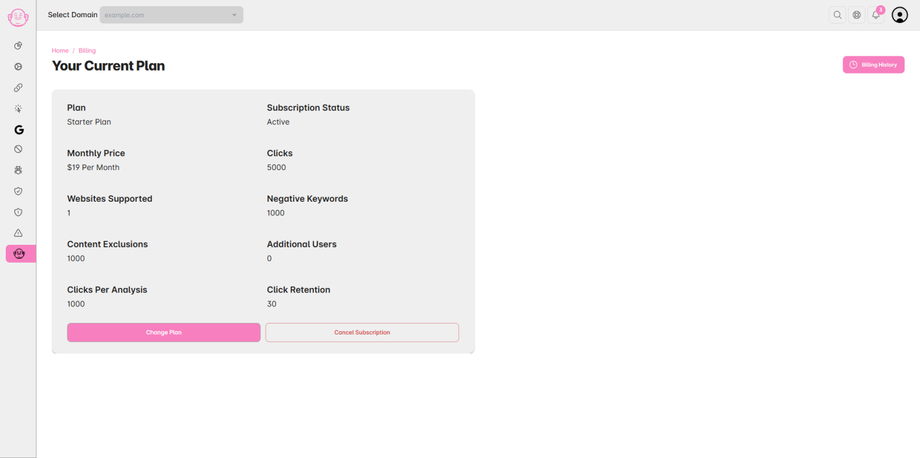
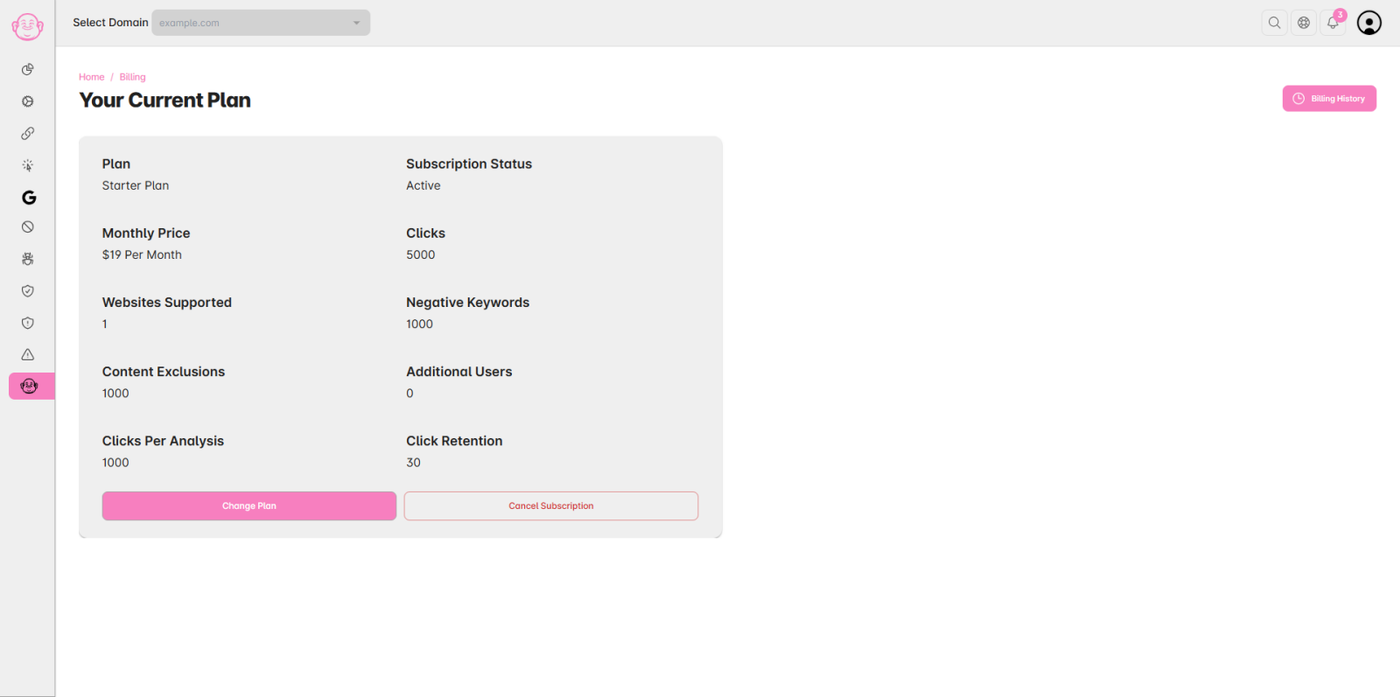
⚠️ Note: The plan details shown in the Images are sample or demo data.