
Click Zen helps you automatically identify and filter out invalid or suspicious clicks using AI-driven analysis. Enabling it allows Click Buddha to continuously audit your traffic quality and provide smart blocking recommendations.
Step 1: Log in to Click Buddha
Sign in to your account and Open your Click Buddha Dashboard.
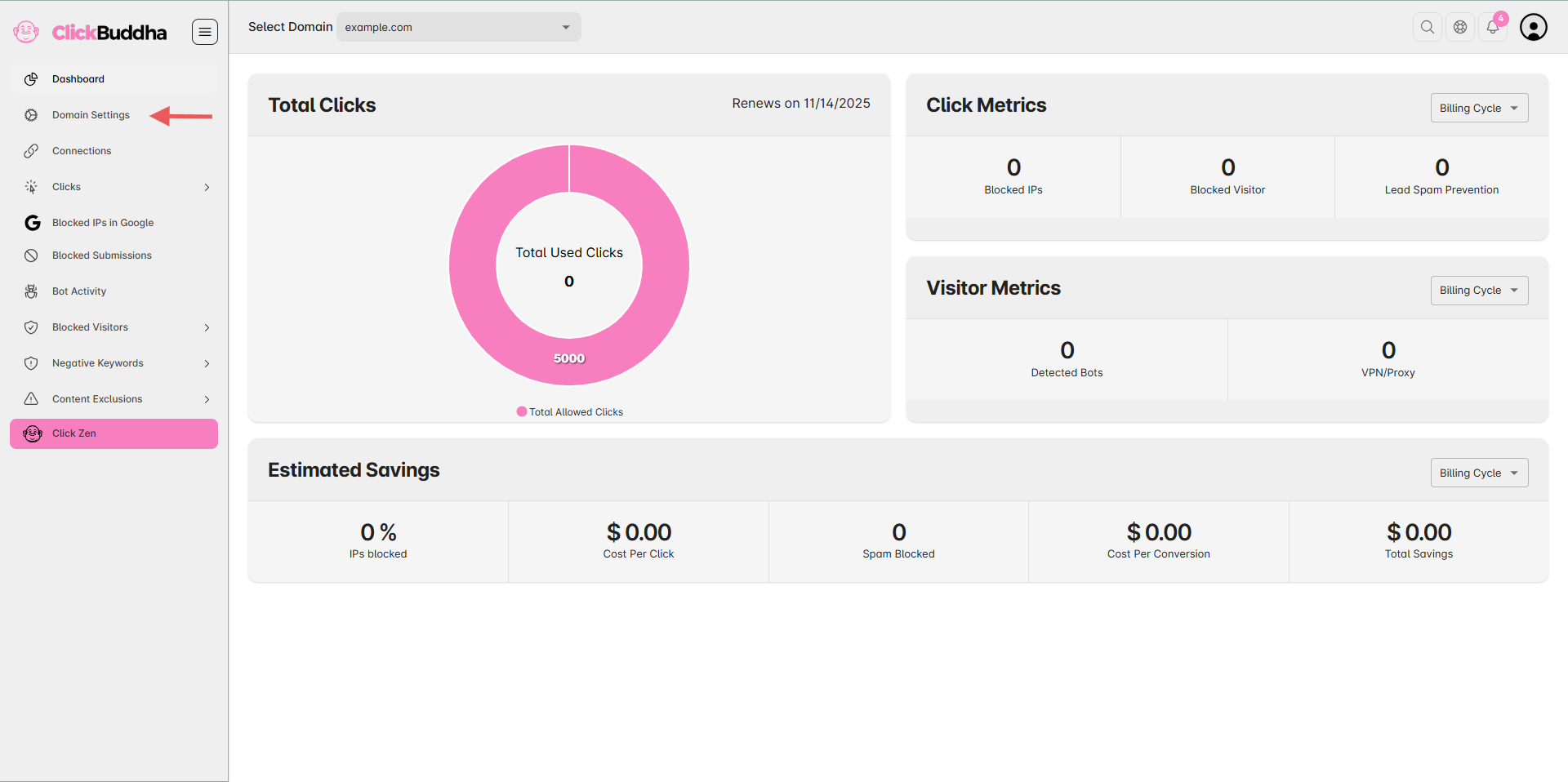
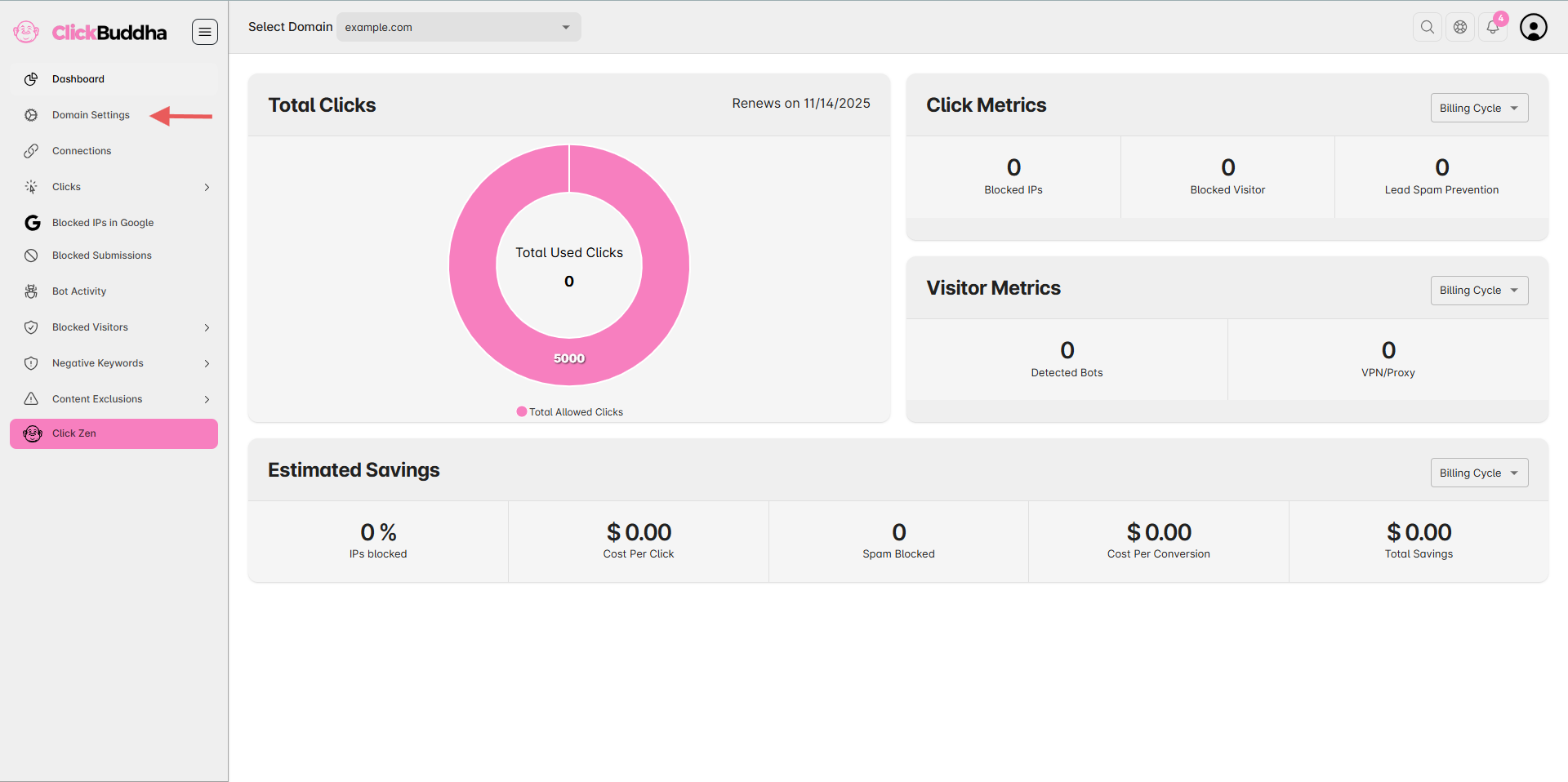
Step 2: Go to Domain Settings
From the sidebar, navigate to Domain Settings for the domain you want to enable Click Zen on.
Step 3: Locate Click Zen Analysis
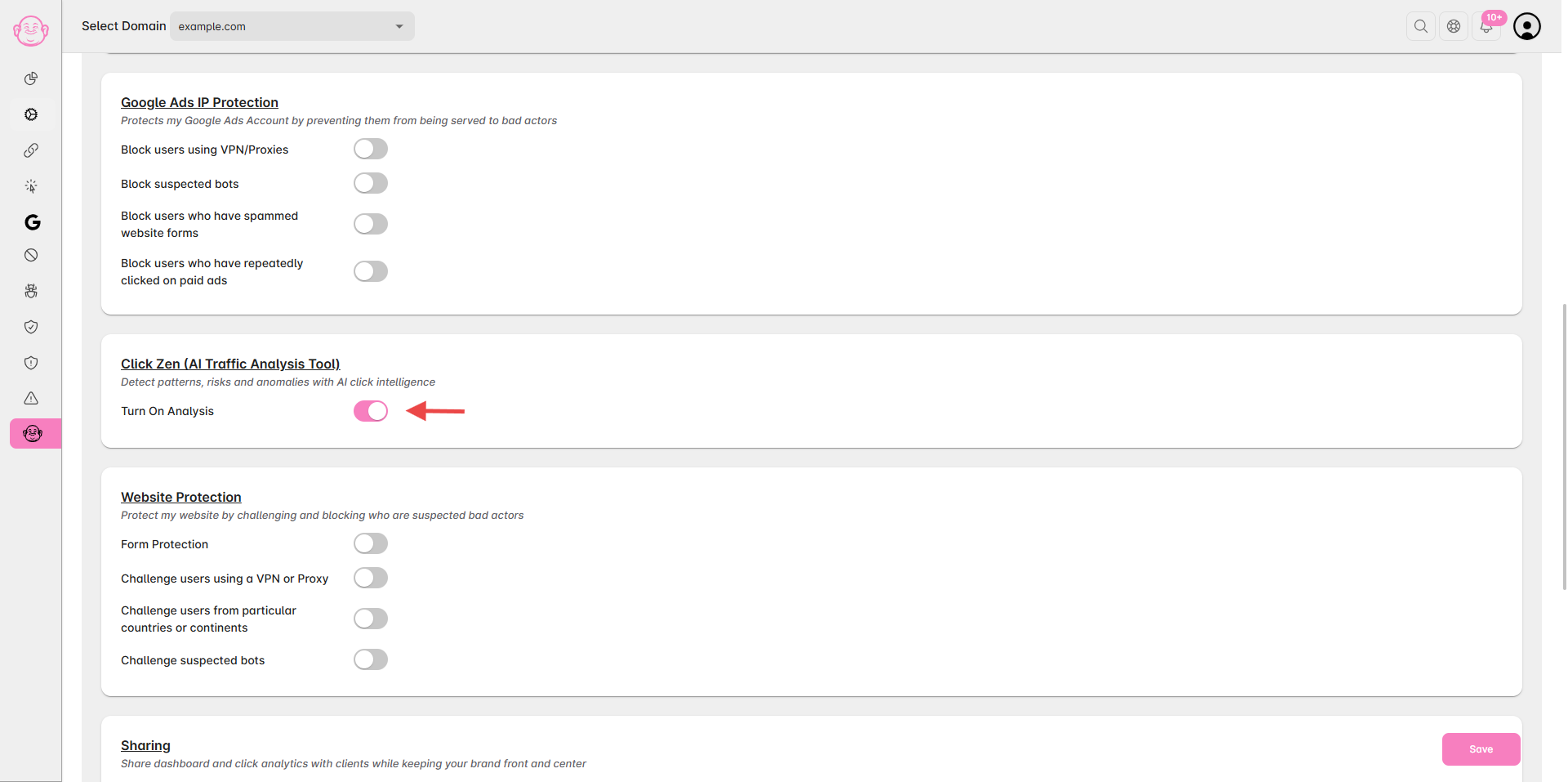
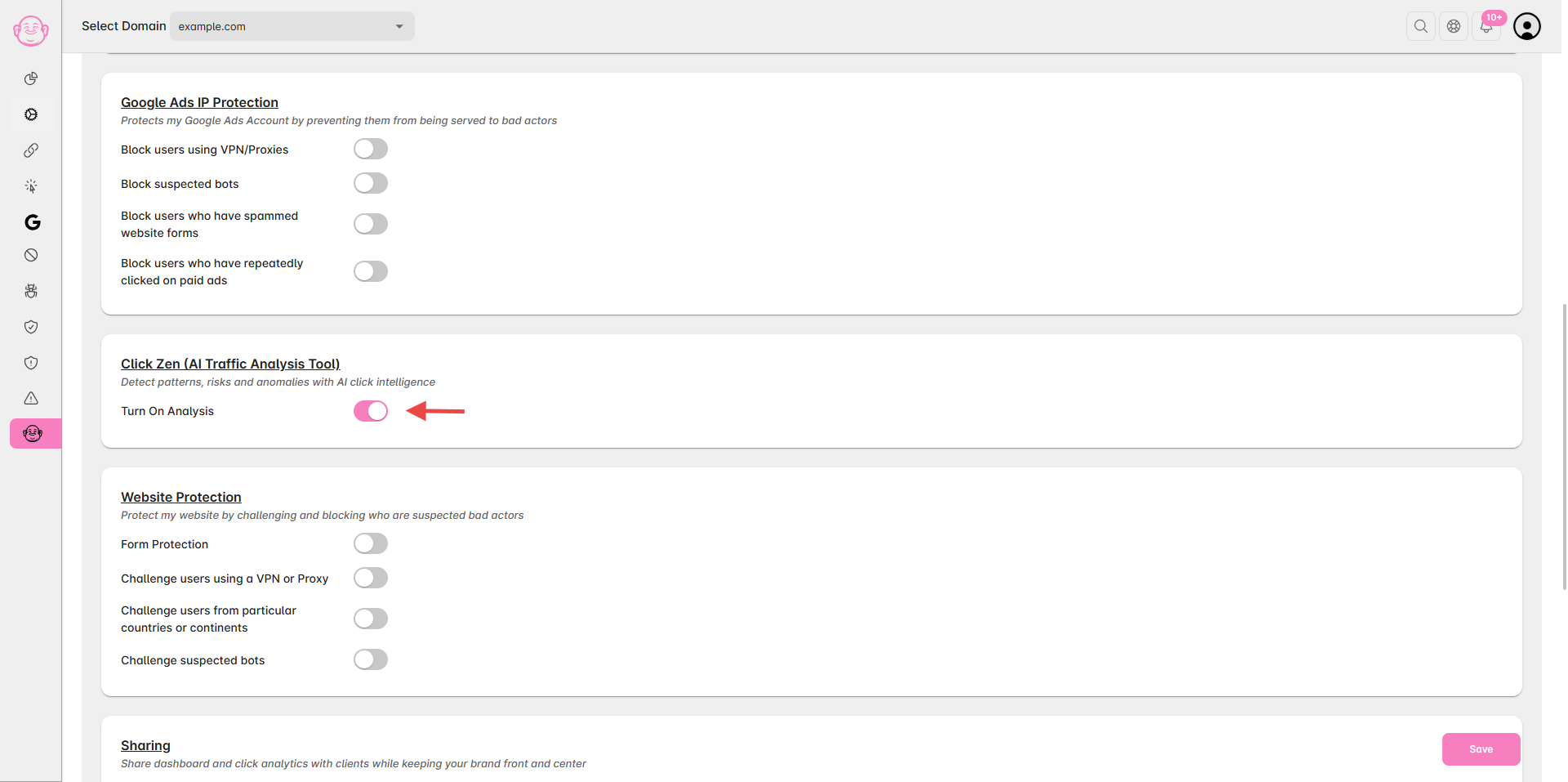
Scroll down to the Click Zen Analysis section.
You’ll see an option labeled “Turn on Analysis.”
Toggle the switch to Turn on Analysis.
Once enabled, You Can use Click Zen to analyzing your paid traffic data in real time and surfaces insights under Click Zen.
Step 5: Review AI Recommendations
After activation, go to the Click Zen Menu to review AI-based suggestions for IP blocking, traffic validation, and fraud prevention.
✅ Tip: You can disable or re-enable Click Zen anytime from the same settings panel. However, keeping it on ensures continuous traffic learning and smarter click protection.