
Click Zen allows you to run an AI-powered audit of your paid click data to detect invalid traffic, suspicious activity, and potential fraud patterns. You can manually start an analysis anytime to get the latest insights.
Step 1: Log in to Click Buddha
Login into your account and Open your Click Buddha Dashboard.
Step 2: Go to Click Zen
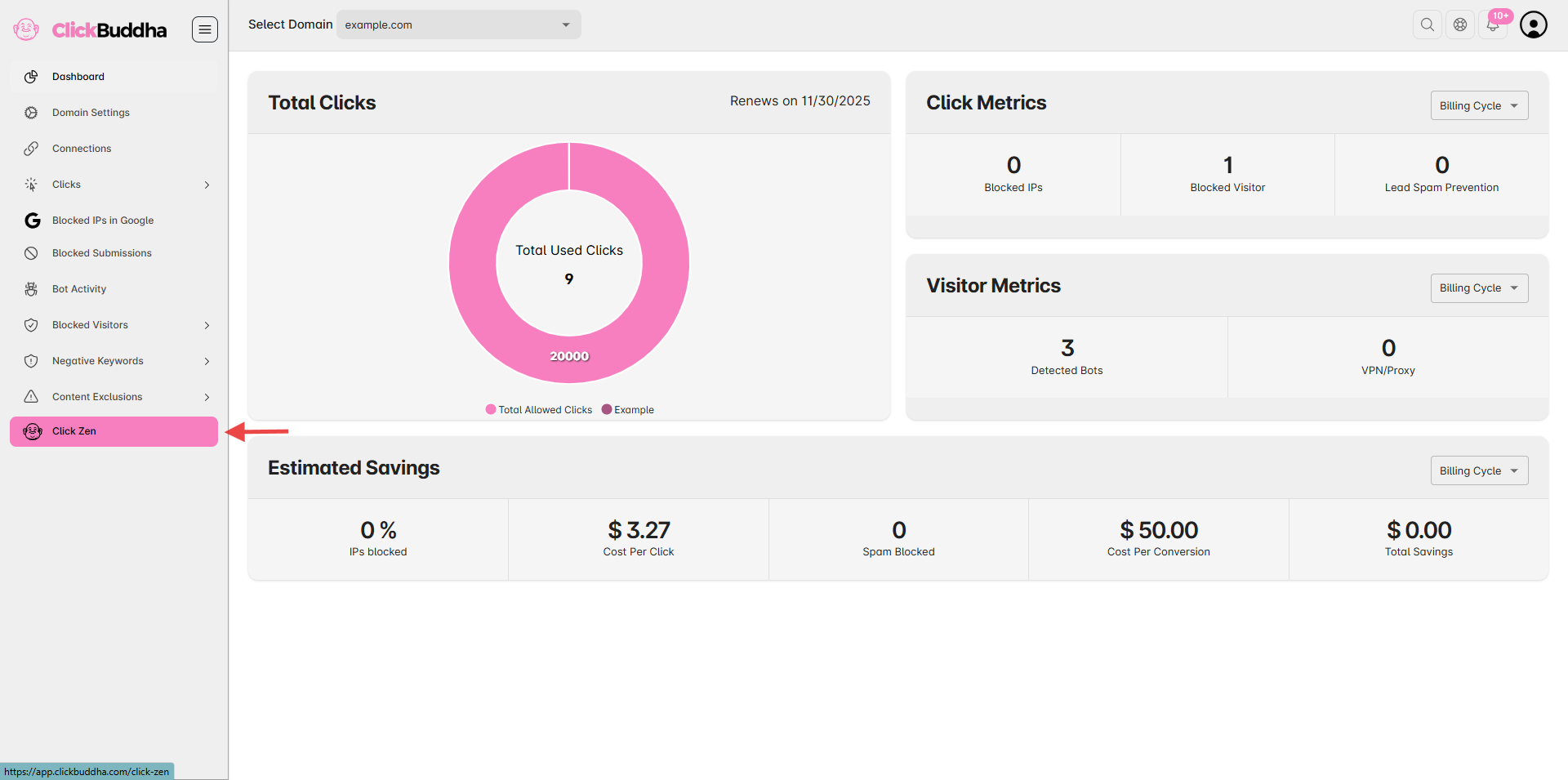
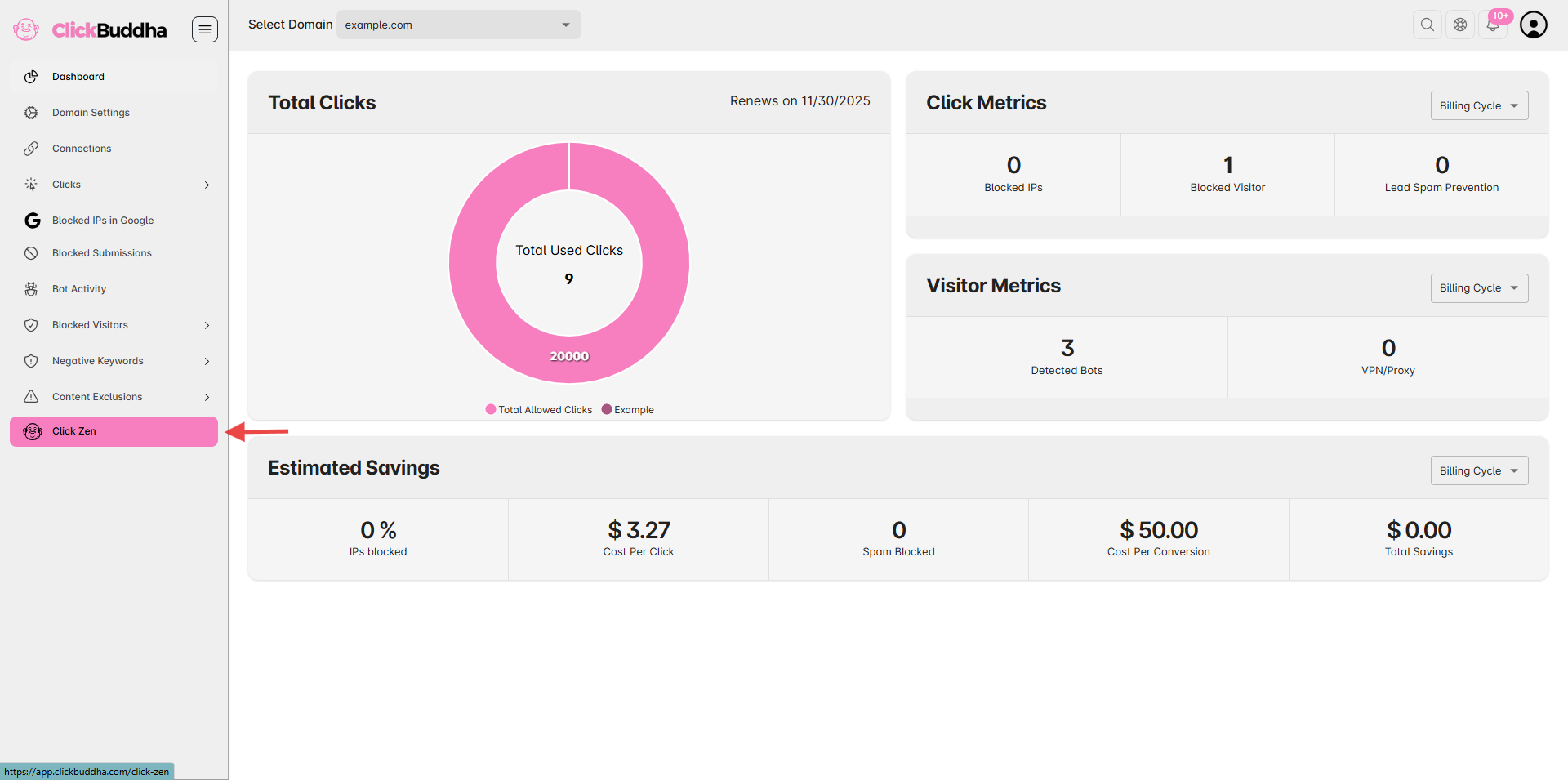
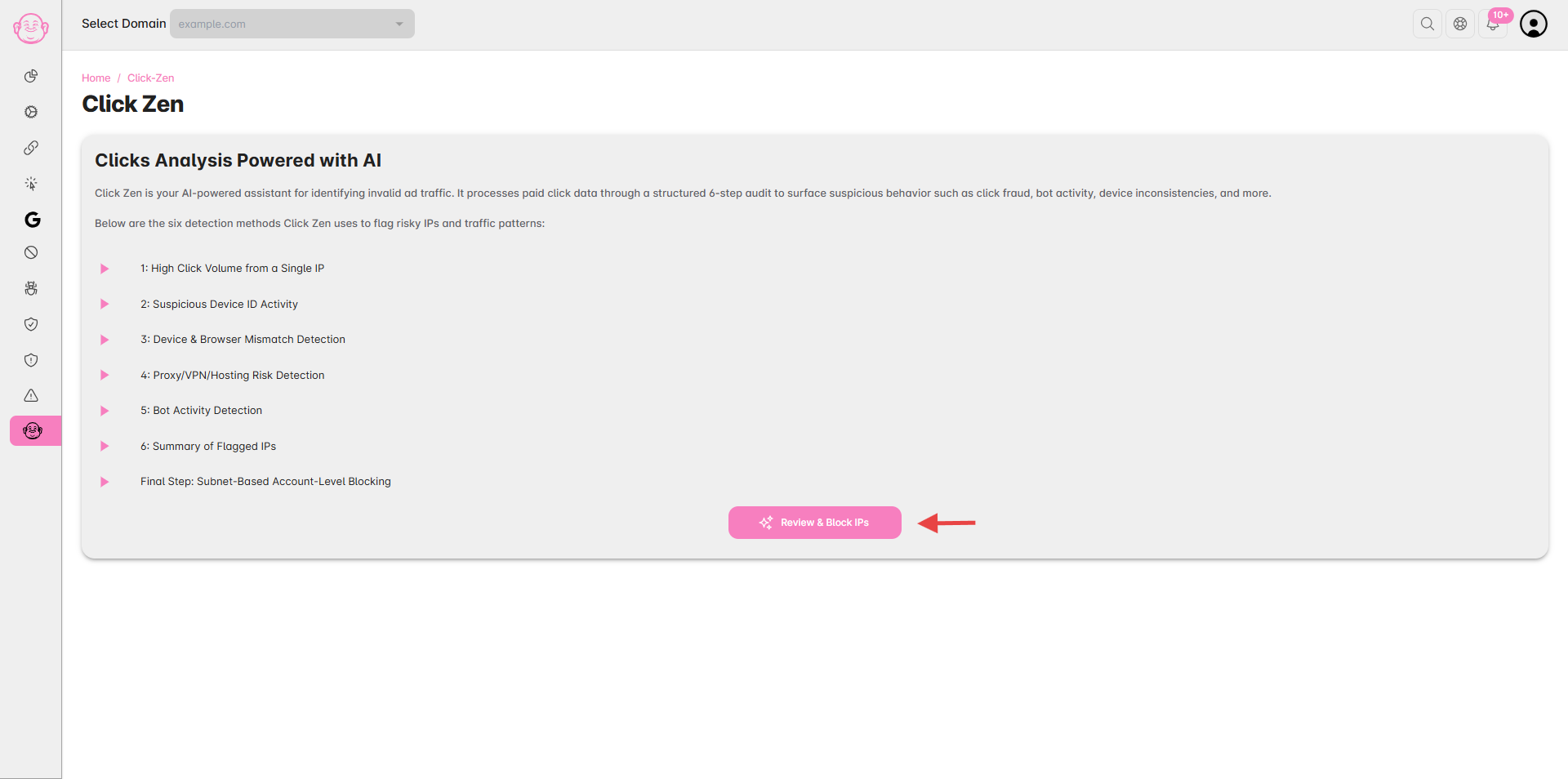
From the sidebar, click on Click Zen (marked with theme color) to open the analysis section
Step 3: Start the Analysis
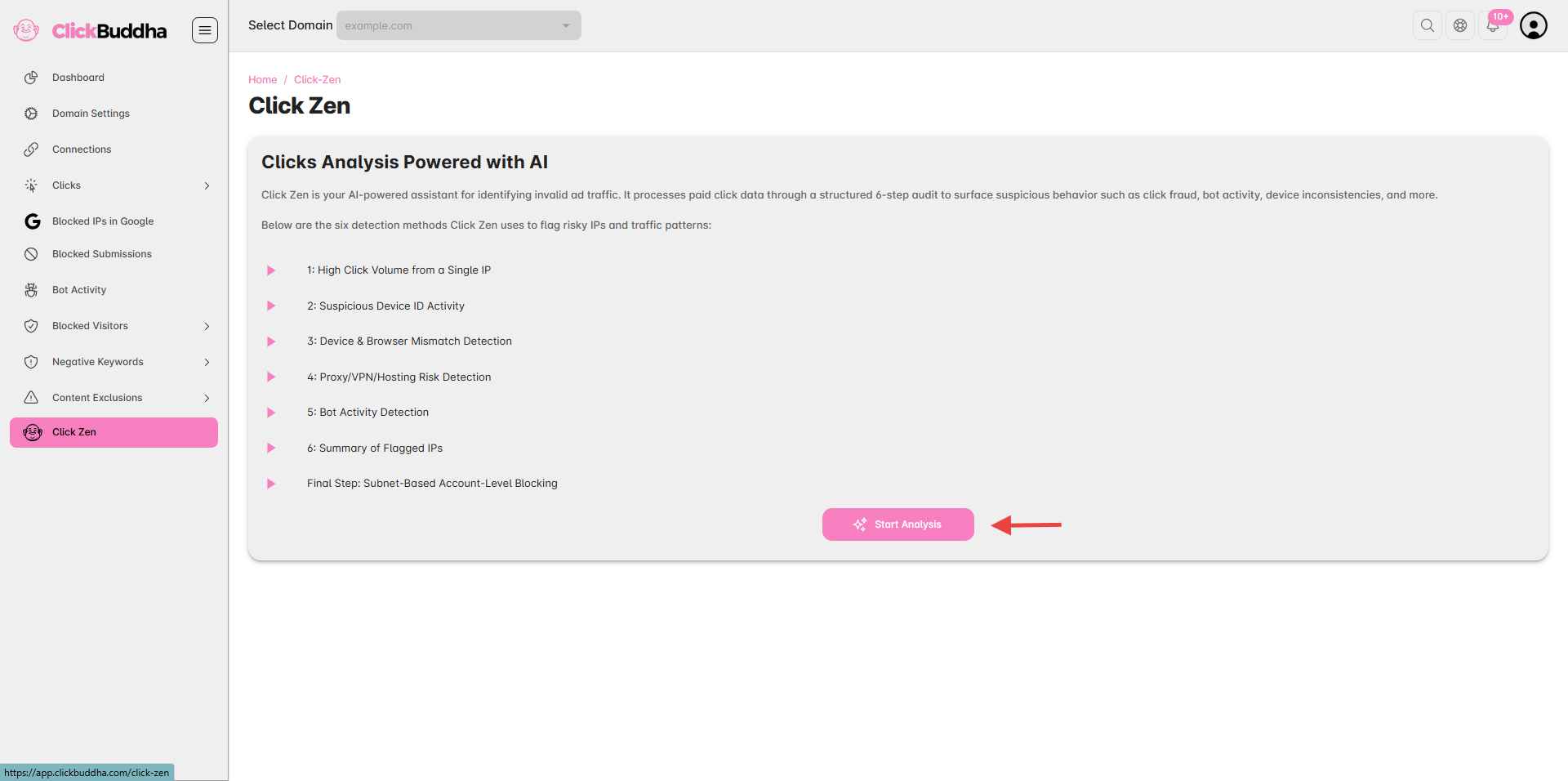
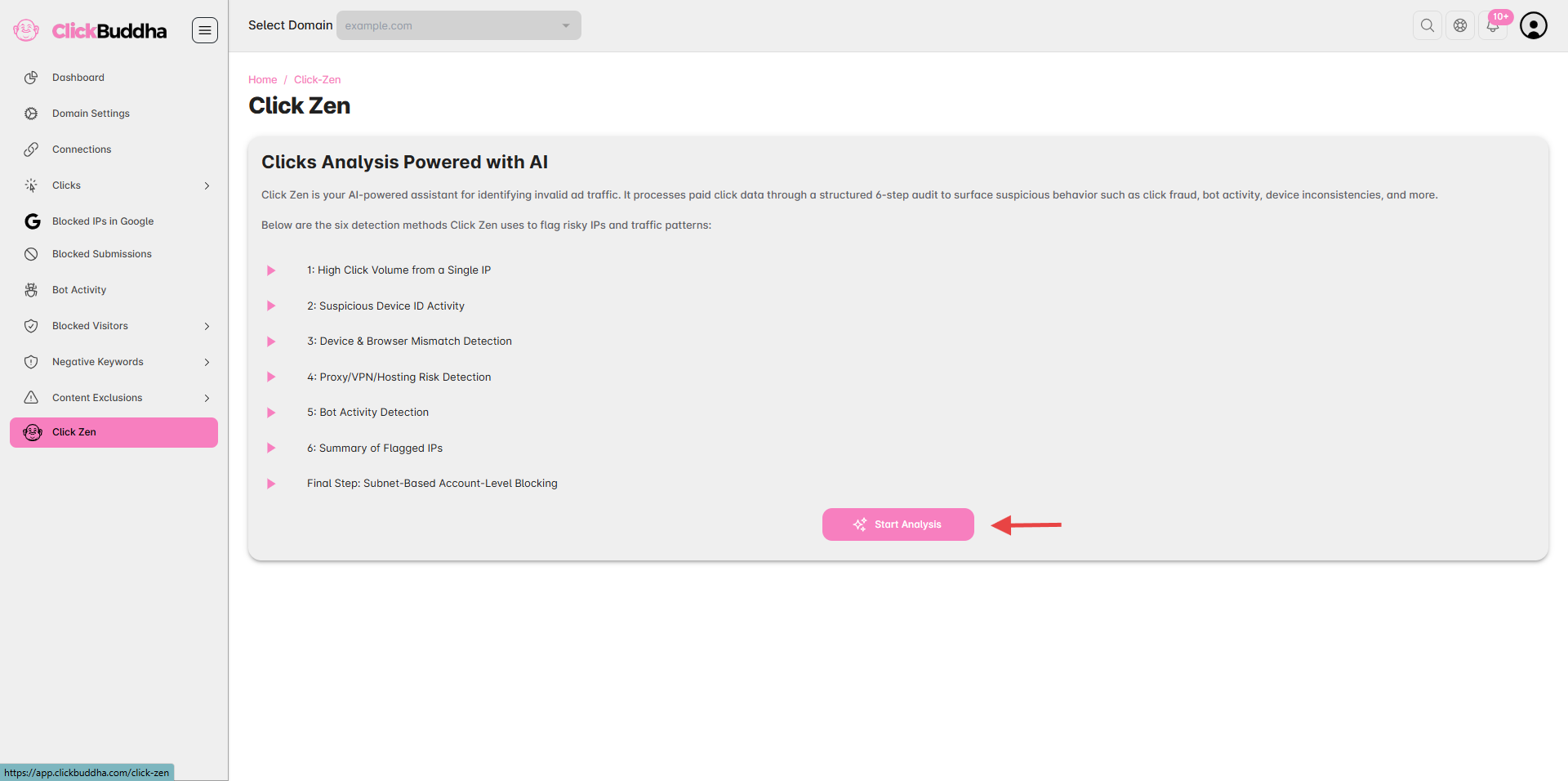
Click the “Start Analysis” button to begin scanning your recent paid clicks.
The system will process your data using Click Buddha’s 6-step AI validation model.
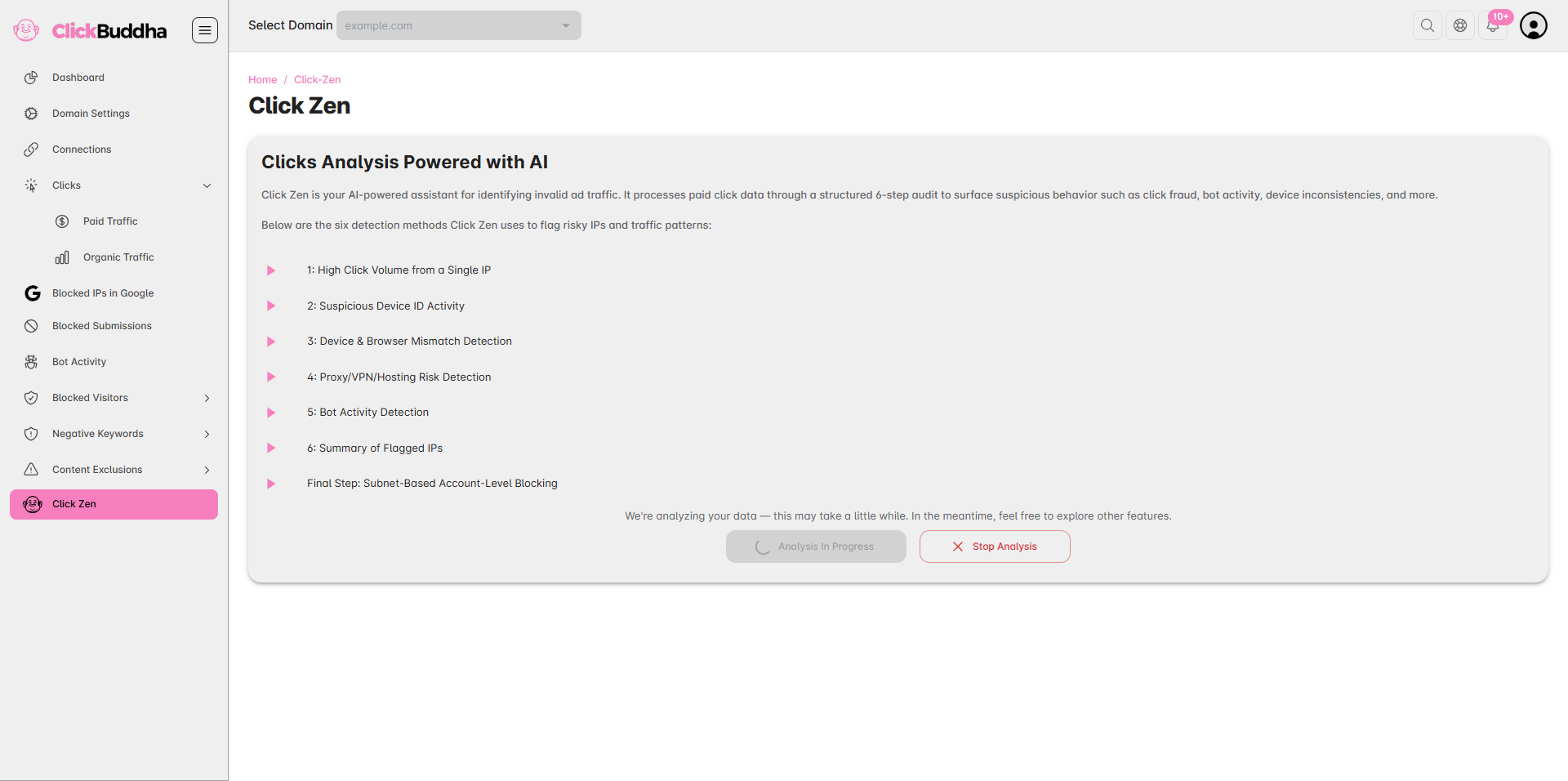
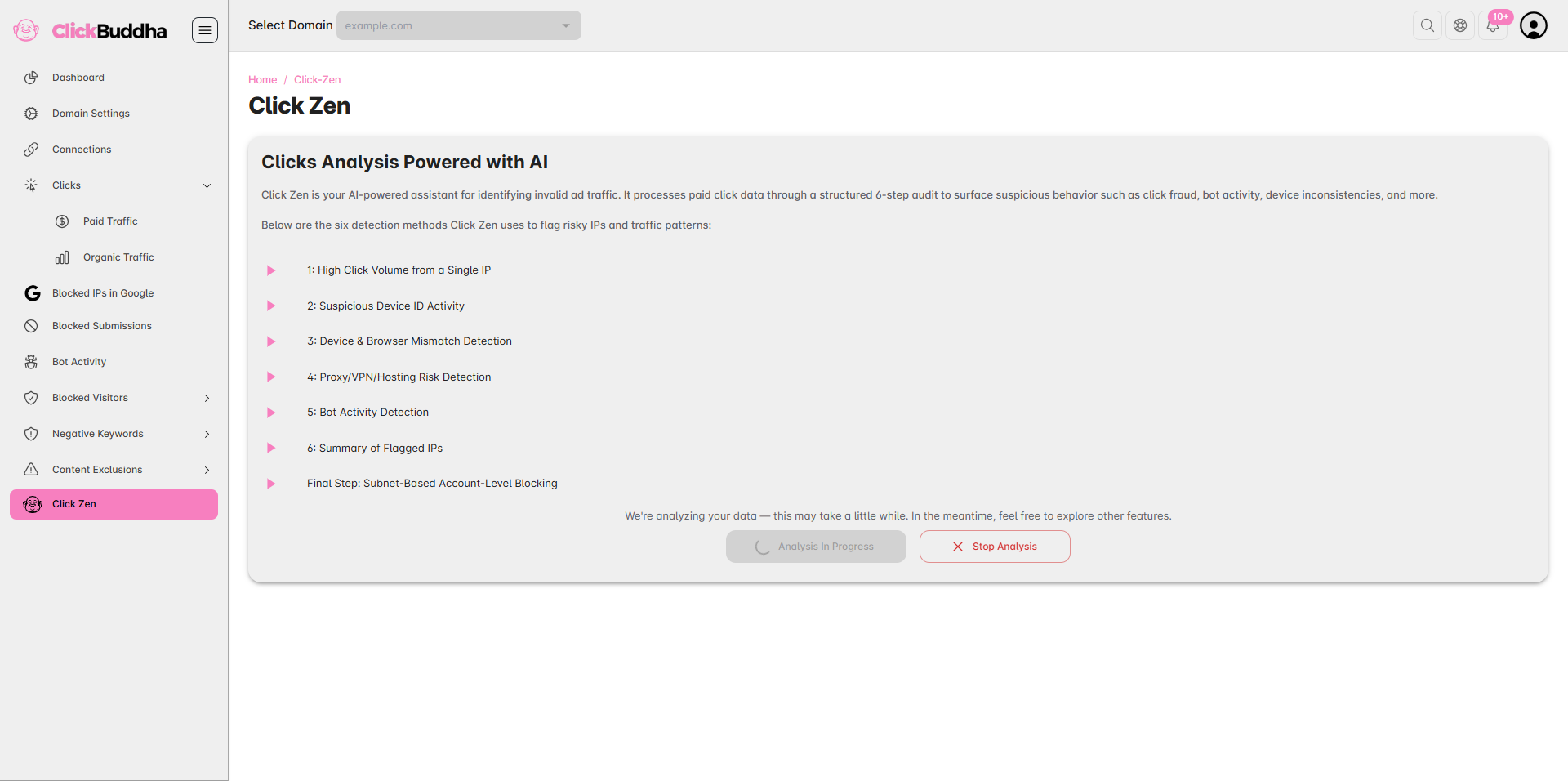
Step 4: Wait for Processing
The analysis may take 5–10 minutes depending on the number of clicks and data volume.
During this time, you can continue using the dashboard — the scan runs in the background.
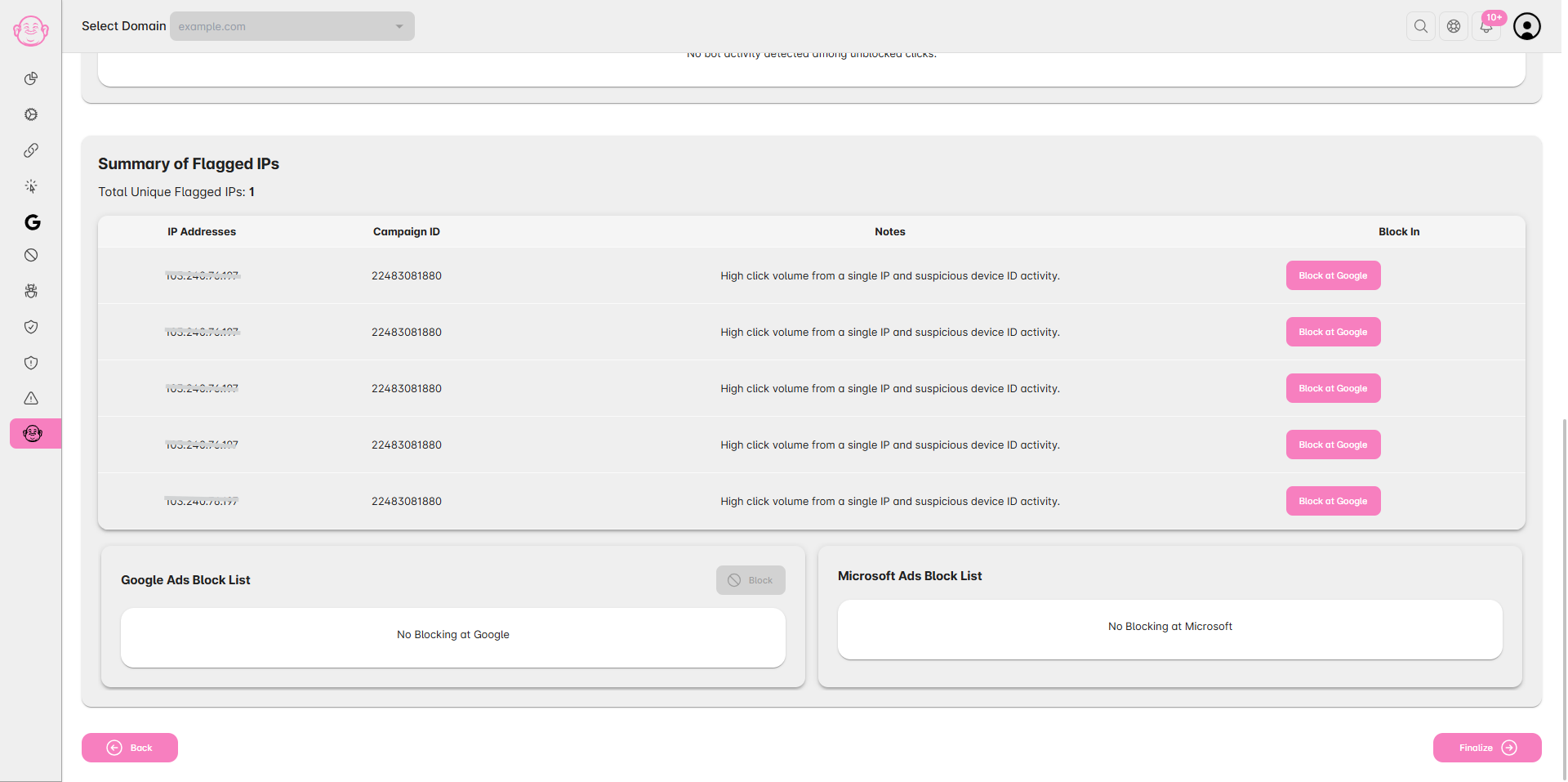
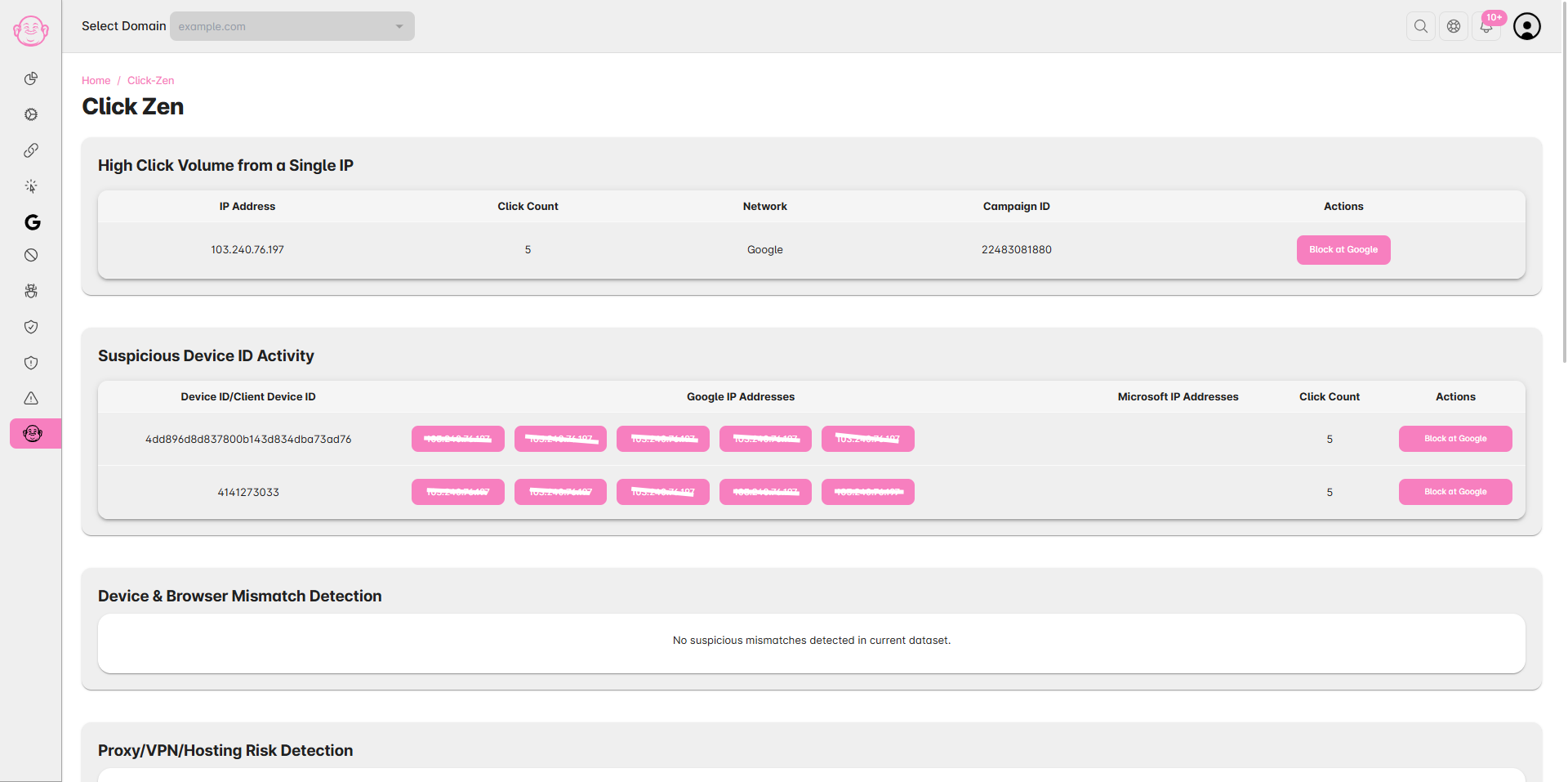
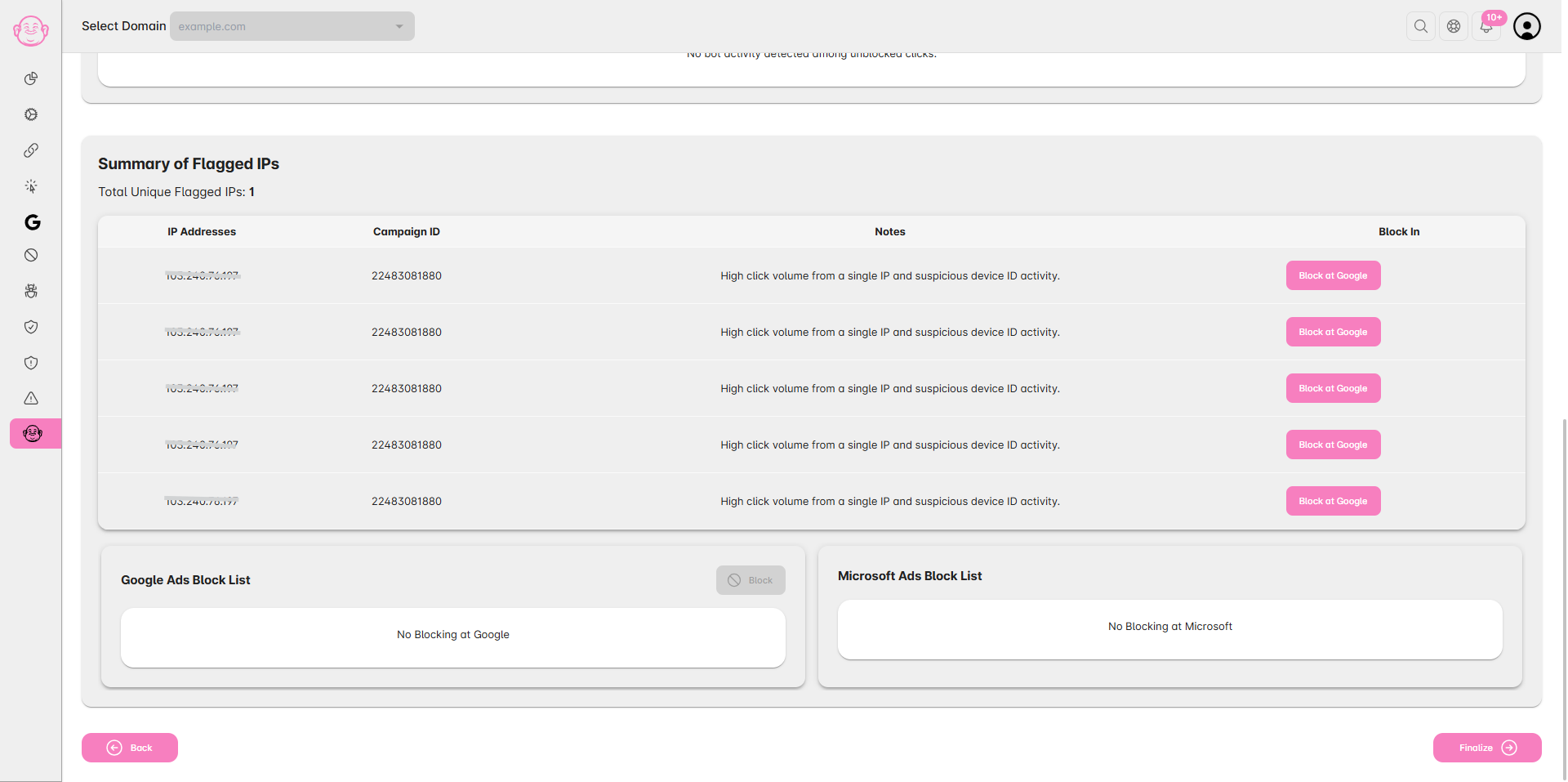
Step 5: Review and Block IPs
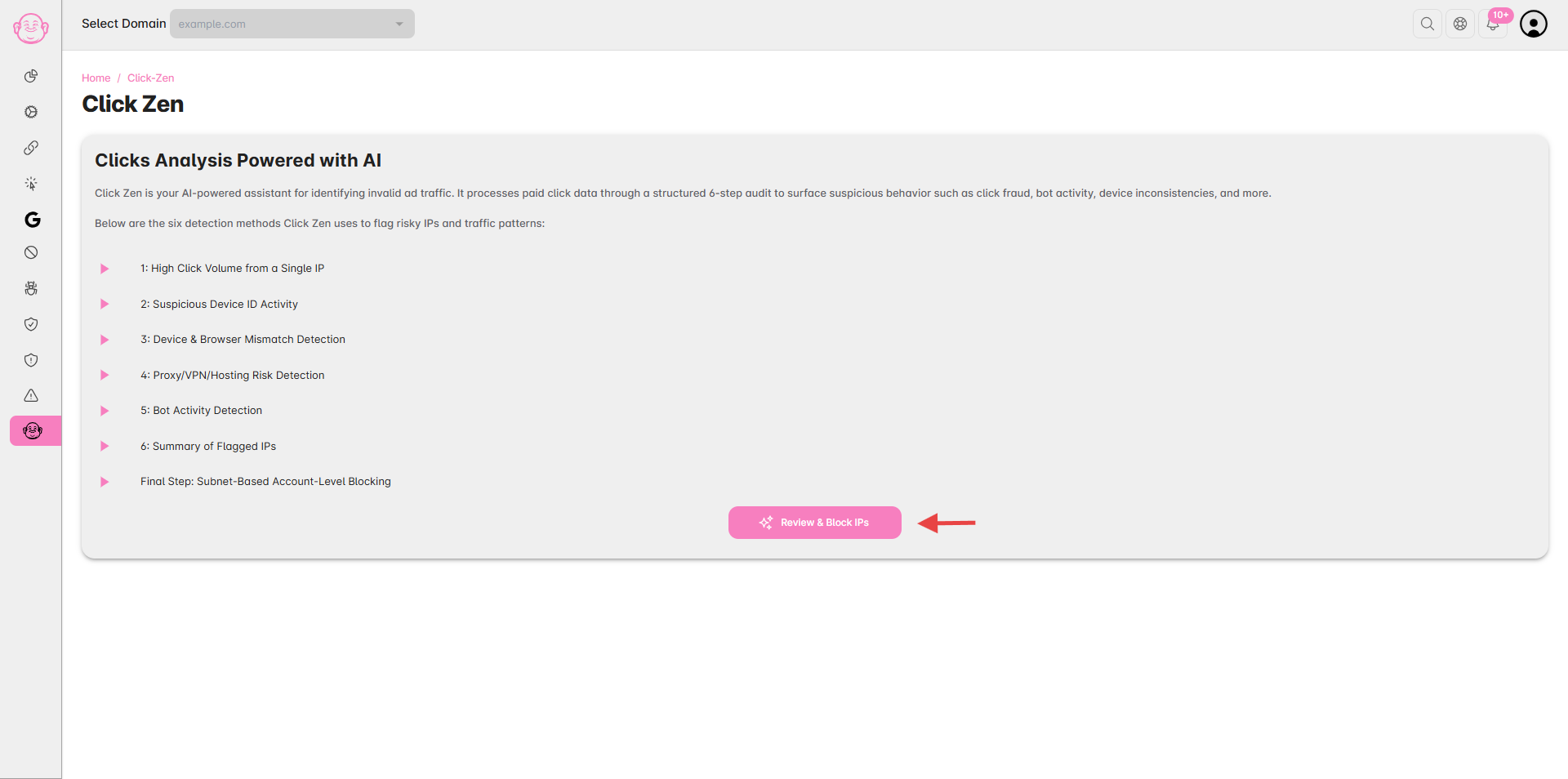
Once the analysis is complete, you’ll receive a notification to Review & Block IPs.
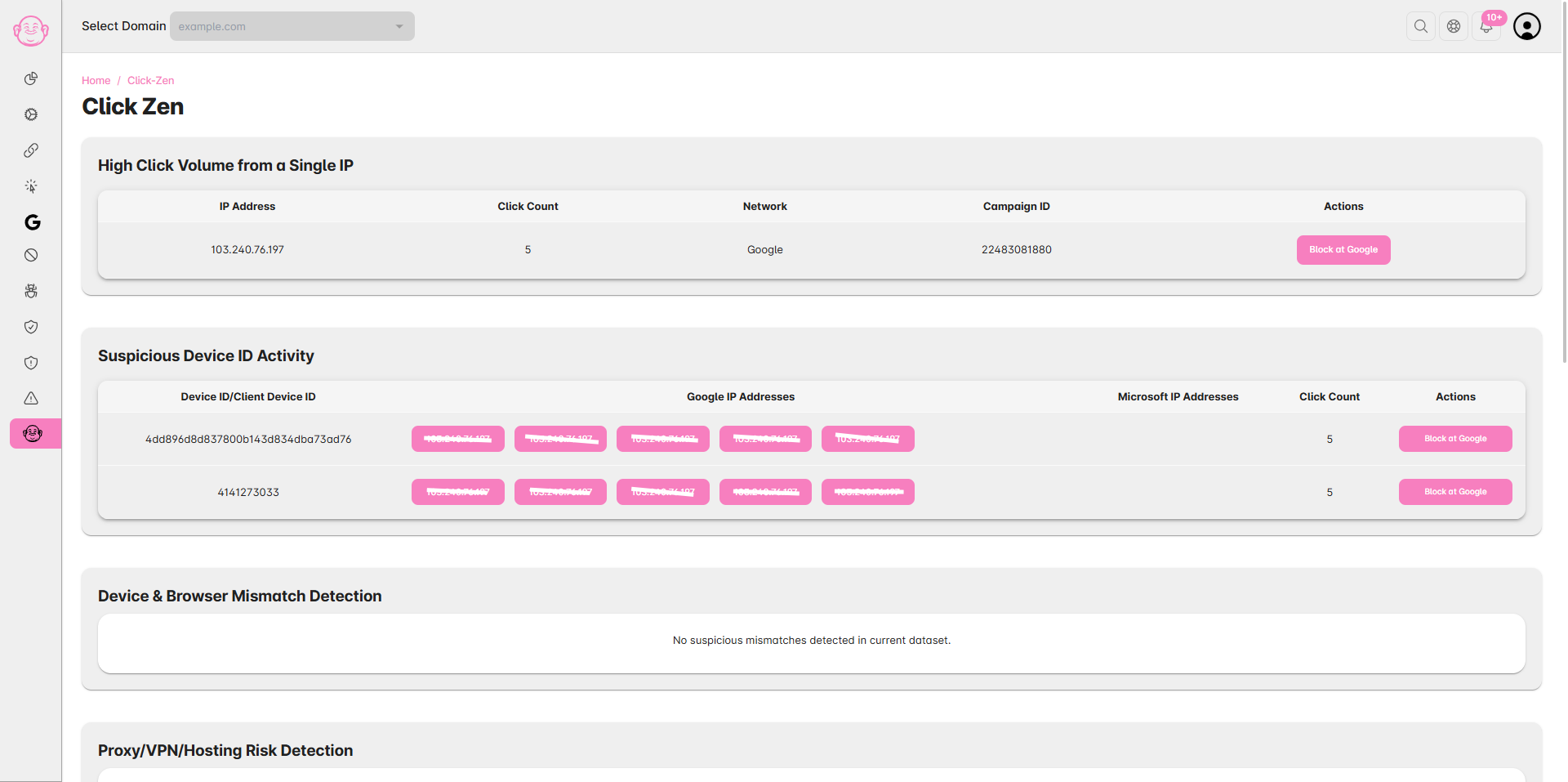
Open the Click Zen report to see AI recommendations for risky IPs, traffic patterns, and sources.
✅ Tip: Running Click Zen analysis regularly helps improve ad spend efficiency and ensures only genuine users reach your website.