
Click Buddha allows you to block unwanted traffic from specific countries or continents to protect your ads, forms, and website from irrelevant or fraudulent visitors.
Step 1: Log in to Click Buddha
-
Login into your account and Open your Click Buddha Dashboard.
Step 2: Go to Domain Settings
-
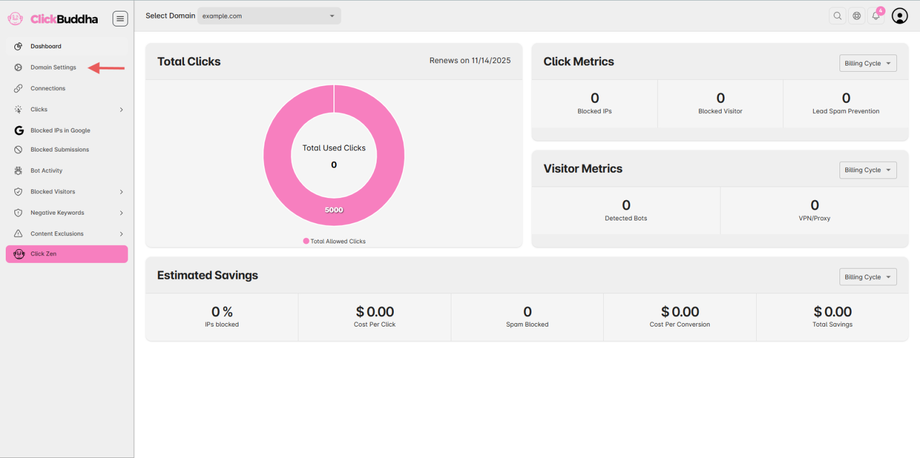
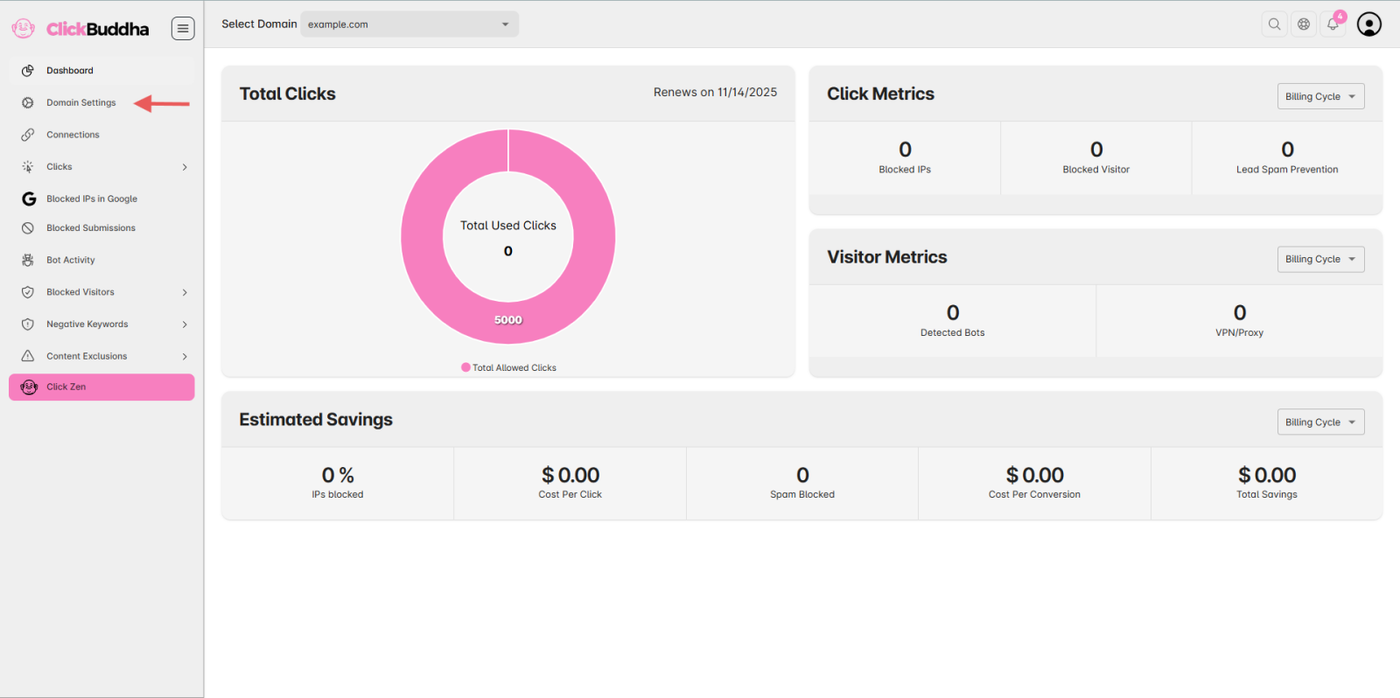
From the sidebar, Open Domain Settings.
Step 3: Scroll to Country & Continent Security Section
-
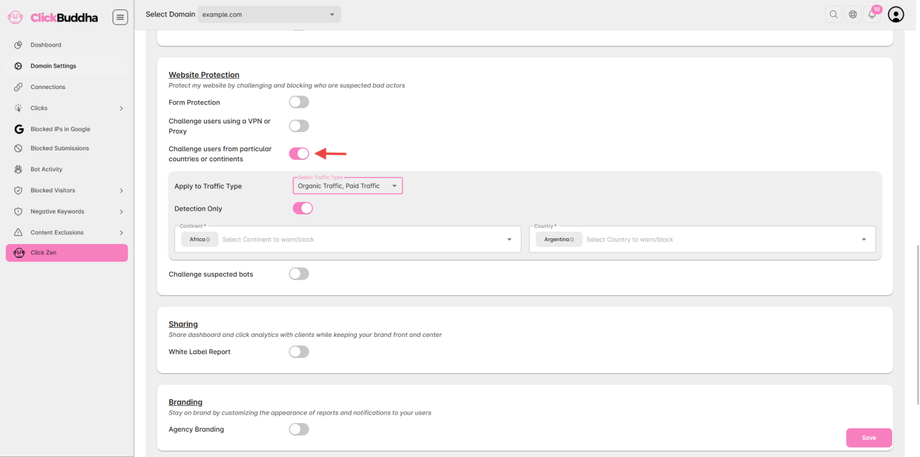
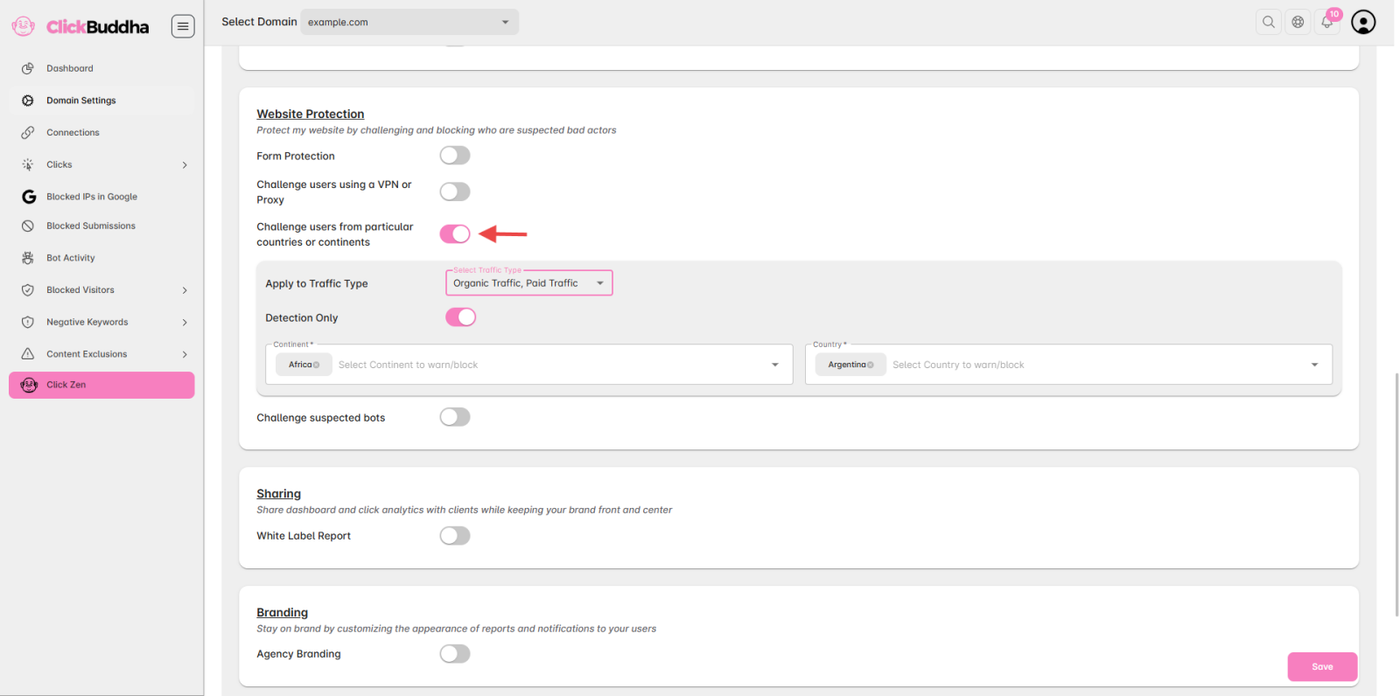
Find the Challenge users from particular countries or continents section under Website Protection.
- Toggle ON the “Challenge users from particular countries or continents”.
Step 4: Enable the Feature
-
Select A list of continents and countries from the dropdown will appear for configuration.
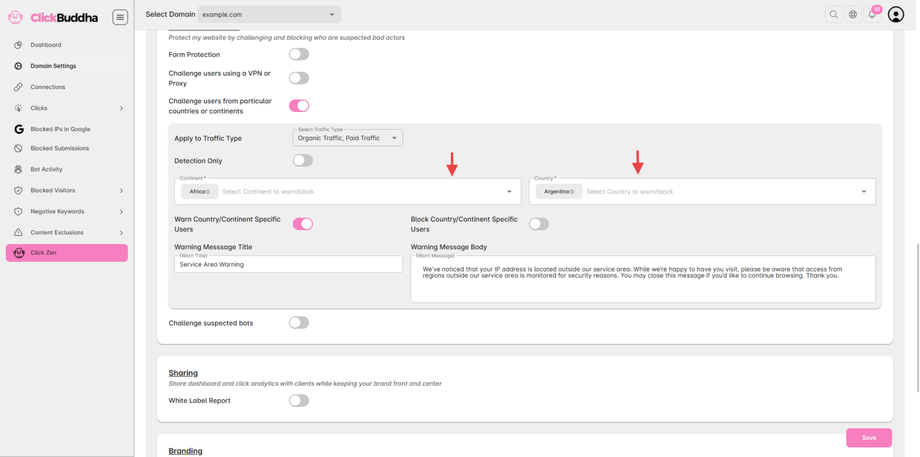
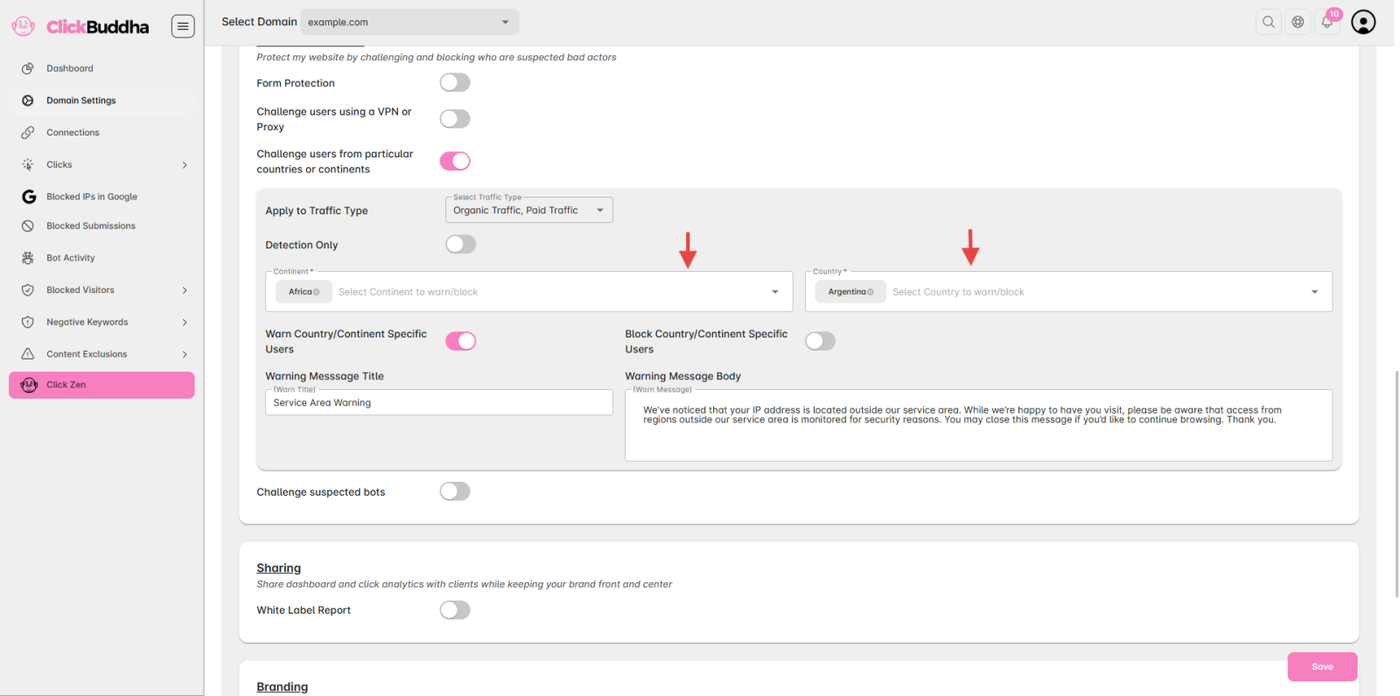
Step 5: Configure Access Rules
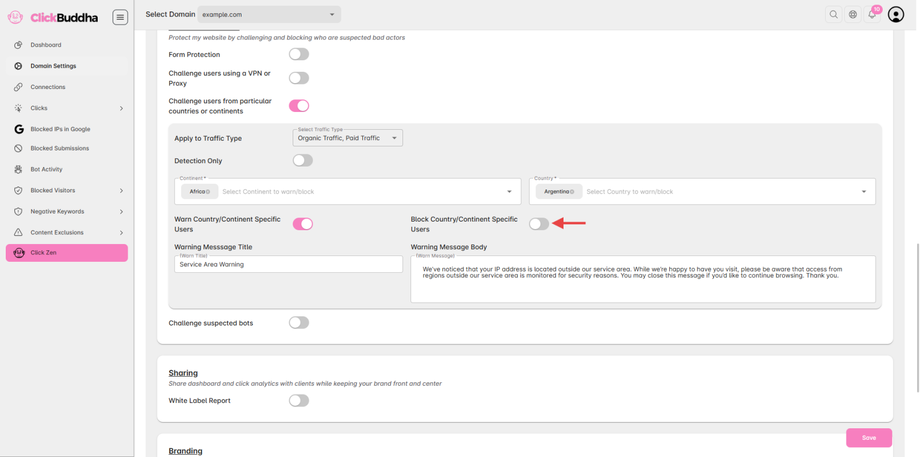
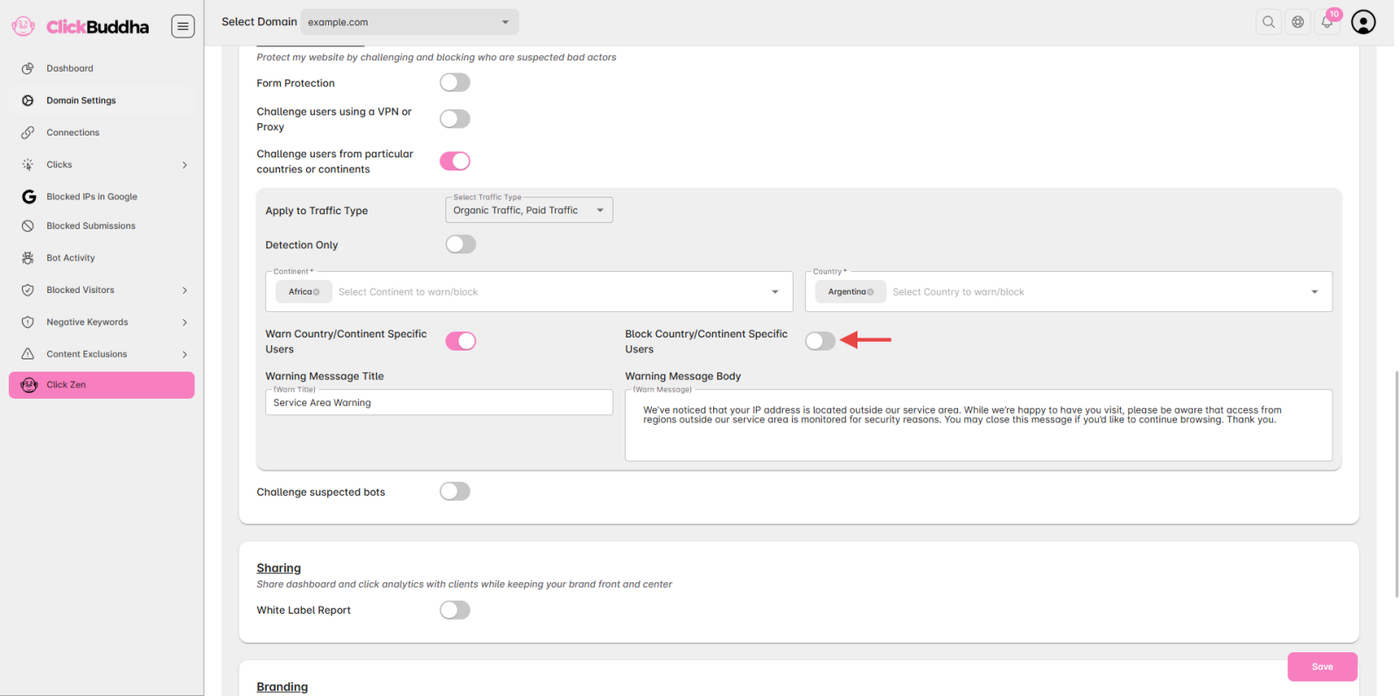
- Enable Block Country/Continent Specific Users Toggle to block IP and It will show a Popup with Block Title and Message.
- It also includes a form to unblock IP request.
Step 6: Save Changes
-
After configuring your preferences, click Save Settings to activate the rules.
✅ Tip: Review your blocked traffic under Website Protection Logs to ensure no important users are affected.