
You can delete any domain from your Click Buddha account if it’s no longer needed.
Please note that deleting a domain will permanently remove all its data.
Step 1: Go to Domains
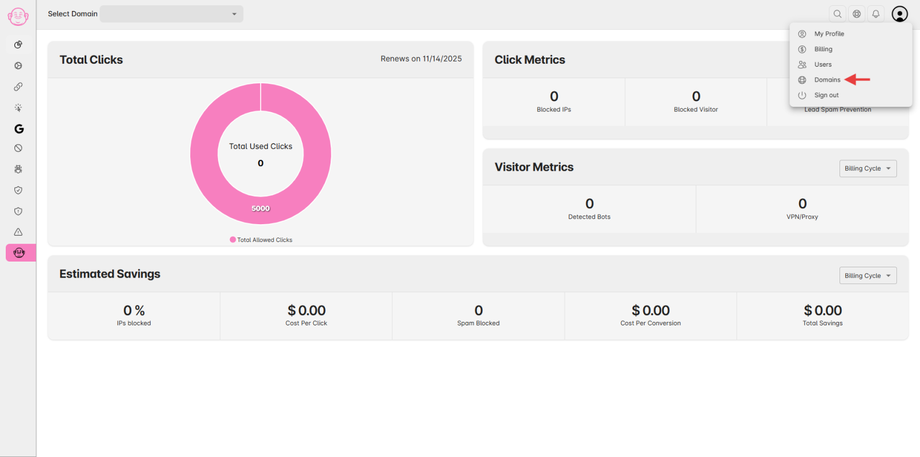
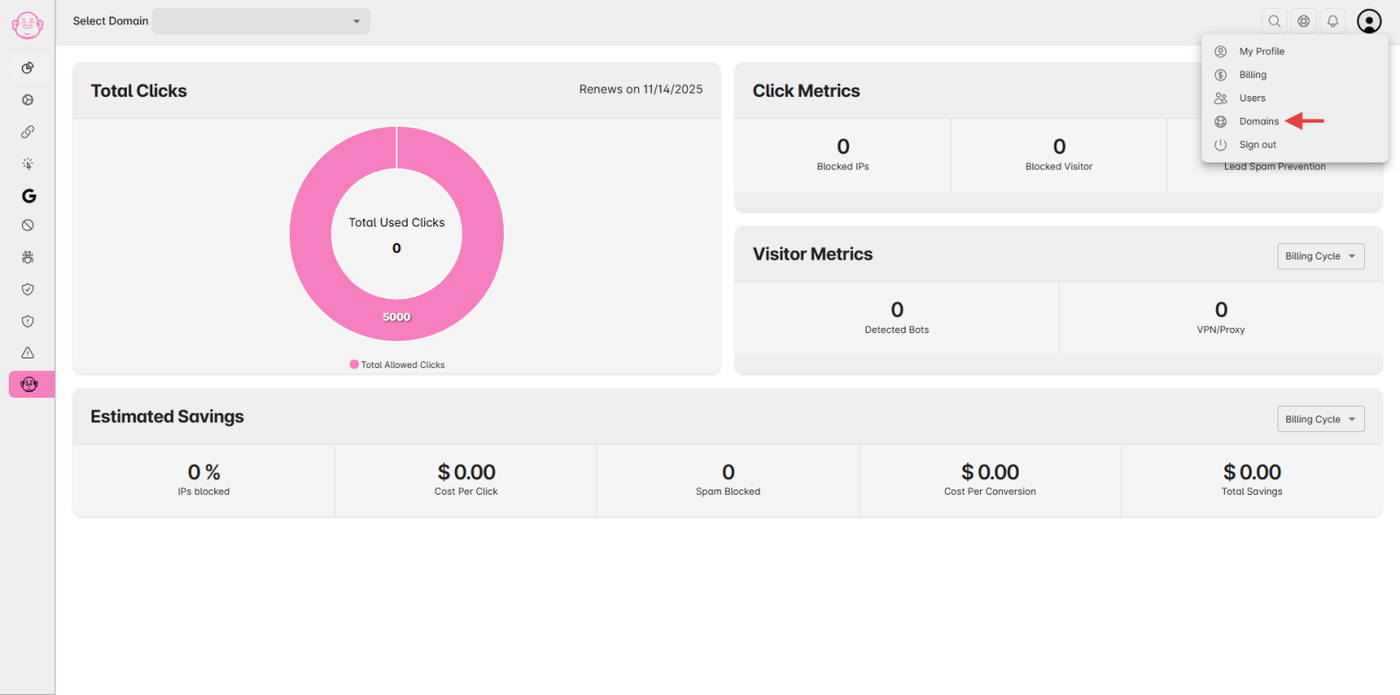
Open your Click Buddha Dashboard.
From the User Profile menu, select Domains.
Step 2: View Your Domain List
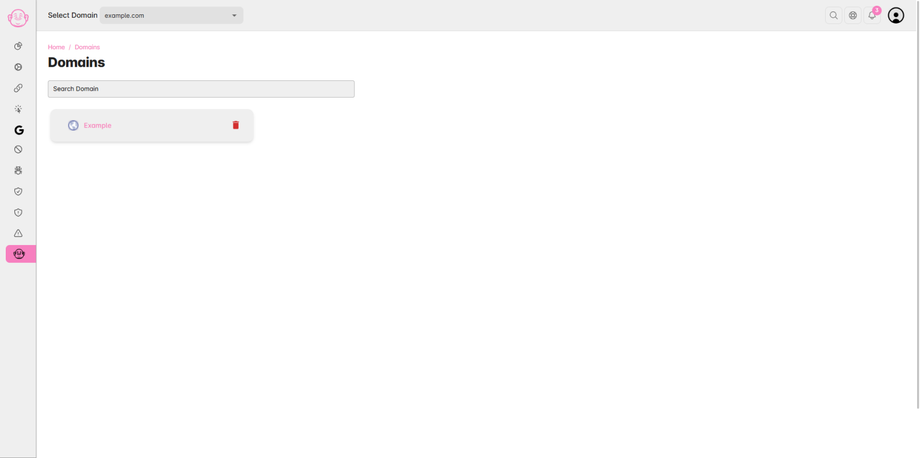
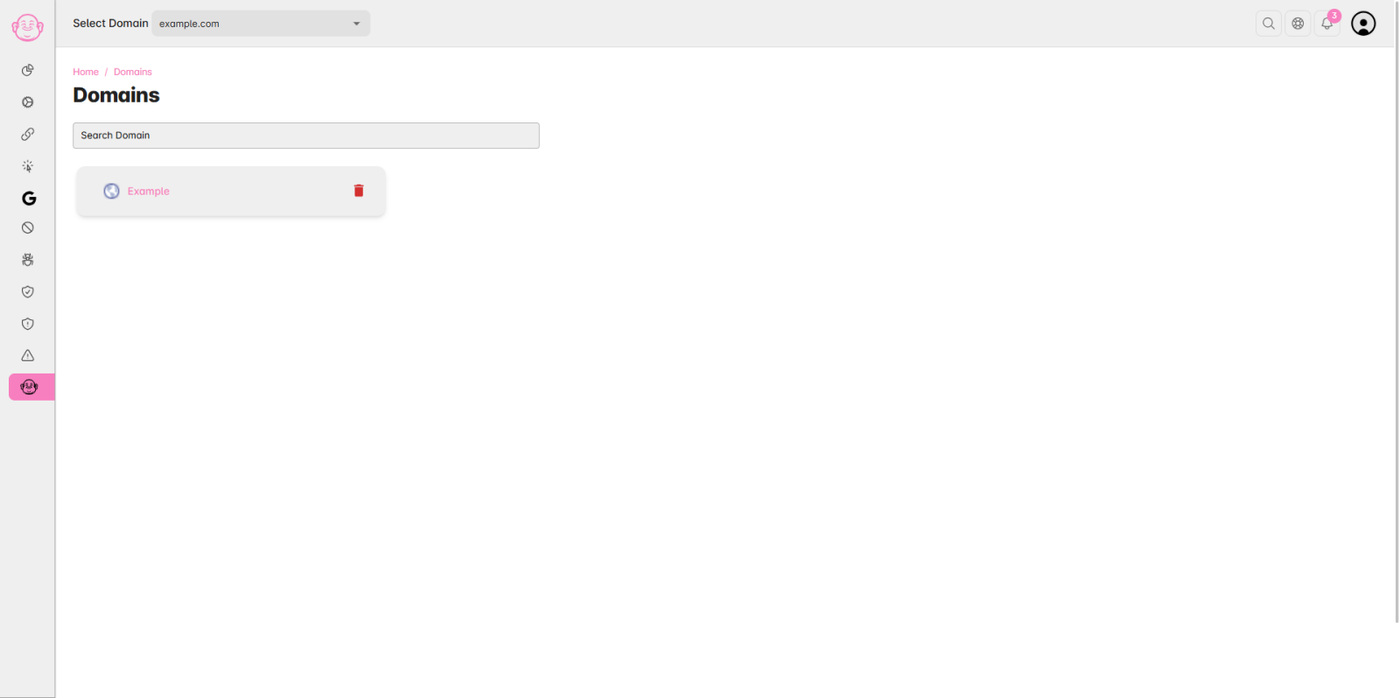
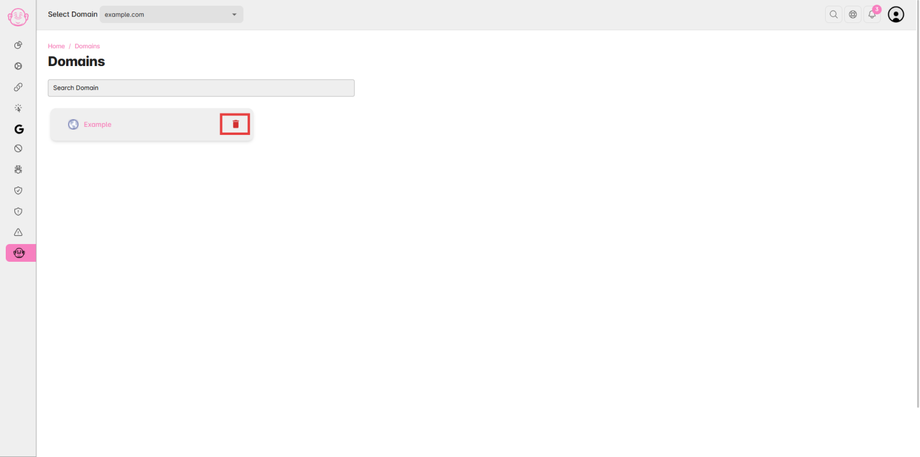
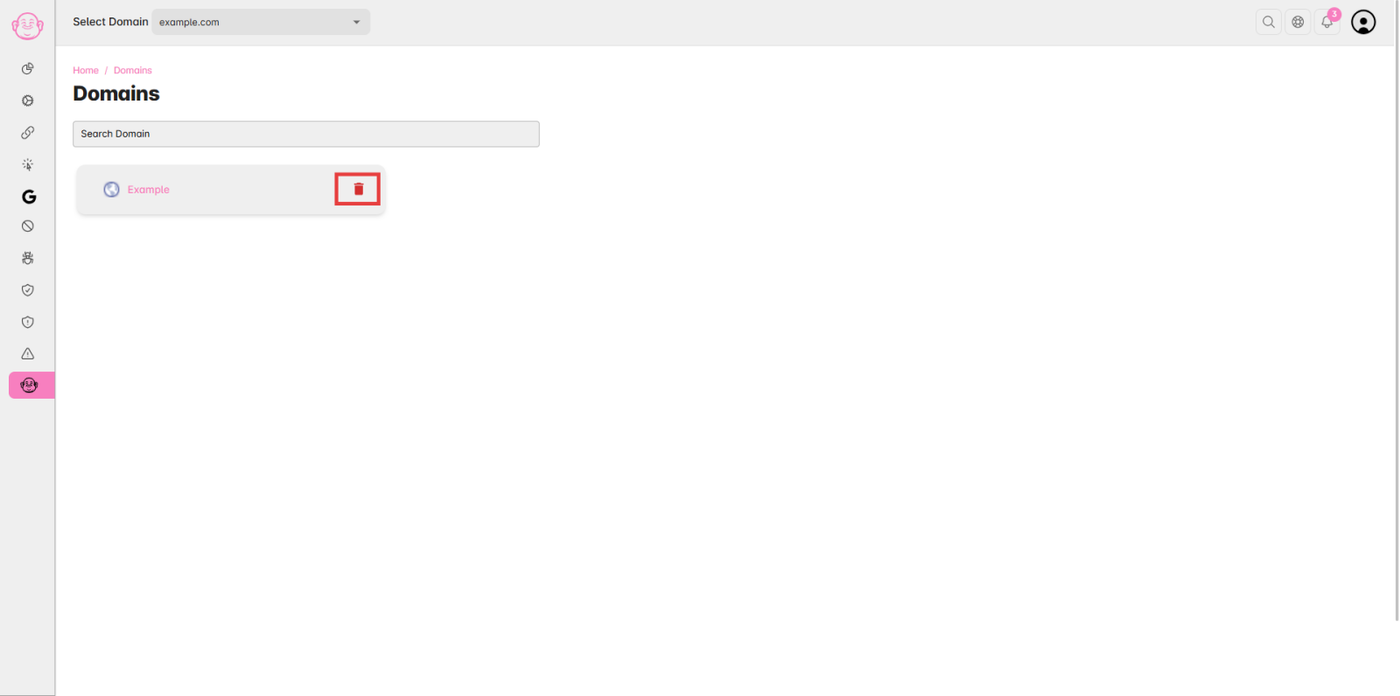
You’ll see a list of all domains added to your account.
Step 3: Delete the Domain
Find the domain you want to delete.
Click the 🗑️ Delete icon on the left side of the domain name card.
Step 4: Confirm Deletion
A confirmation prompt will appear.
Click Confirm to permanently delete the domain.
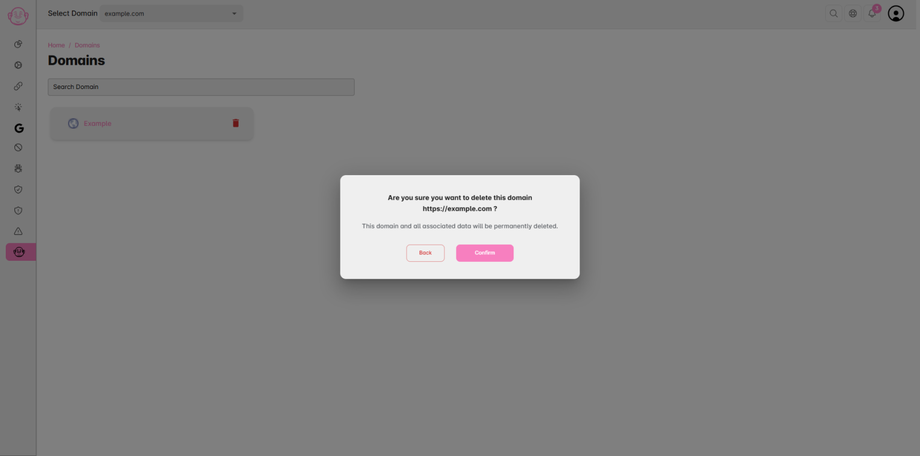
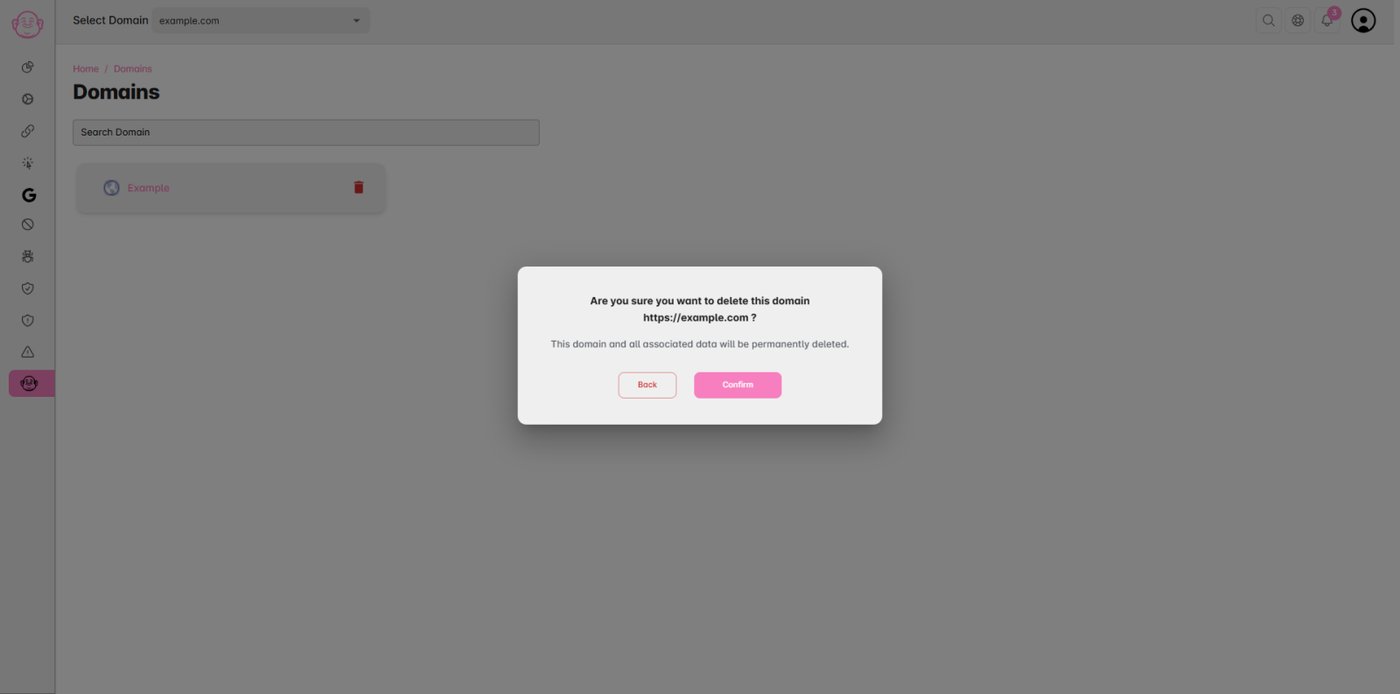
⚠️ Note: Deleting a domain will remove all related data, including analytics, blocked IPs, and protection settings. This action cannot be undone.