
If you manage multiple domains in Click Buddha, you can easily switch between them without leaving your dashboard.
Step 1: Log in to Click Buddha
Open your Click Buddha Dashboard and log in to your account.
Step 2: Open the Domain Selector
In the header section at the top of the dashboard, locate the Domain Dropdown Menu.
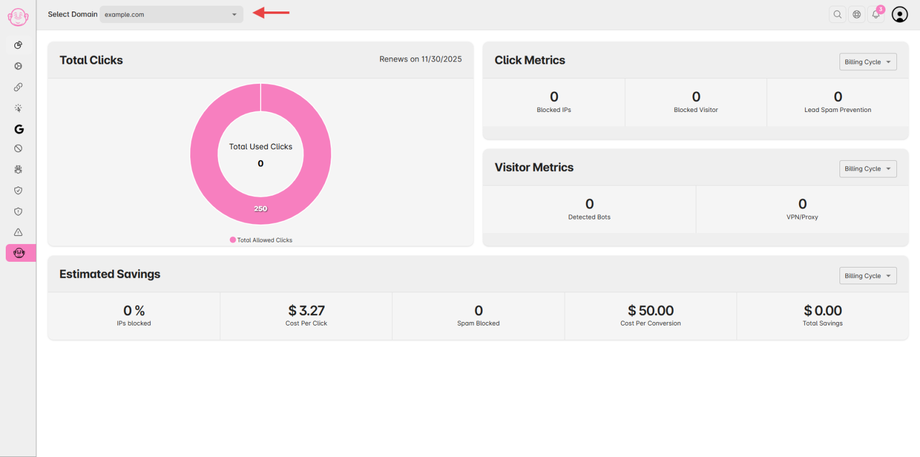
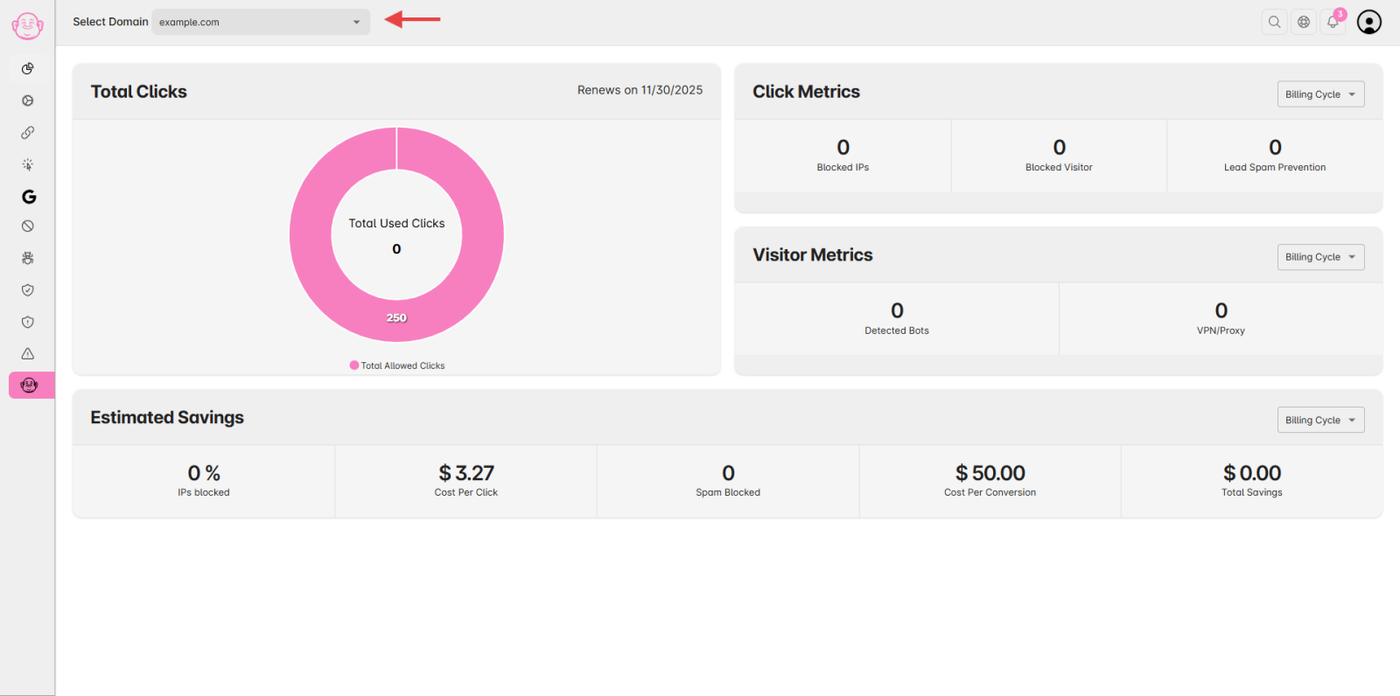
Step 3: Switch Domain
Click the dropdown and select the domain you want to view.
The dashboard will automatically refresh to display data for the selected domain.
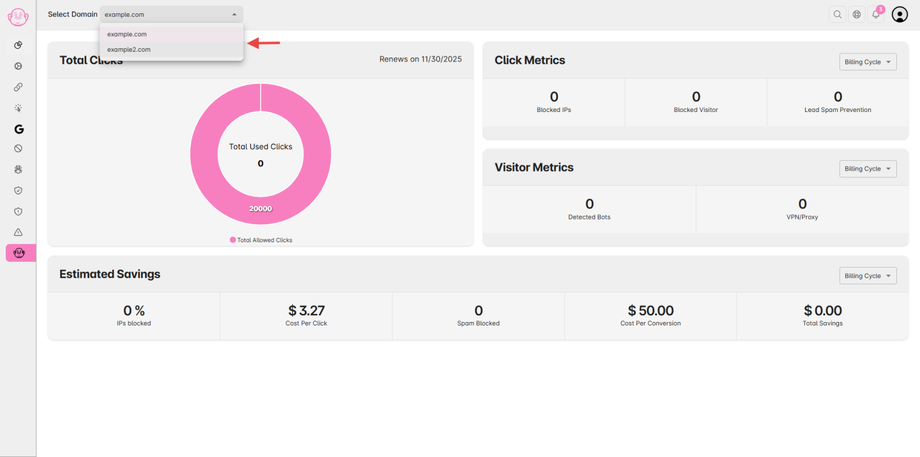
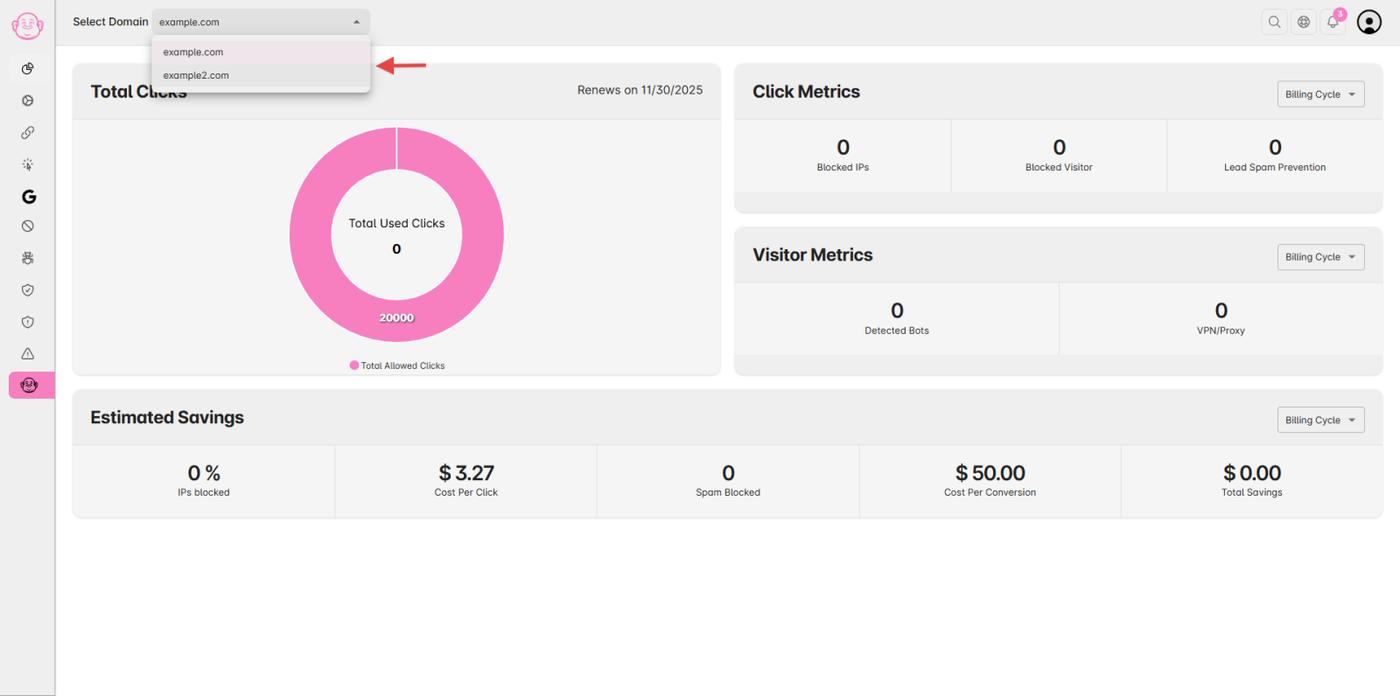
✅ Tip: Each domain has its own analytics, blocked IPs, and settings — switching domains updates all these views instantly.