
You can easily edit or update your domain information anytime from your Click Buddha dashboard.
Step 1: Open Your Dashboard
Log in to your Click Buddha Dashboard.
Step 2: Go to Domain Settings
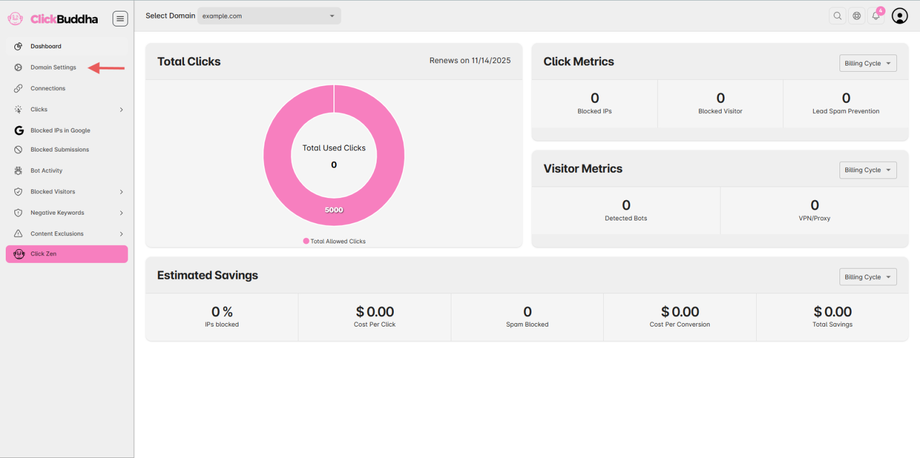
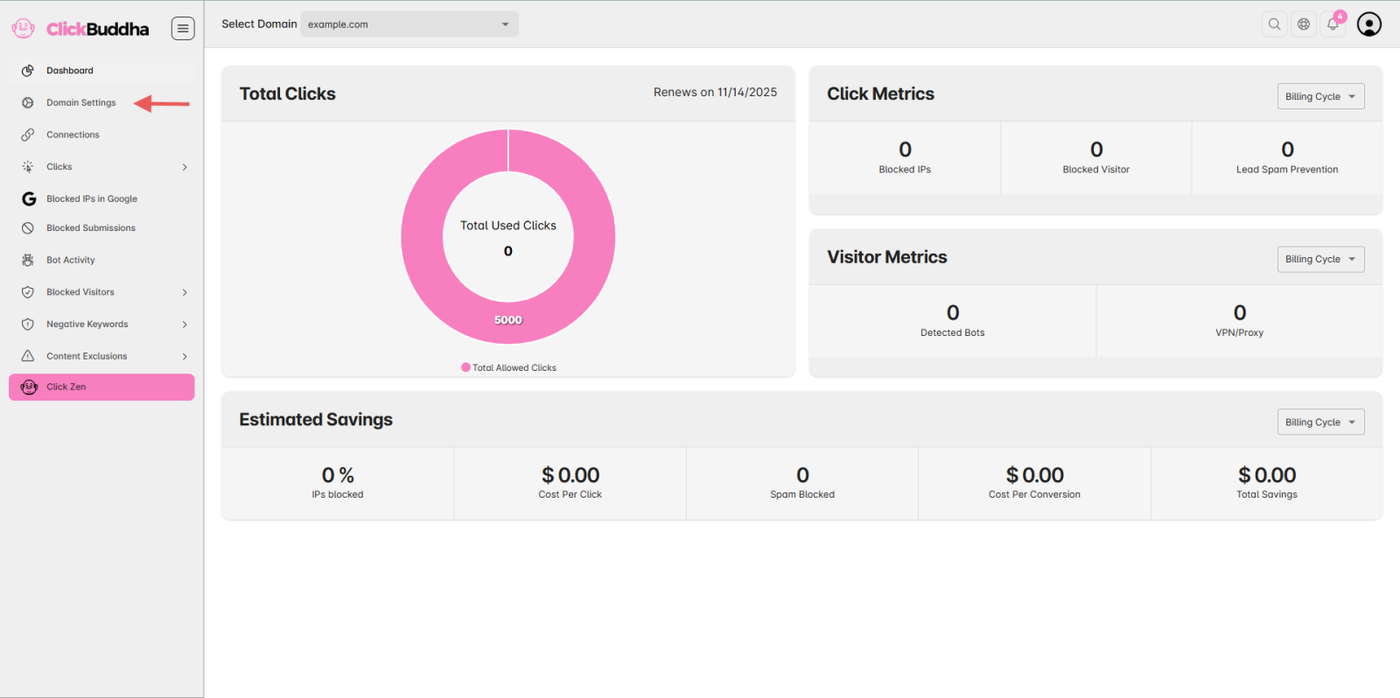
From the sidebar, navigate to Domain Settings.
Step 3: Edit Domain Details
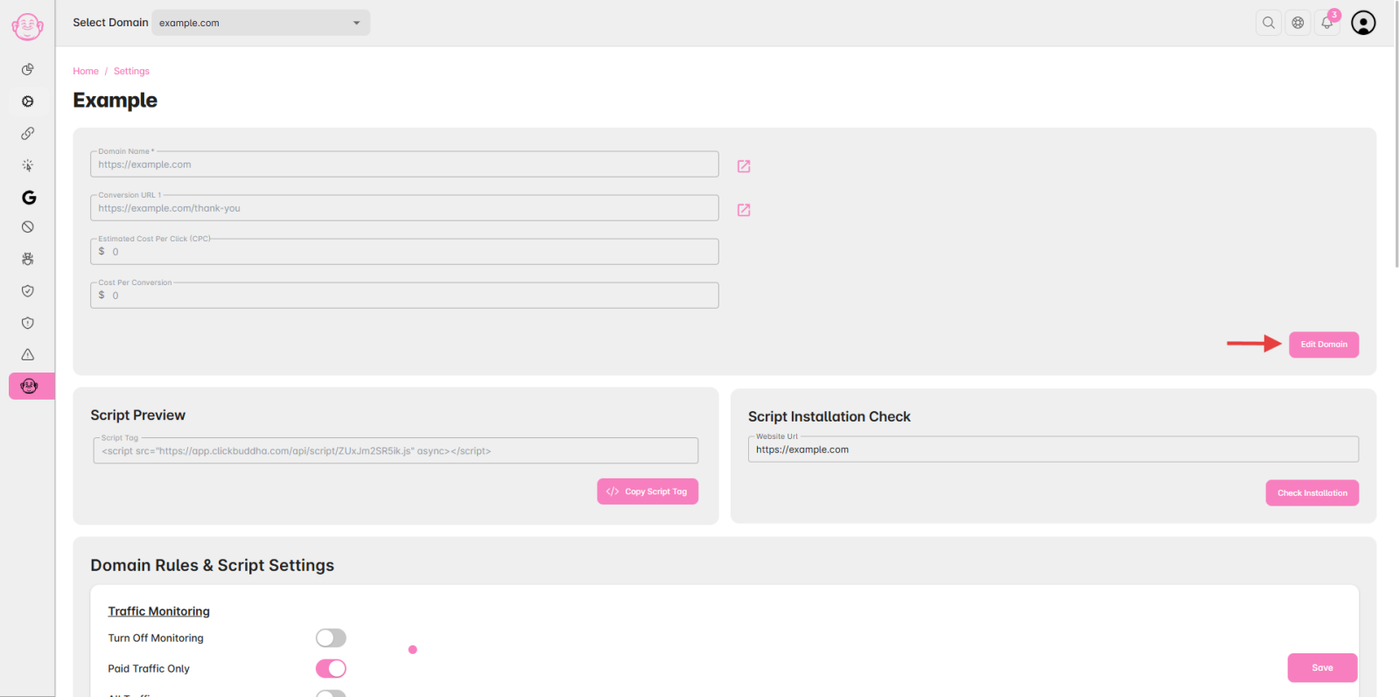
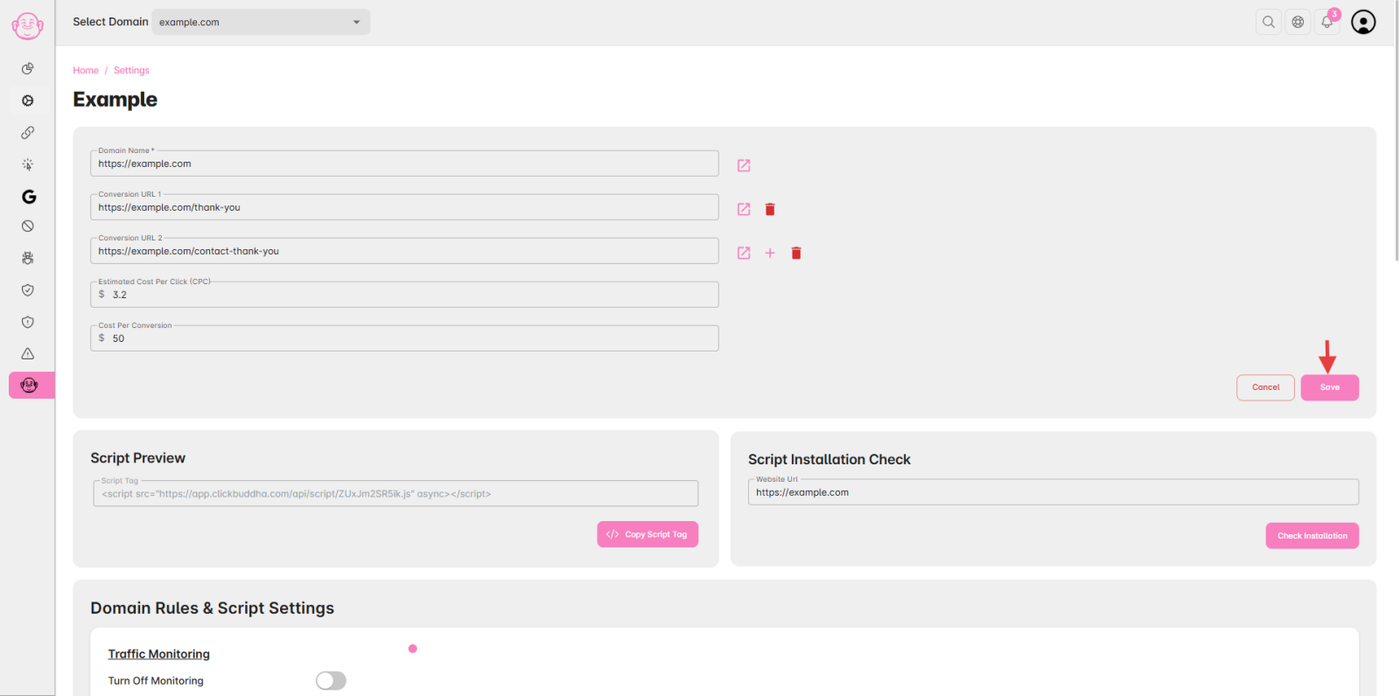
Click the “Edit Domain” button to modify your domain details such as:
Domain Name
Conversion URLs
Estimated Cost per Click
Average Cost per Conversion
Step 4: Save Your Changes
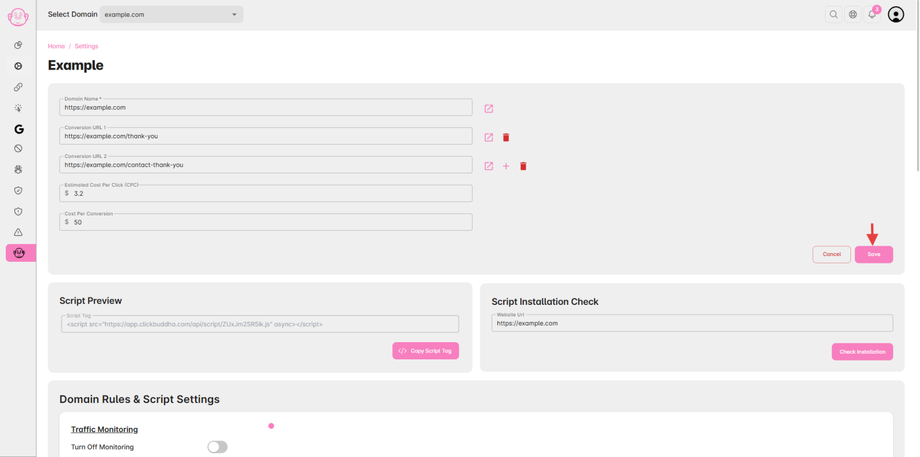
After making the necessary updates, click “Save” to apply the changes.
✅ Tip: Review your settings after saving to ensure all details are accurate for proper tracking and reporting.