
Yes — Click Buddha can notify you immediately whenever a form submission is detected as spam or bot activity. This helps you stay informed and take action quickly.
Step 1: Open Click Buddha Dashboard
Open your Click Buddha Dashboard.
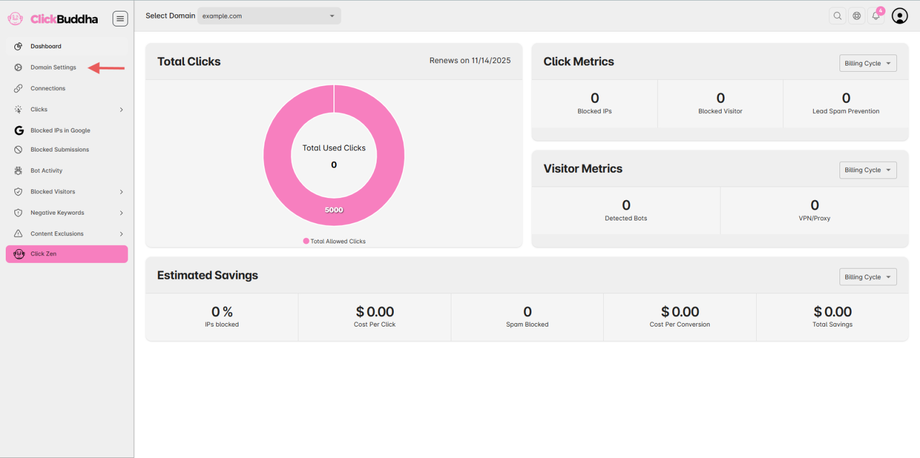
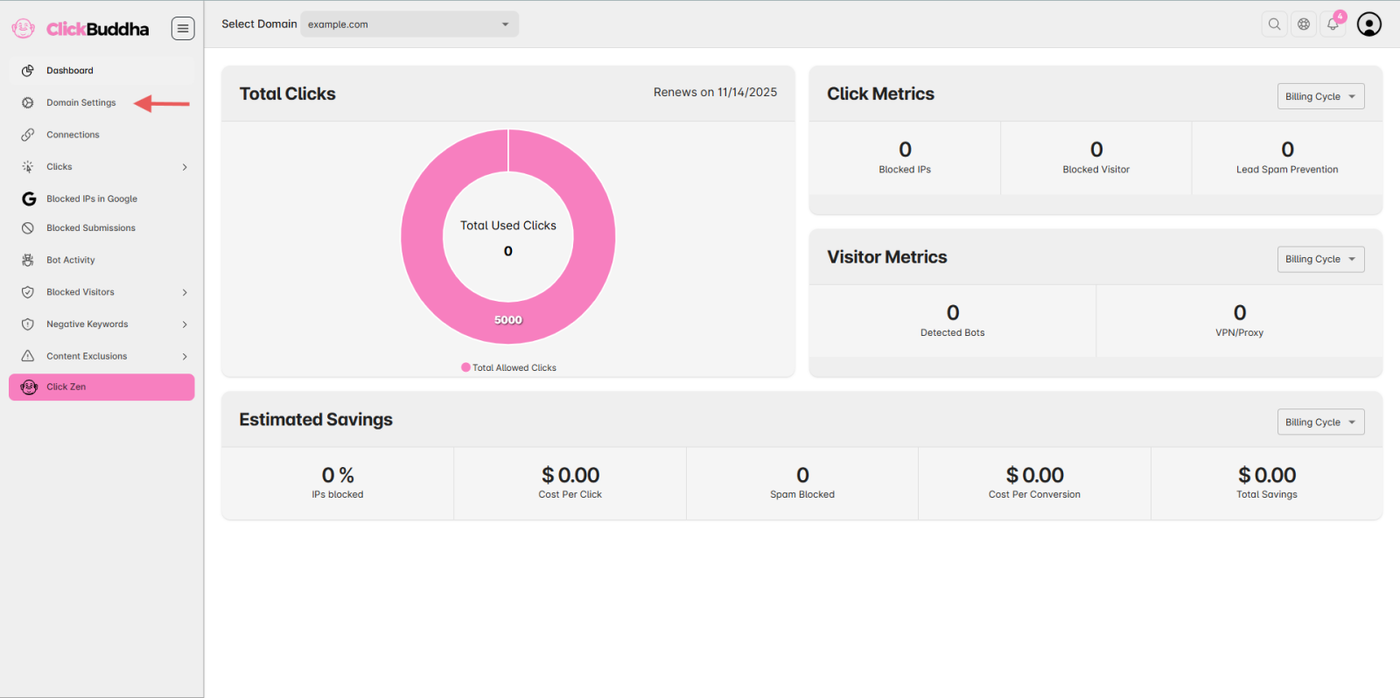
Step 2: Go to Domain Settings
From the sidebar, open Domain Settings.
Step 3: Enable Real-Time Alerts
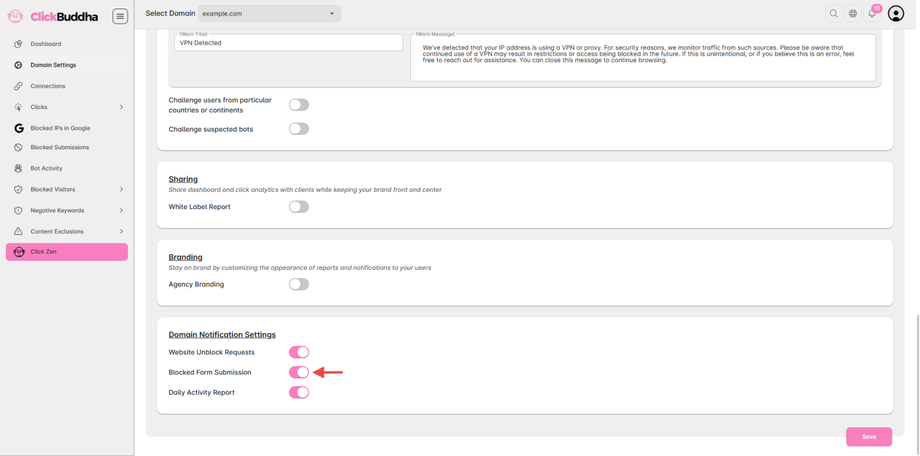
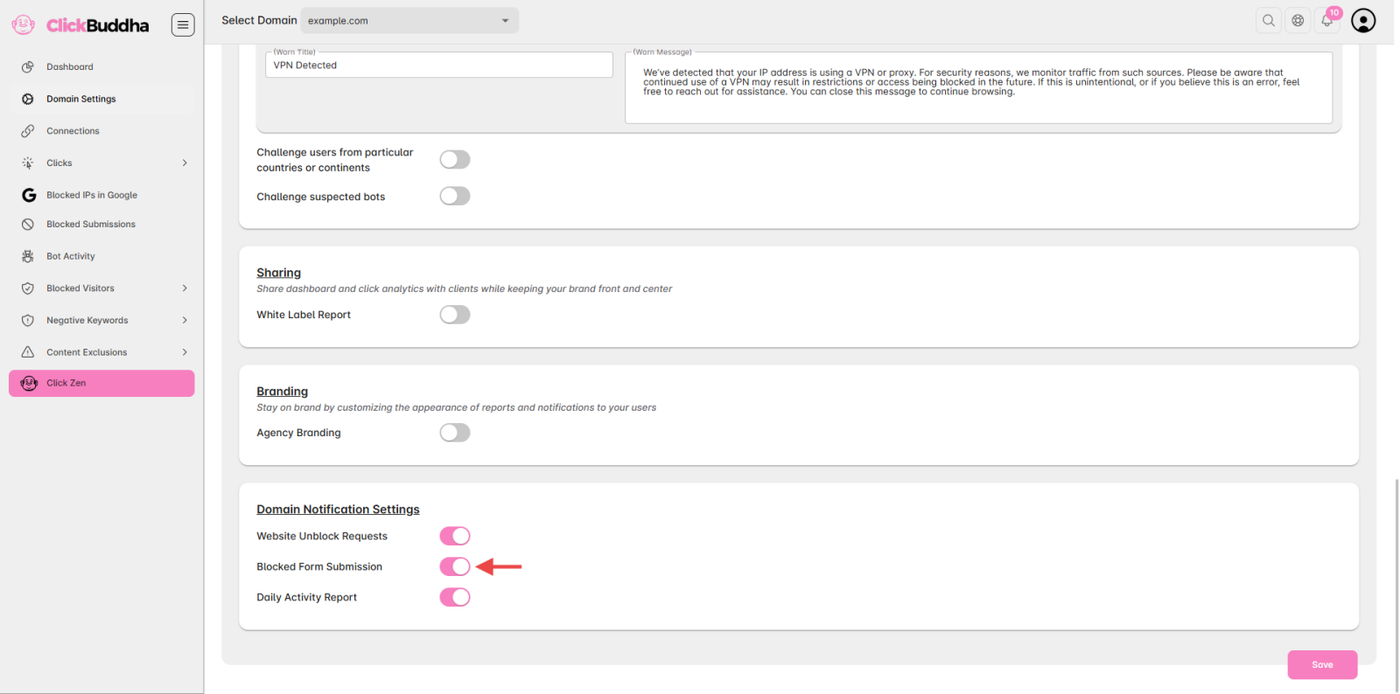
Scroll down to the Domain Notification Settings section.
Enable Blocked Form Submission toggle.
You will be prompted to your registered email address for alerts.
Step 4: Save Settings
Once configured, click Save to apply the changes.
✅ Tip: Ensure your email is active and correct.