
Form Protection helps prevent spam submissions, bot activity, and fraudulent leads on your website forms.
By enabling this feature, Click Buddha ensures that only genuine users can submit forms, improve the quality of your leads and protect your resources. Click Buddha allows you to configure protection both for Paid Traffic and Organic Traffic.
Step 1: Open Dashboard
Log in to your Click Buddha Dashboard.
Step 2: Go to Domain Settings
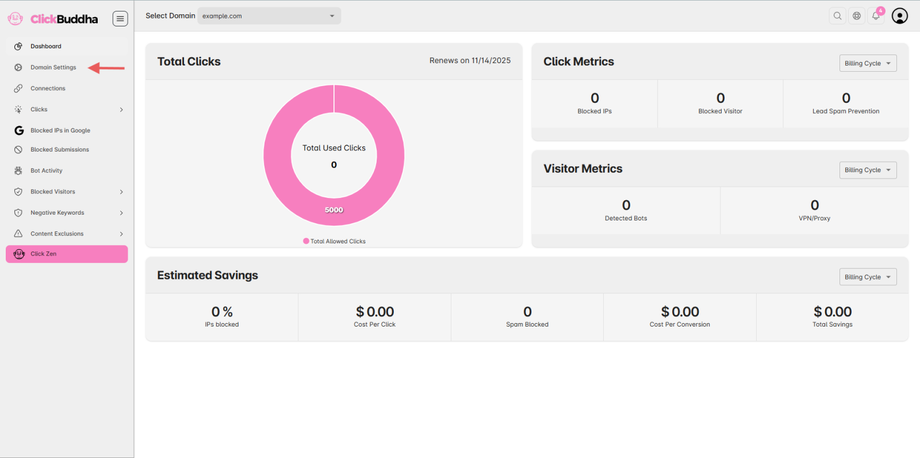
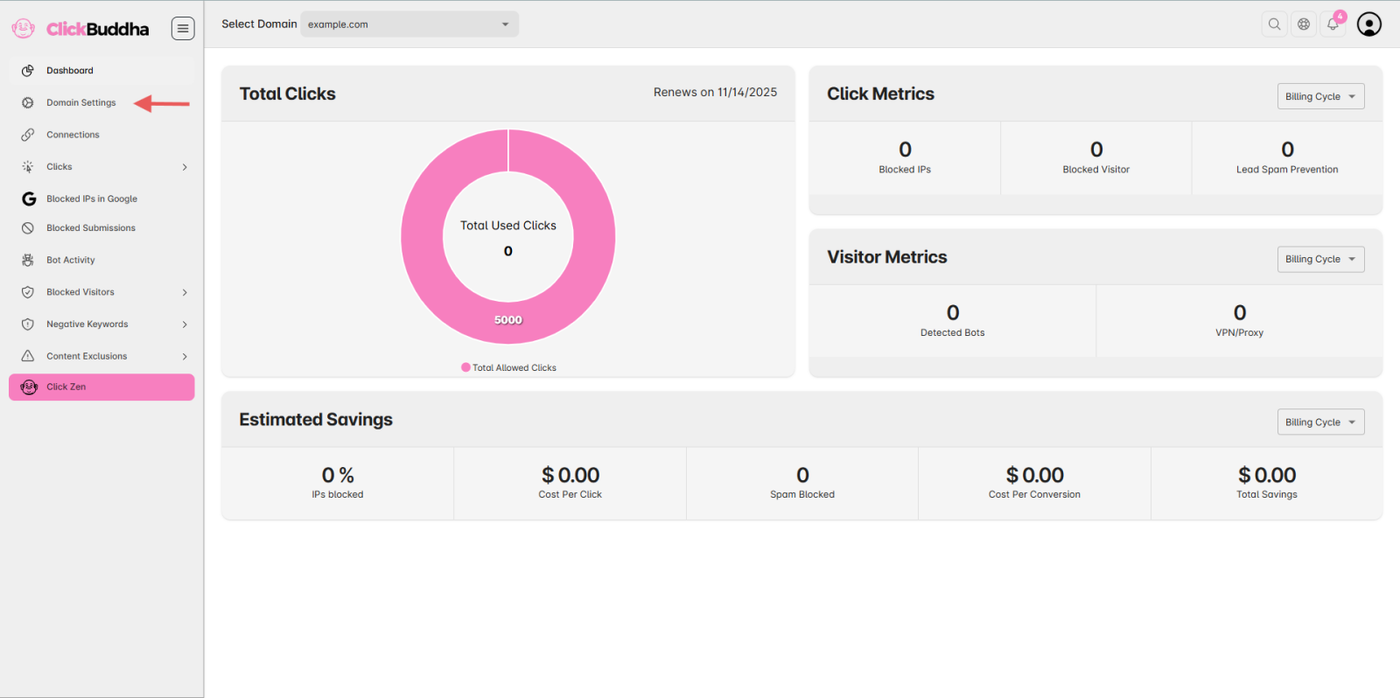
From the sidebar and open Domain Settings.
Step 3: Configure Website Form Protection
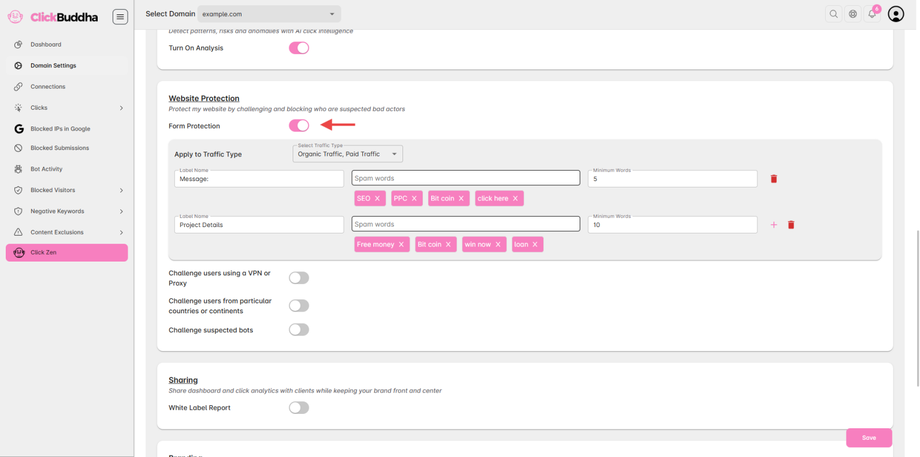
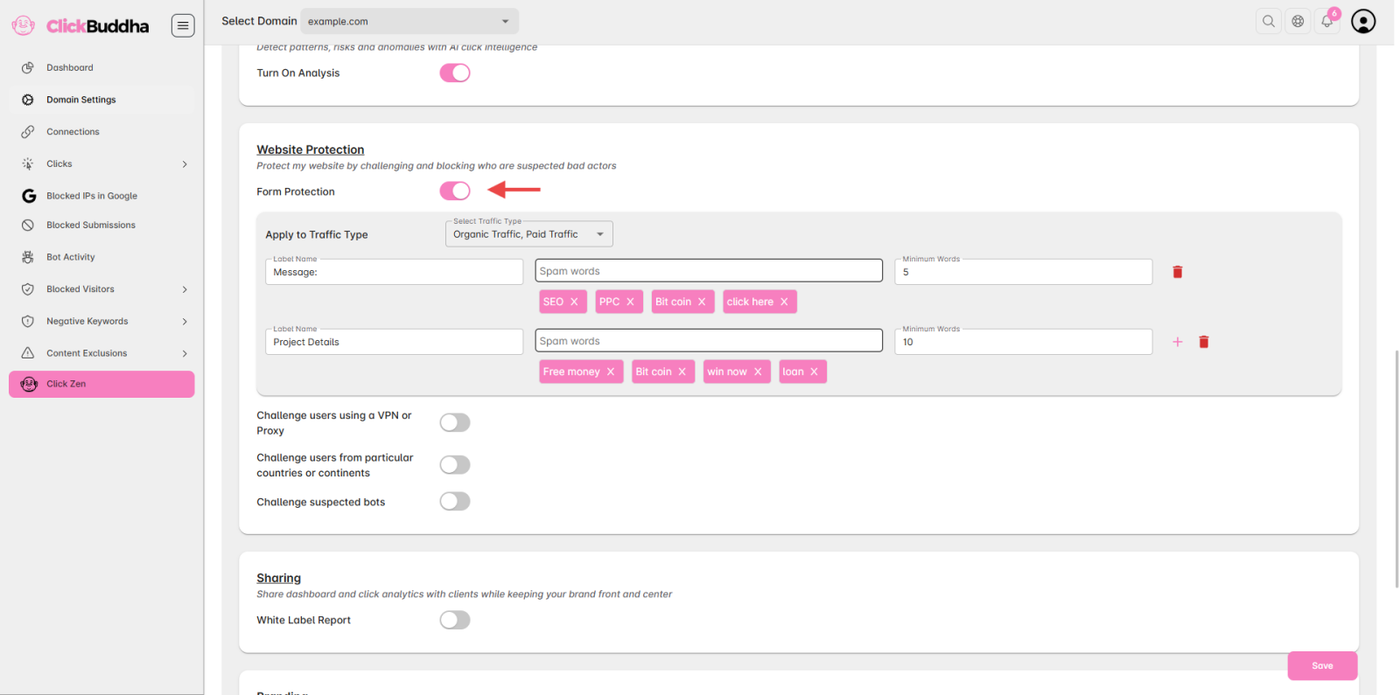
Scroll down to Website Protection.
Select the Traffic Type (Paid, Organic, or Both) for detection or blocking actions.
Configure the form fields you want to protect:
Label Name – The name of your website’s form field.
Spam Words – Words that should trigger form protection.
Minimum Words Count – Minimum number of words required in the field.
Add multiple fields by clicking the + icon.
Remove fields by clicking the Delete icon.
Step 5: Save Settings
Once configured, click Save to apply the form protection rules.
✅ Tip:
Use relevant spam words to minimize false positives.
Combining this with Bot Detection and VPN/Proxy Security ensures maximum protection against fake submissions.