
Repeated clickers can quickly drain your ad budget by clicking your paid ads multiple times.
Click Buddha helps prevent this by automatically blocking users who exceed your click limit within a chosen timeframe.
Step 1: Go to Domain Settings
-
Open your Click Buddha dashboard.
-
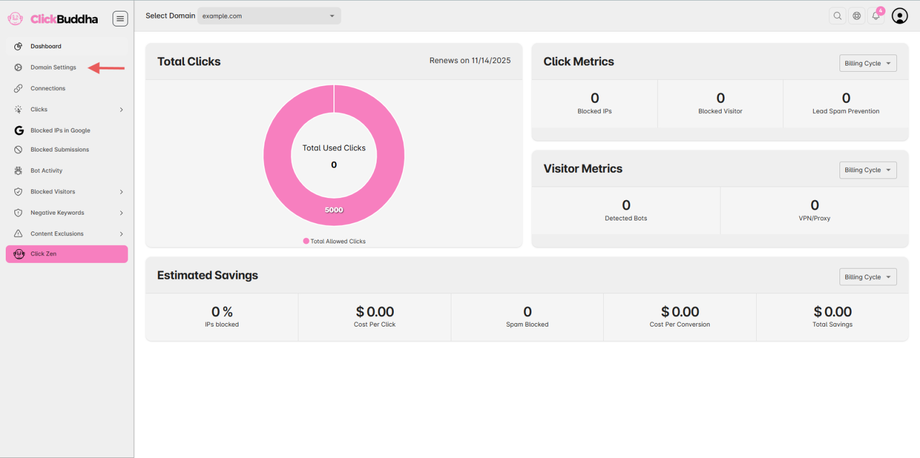
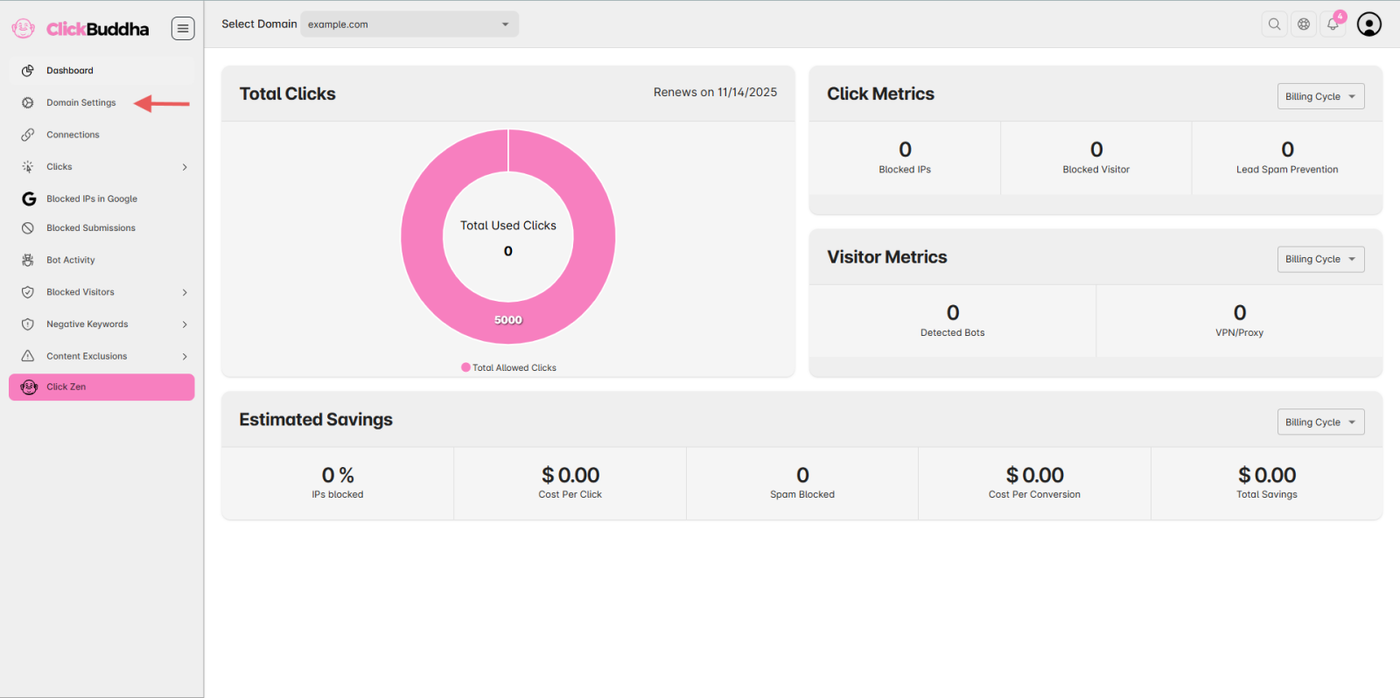
From the sidebar, click Domain Settings.
-
Scroll down to the Google Ads IP Protection section.
Step 2: Enable the Protection
-
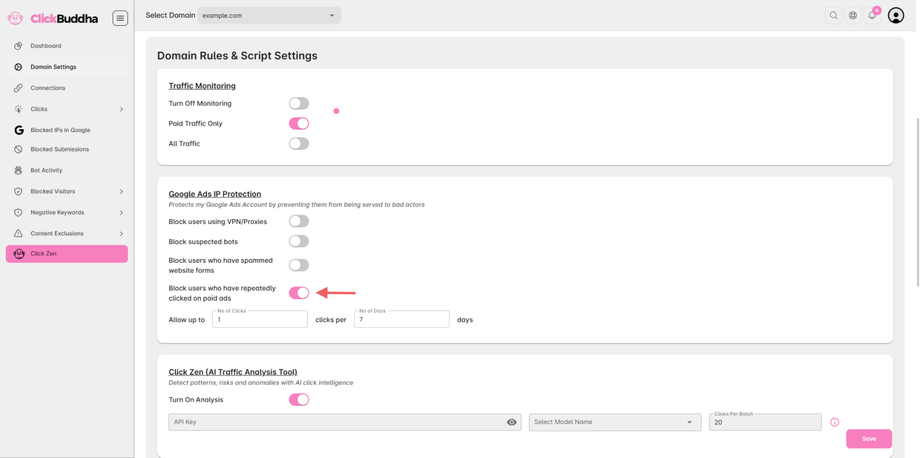
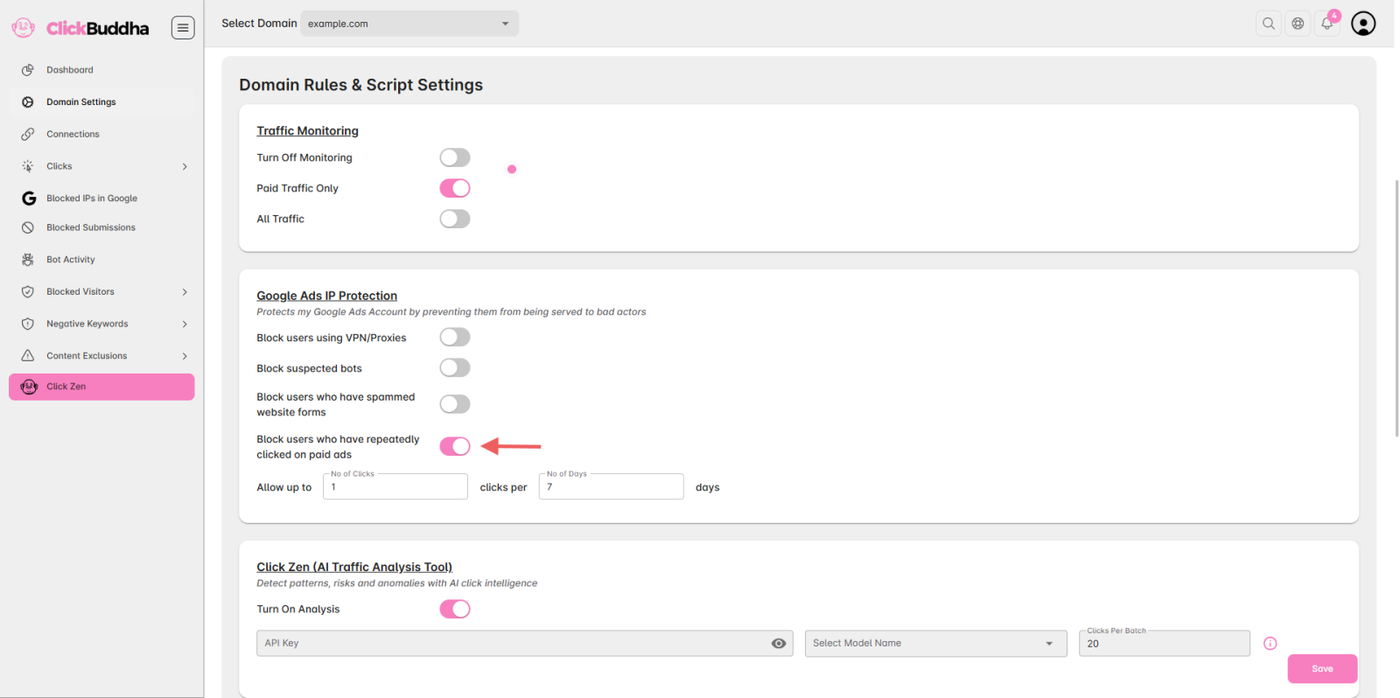
Find the toggle “Block users who have repeatedly clicked on paid ads.”
-
Turn it ON to activate repeated click protection.
Step 3: Set Click and Days Limits
-
Choose the number of clicks allowed (e.g., 3).
-
Set the number of days within which those clicks are tracked (e.g., 2 days).
-
Click Buddha will automatically block any user who exceeds this limit.
🧠 Example:
If you set 3 clicks within 2 days, anyone clicking your ads more than 3 times in that 2-day window will be automatically blocked.