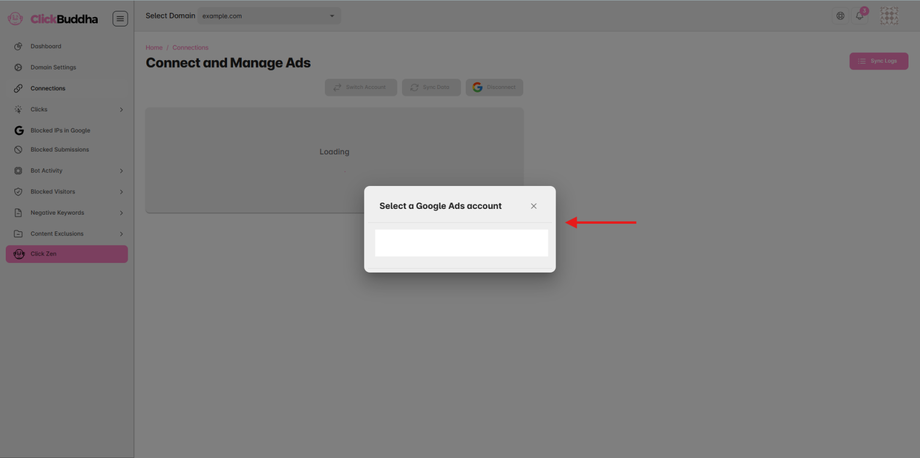
If you have connected the wrong Google Ads account, or need to manage a different account, you can easily switch inside Click Buddha.
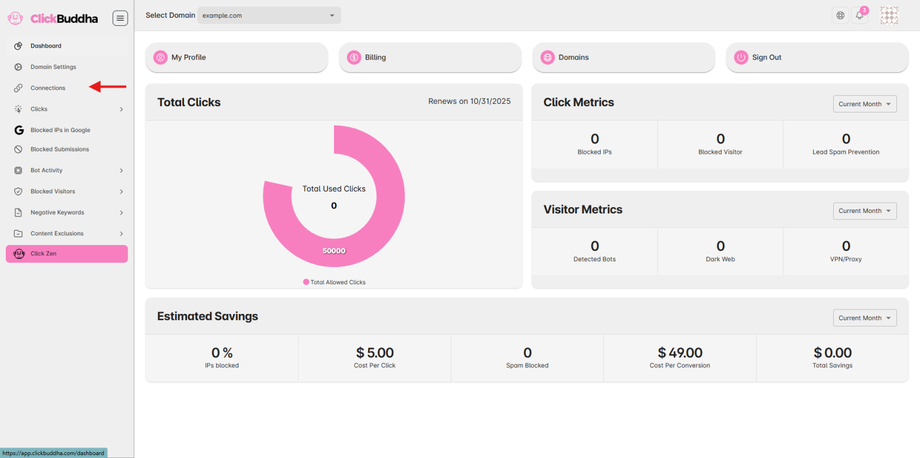
Step 1: Go to Connections
-
Log in to your Click Buddha.
-
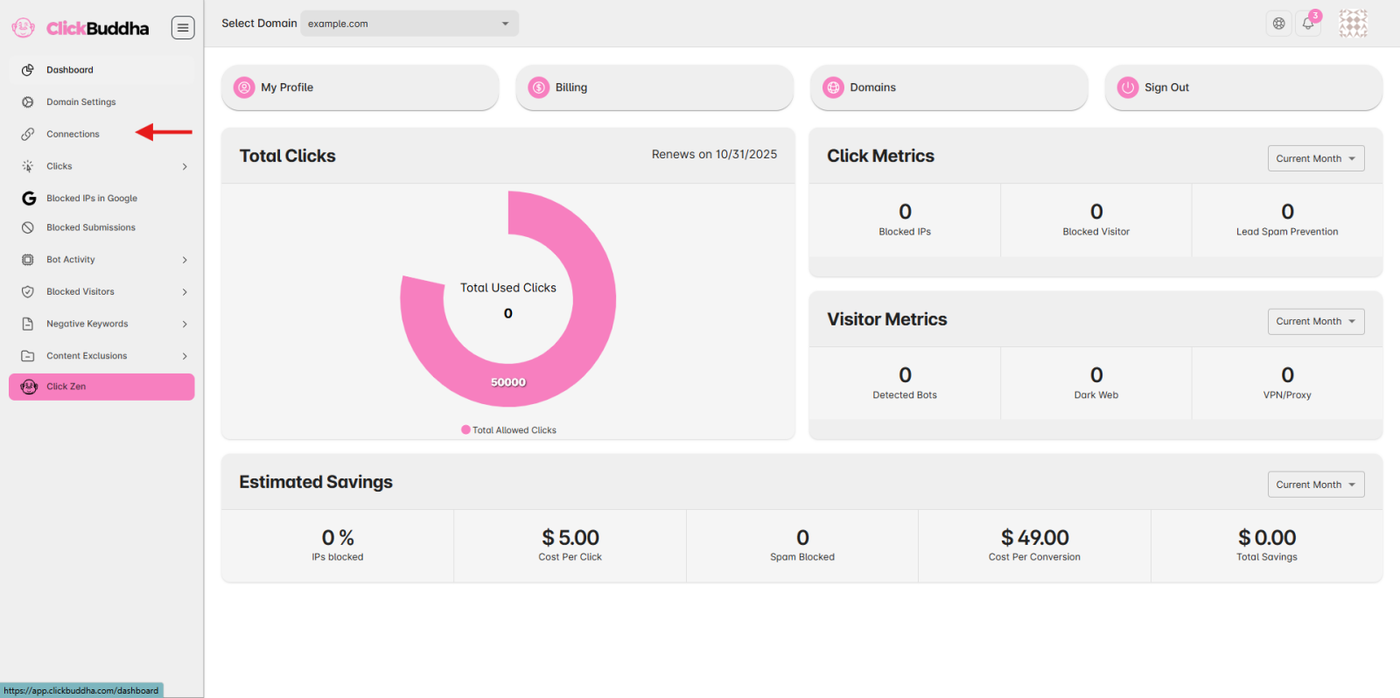
From the sidebar, click Connections.
-
Select the domain you want to update from the domain dropdown at the top.
Step 2: View Current Connection
On the Connect and Manage Ads page, you’ll see:
- Your current connected Google Ads customer ID(s).
-
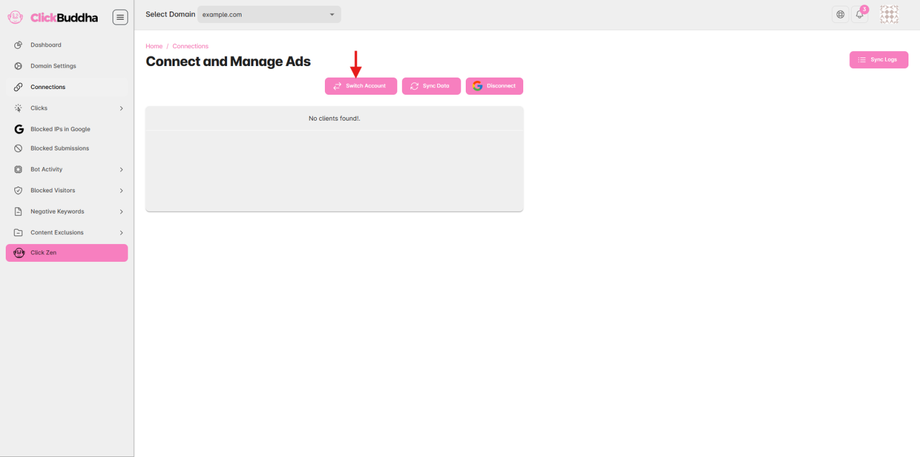
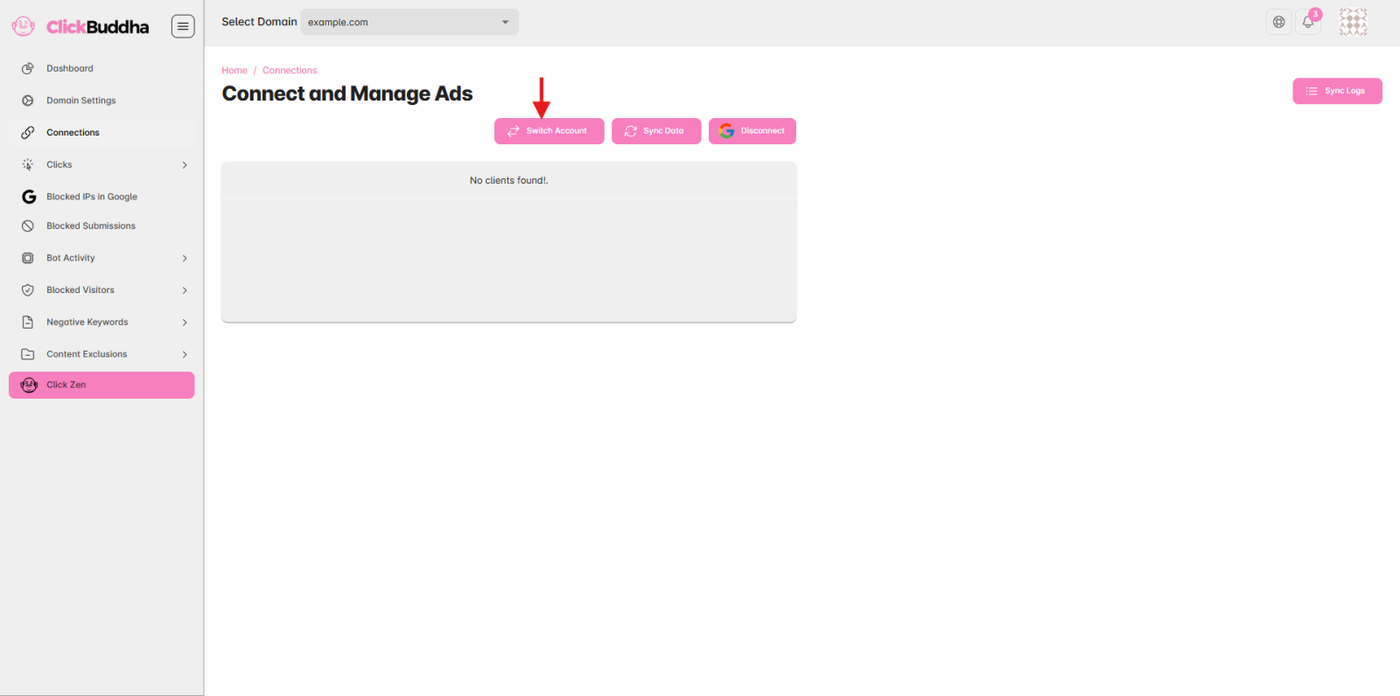
Buttons at the top: Switch Account, Sync Data, and Disconnect.
Step 3: Switch to a New Account
-
Click the Switch Account button (pink, with two arrows).
-
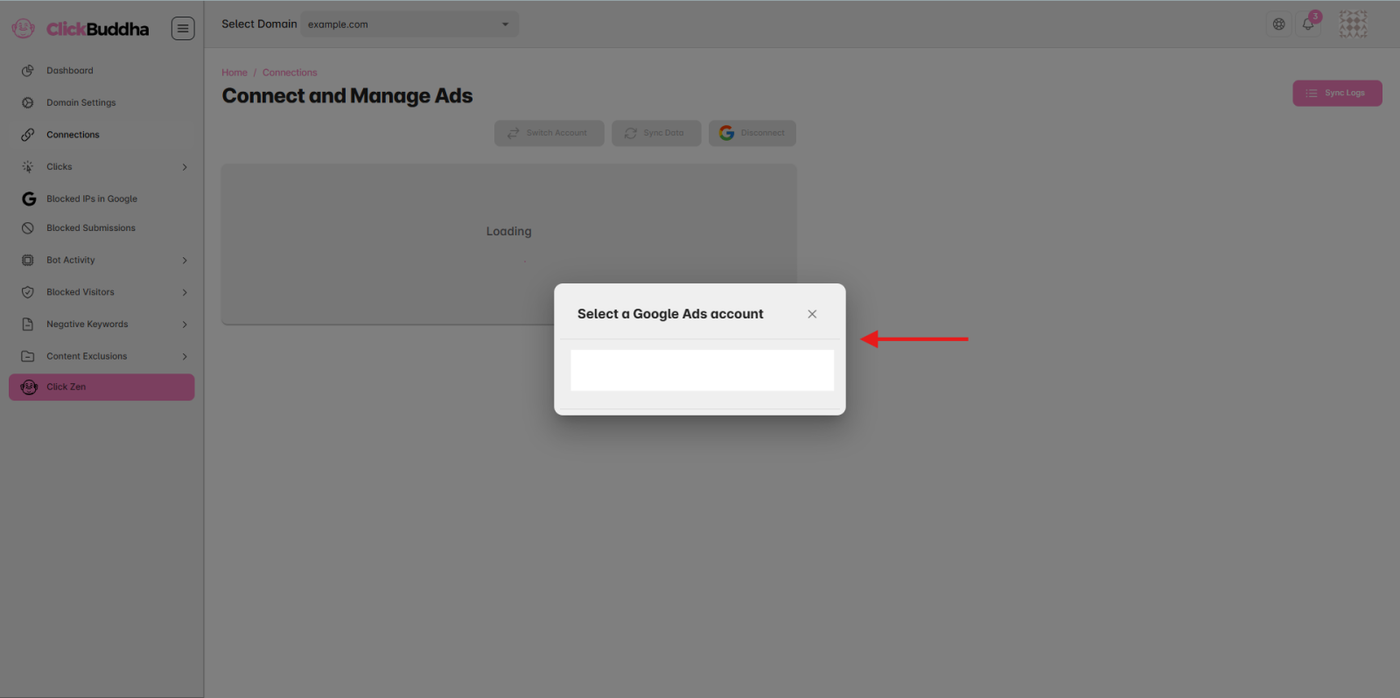
A Google Account list popup will appear.
-
Select the new Google Ads account you want to connect.