
Click Buddha automatically blocks suspicious or fraudulent IPs in your Google Ads account when protection is enabled.
You can easily check which IPs have been blocked directly from your dashboard or Side Bar.
Step 1: Go to Blocked IPs
-
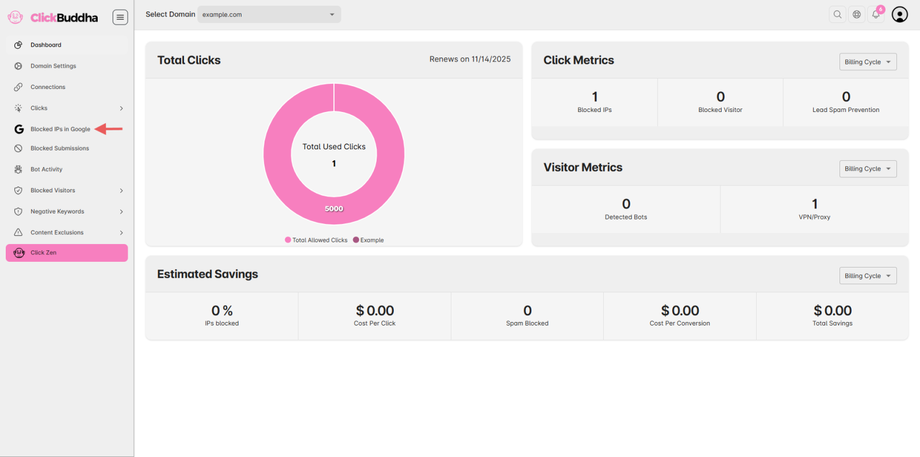
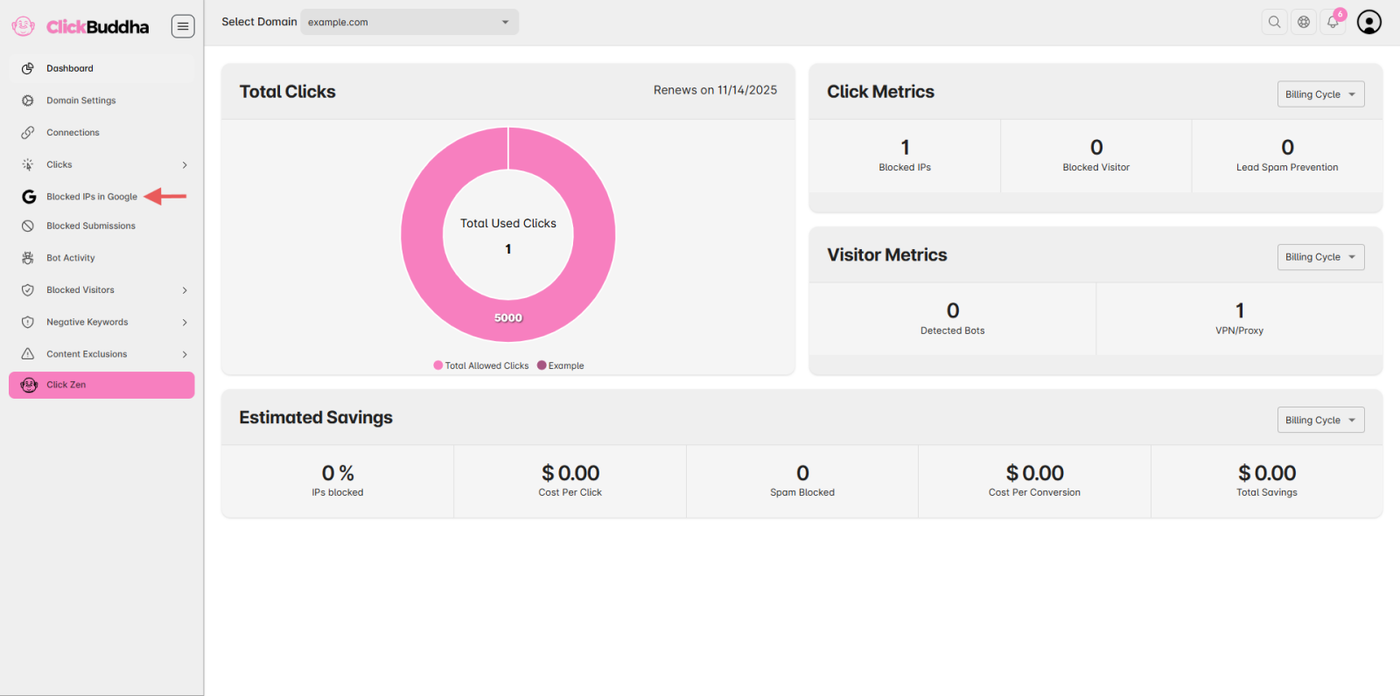
Open your Click Buddha dashboard.
-
From the sidebar, click Blocked IPs.
Step 2: View from Click Metrics
This will open a detailed list of all IPs blocked by Click Buddha.
Alternatively, you can:
-
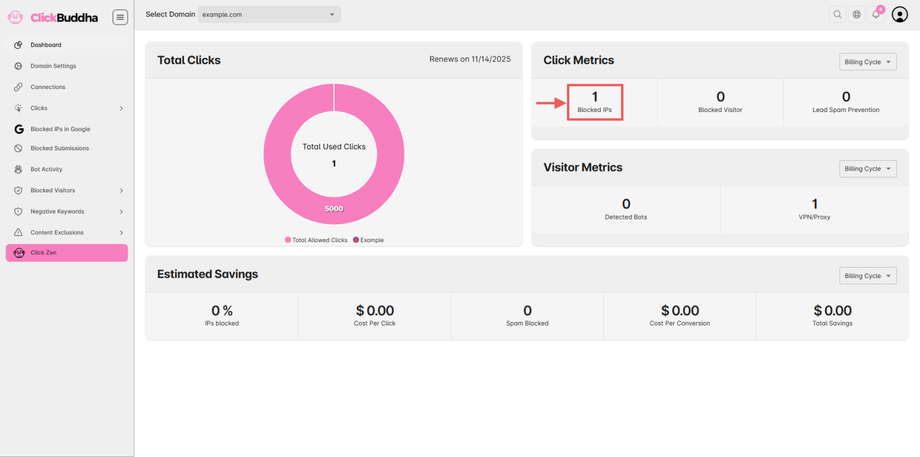
Go to your Dashboard.
-
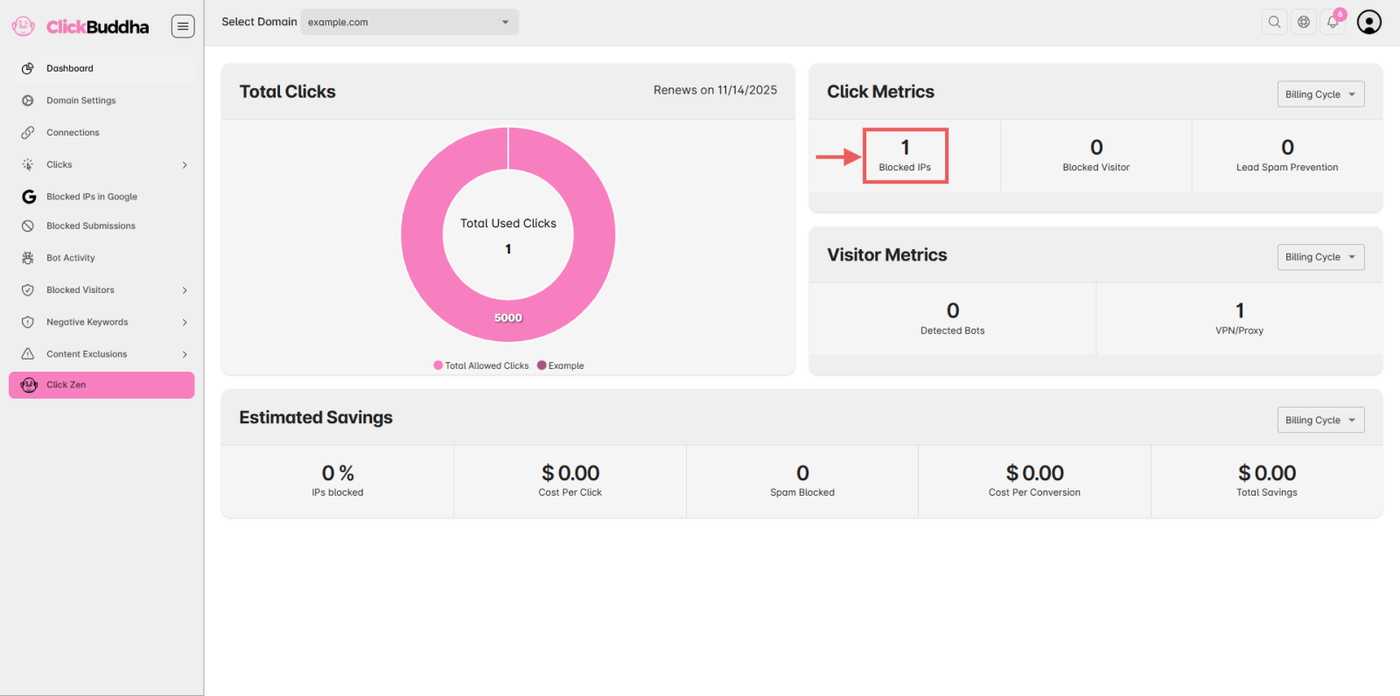
In the Click Metrics section, click on the number shown next to Blocked IPs.
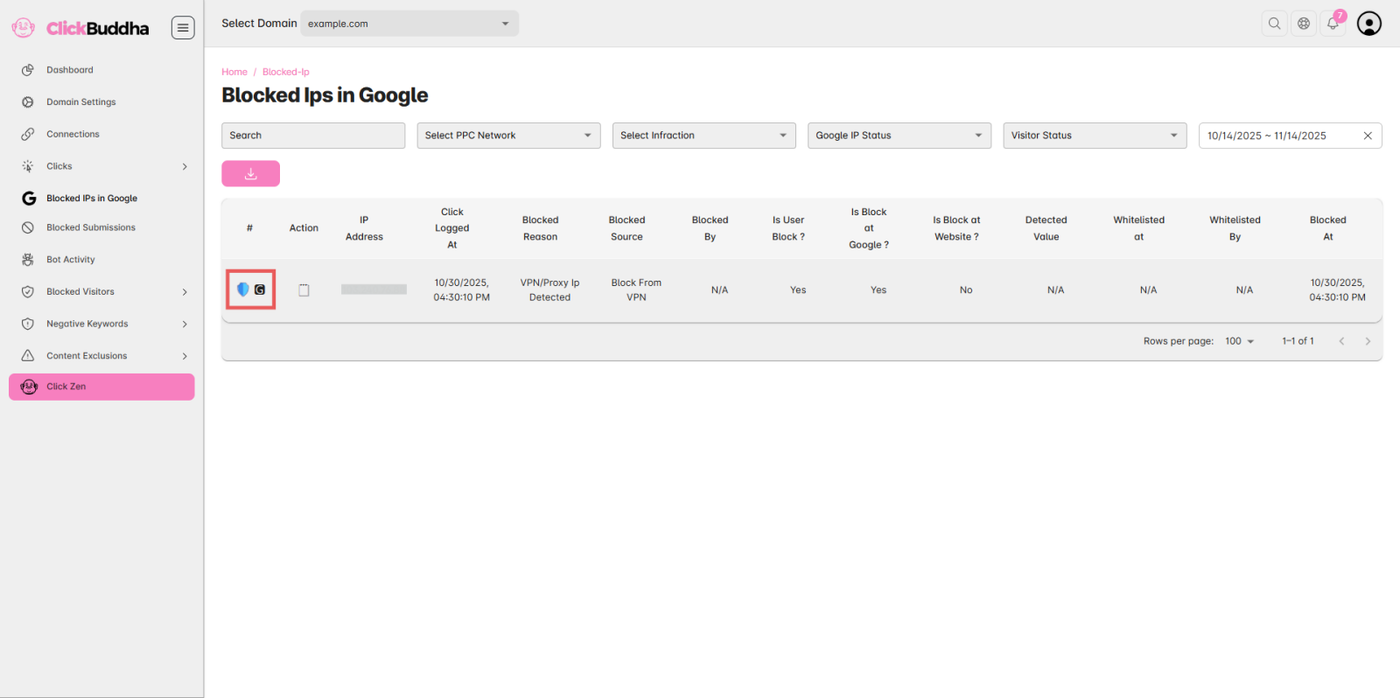
Step 3: Identify Google Ads Blocked IPs
In the list, IPs blocked in your Google Ads account are marked with the 🅶 emoji.
This helps you easily distinguish between Google Ads–blocked IPs and other blocked sources.
✅ Tip: Review this list regularly to monitor your ad protection activity and ensure legitimate users aren’t mistakenly blocked.