
Yes! Click Buddha allows you to securely share dashboard access with clients or team members. so they can view insights without logging into your main account.
This makes it easy to collaborate, monitor performance, and share campaign insights — without exposing sensitive admin controls.
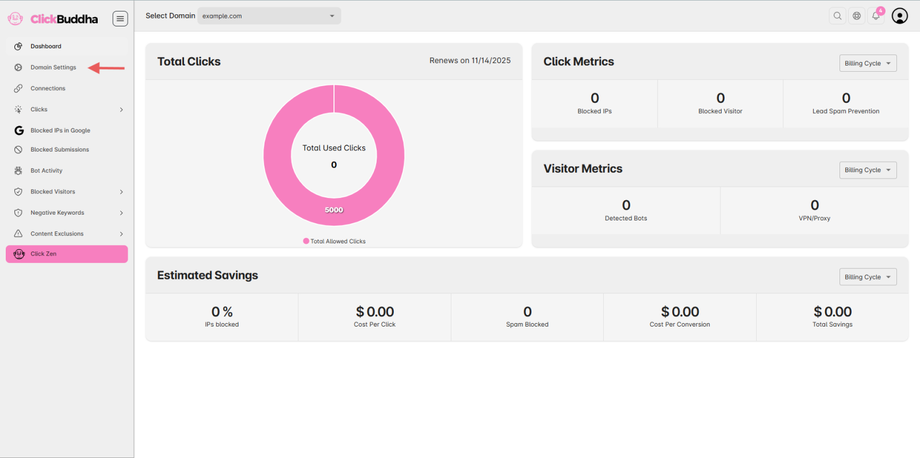
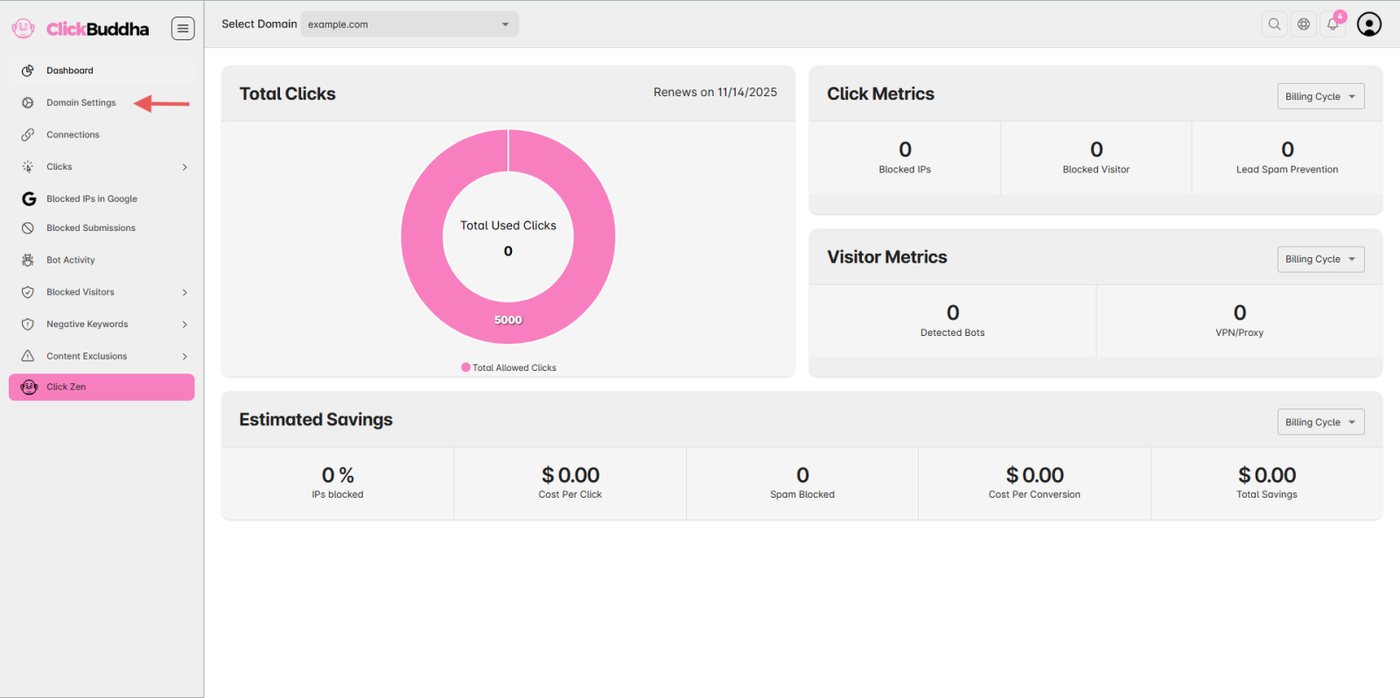
Step 1: Go to Domain Settings
-
Open your Click Buddha Dashboard.
-
From the sidebar, click Domain Settings.
Step 2: Enable White-Label Report
-
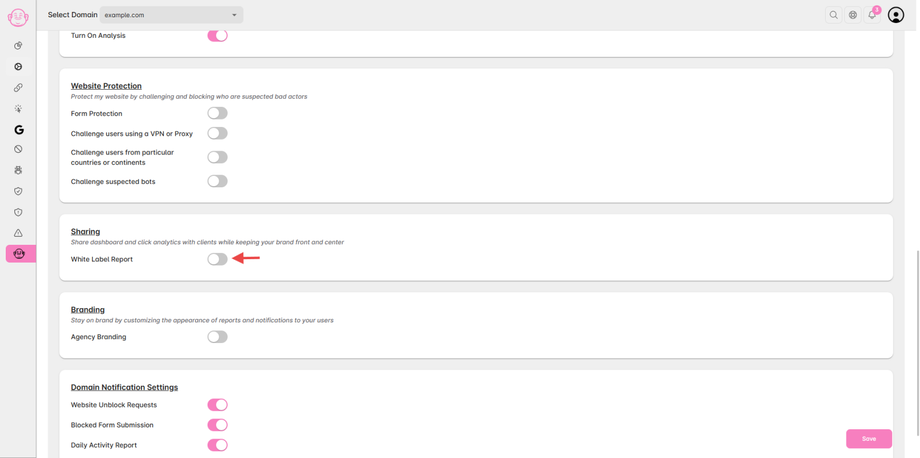
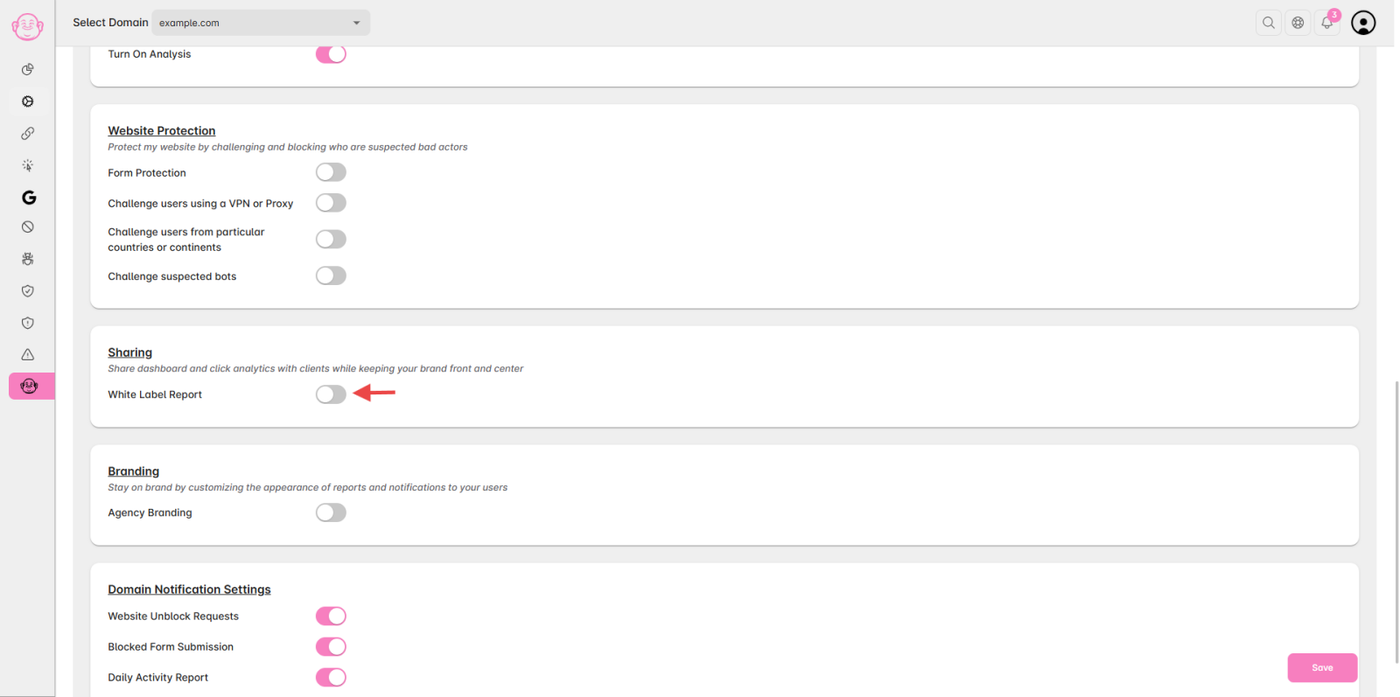
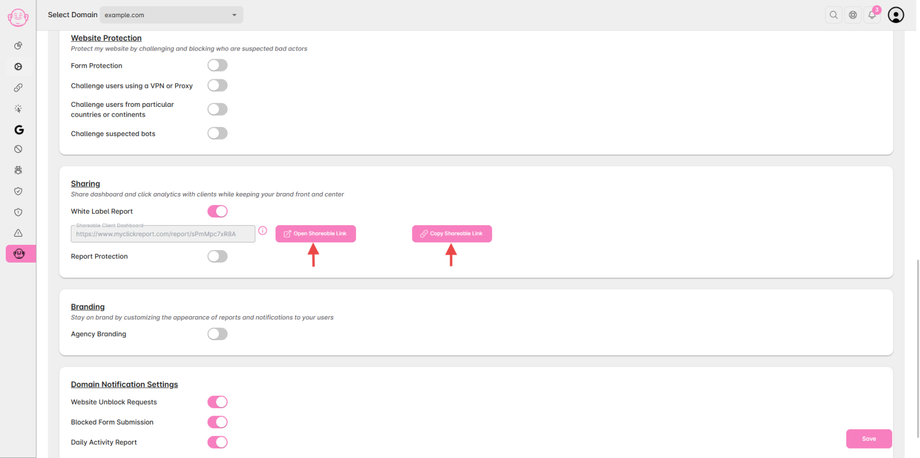
Scroll down to the Sharing Section.
-
Toggle “Enable White-Label Report” to activate sharing.
Step 3: Share the Dashboard
-
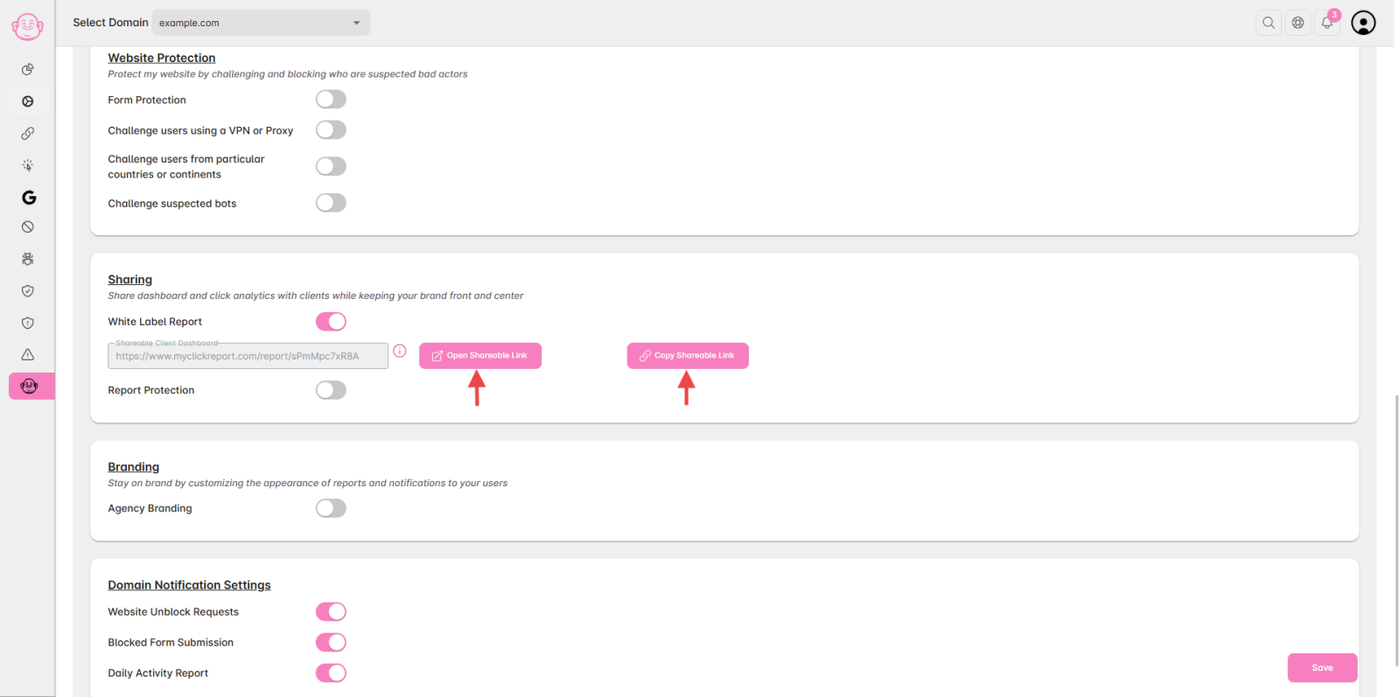
Click “Open Shareable Report” to view the report in a new tab,
or click “Copy Shareable Report” to copy the secure sharing link. -
You can send this link directly to your clients.
✅ Tip: For client-facing reporting, you can also enable protect the shared report with a password — perfect for transparency without risk of data leak.