
You can secure your shared or white-label reports in Click Buddha by adding password protection. This ensures only authorized users can access your shared dashboard.
Step 1: Go to Domain Settings
Open your Click Buddha Dashboard.
From the sidebar, click Domain Settings.
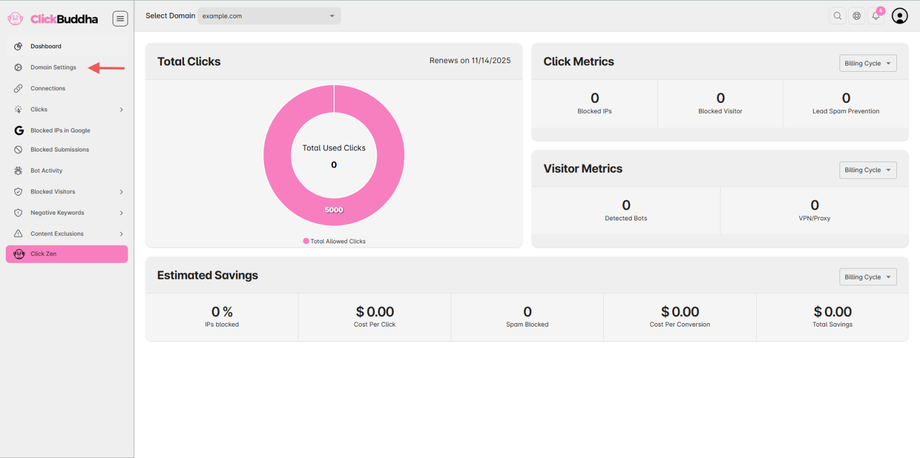
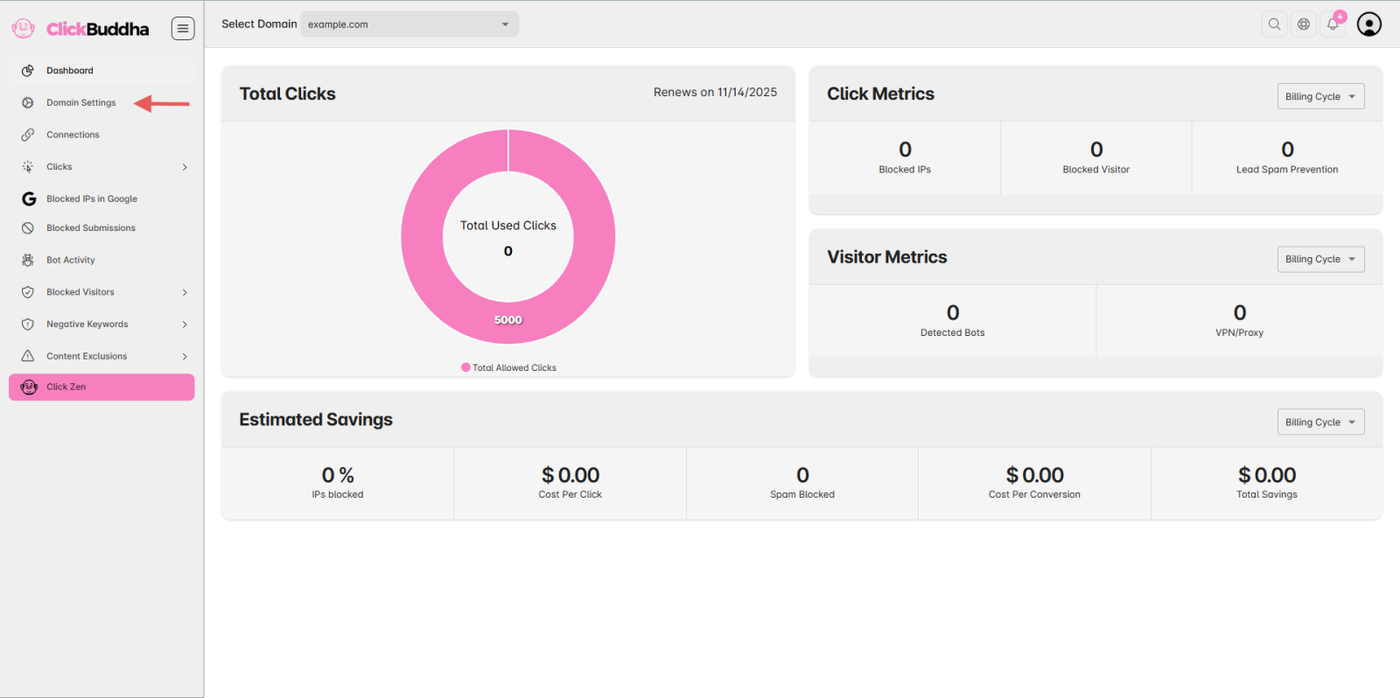
Step 2: Enable White-Label Report
Scroll down to the Sharing Section.
Toggle “Enable White-Label Report” if it’s not already enabled.
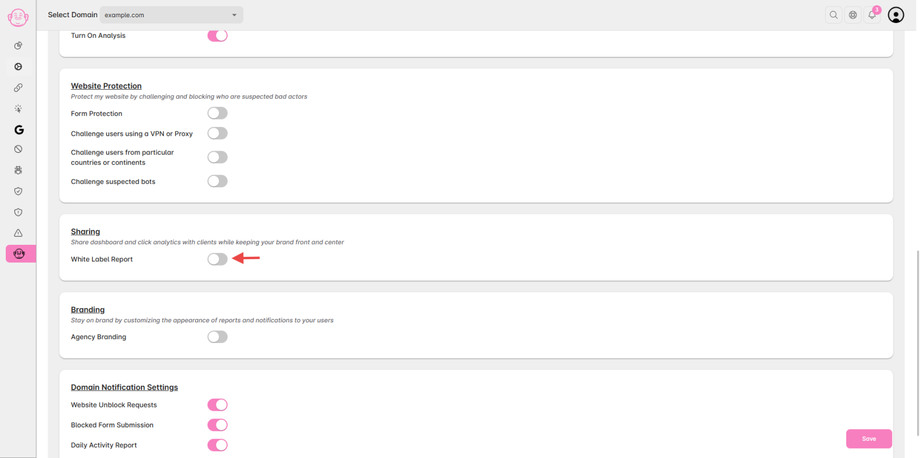
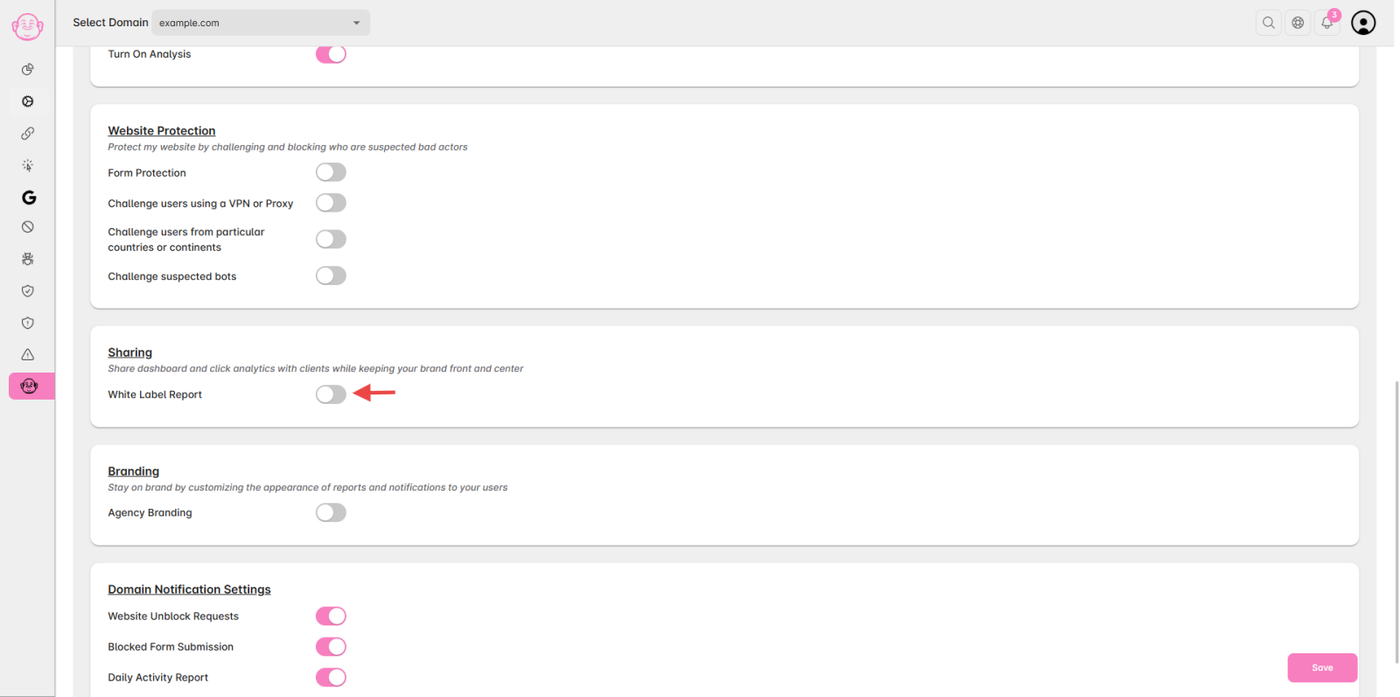
Step 3: Enable Report Protection
Turn on the “Report Protection” toggle.
Set a secure password to protect your shared report from unwanted access.
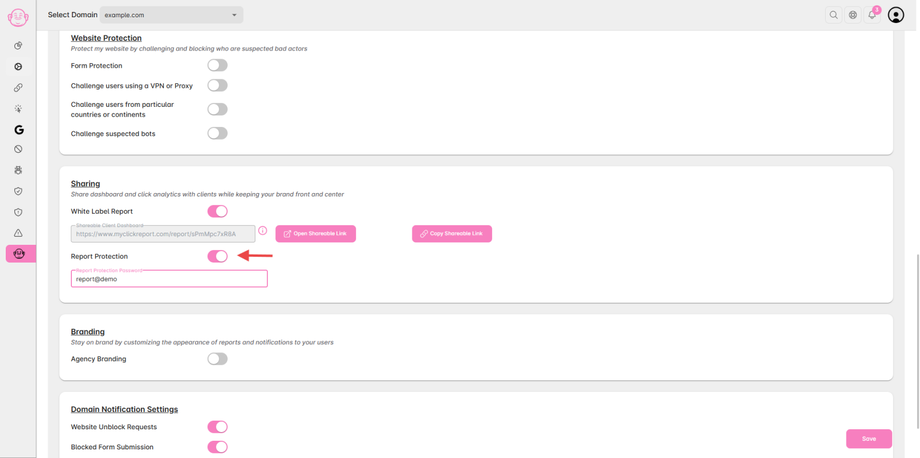
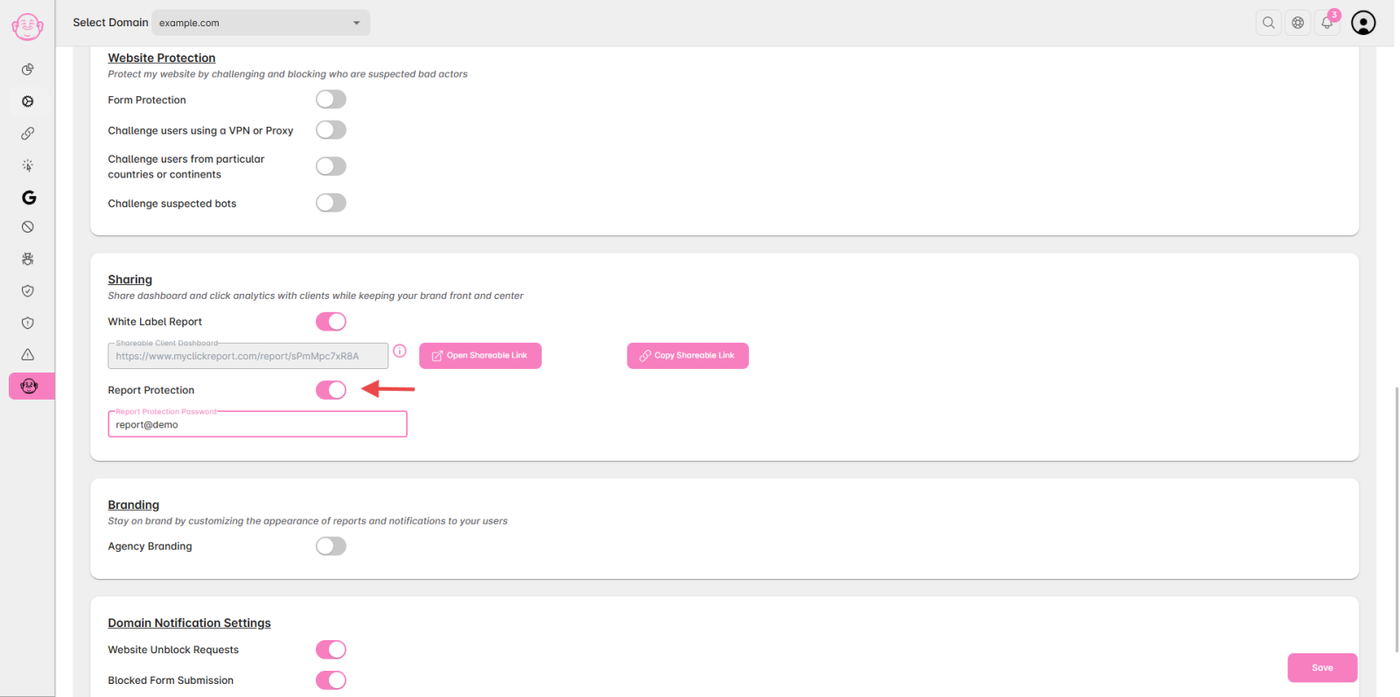
✅ Tip: Only people with the shareable report link and the password will be able to view your white-label dashboard.